منتج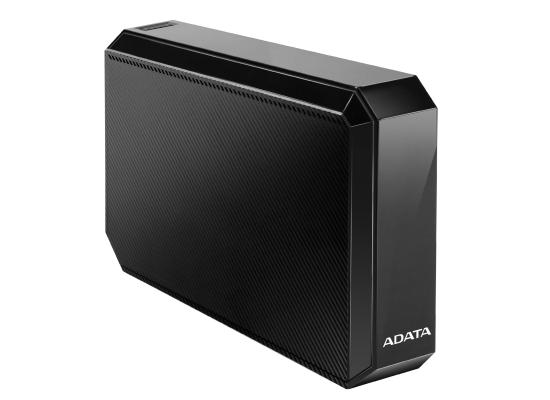
صور المنتج · ADATA
ADATA · أقراص SSD من نوع SATA
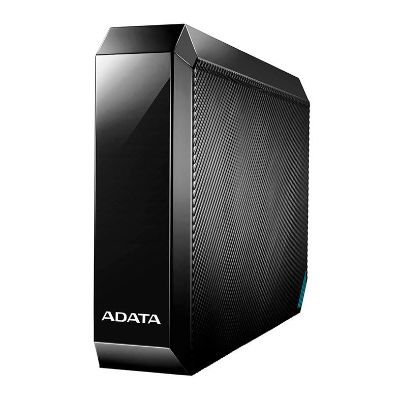
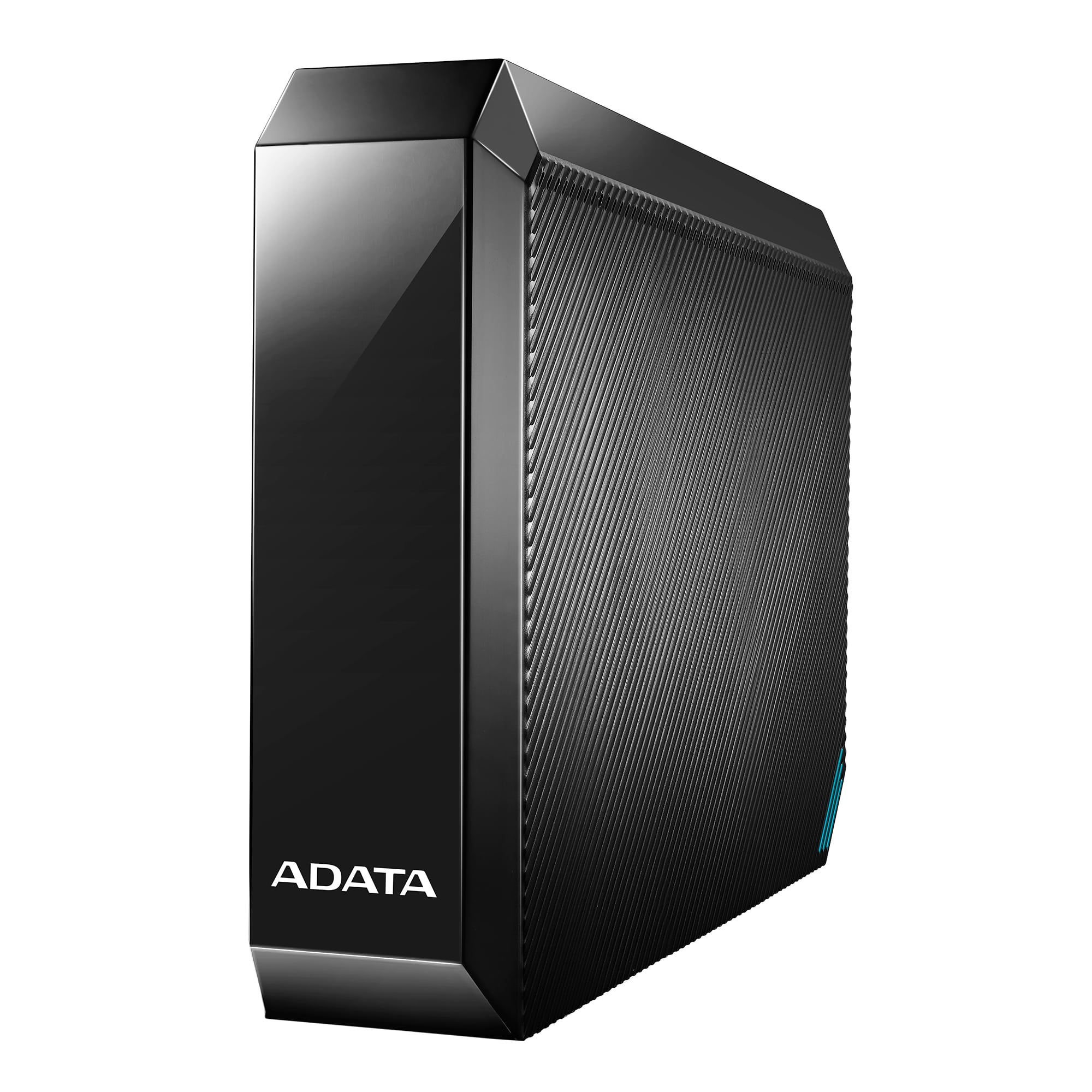
ADATA HM800 4TB COLOR BOX-UK
HM800 · 4TB
أقل من بين 3 عروض · متجران146 د.أ
حتى 148 د.أغير متوفر
غالباً المنتج نفسه — 1 من 3 عروض تنشر رقم القطعة HM800، والباقي مطابق بالعلامة والطراز.
قطعة واحدة. كل الخيارات.
الأسعار بالدينار| المتجر | السعر | التوفر | الإجراءات |
|---|---|---|---|
 MID Teks Incالأقل | 146 د.أ | غير متوفر | زيارة المتجر |
 JoCell | 148 د.أ | غير متوفر | زيارة المتجر |
تتطابق هذه العروض في العلامة والطراز دون رقم قطعة من المُصنّع، لذلك التطابق مرجّح وغير مؤكد. راجع المواصفات قبل الشراء بناءً على السعر وحده.
أضيف أقل عرض 2021-12-25 · حُدث 2026-11-25 · لم يُسجَّل أي تغيير للسعر
التفاصيل الدقيقة
- الطراز
- HM800
- العلامة
- ADATA
- رقم القطعة
- HM800
- سعة التخزين
- 4000 GBمن موقع الشركة المصنّعة
| External HDD Main group | |
|---|---|
| Capacity | 4TB |
| Color | Black |
| Interface | USB 3.2 |
| Dimensions (L x W x H) | 177.3 x 117 x 34mm / 7 x 4.6 x 1.3" |
| After Sales Support | |
| Warranty | 1 years |
من ADATA
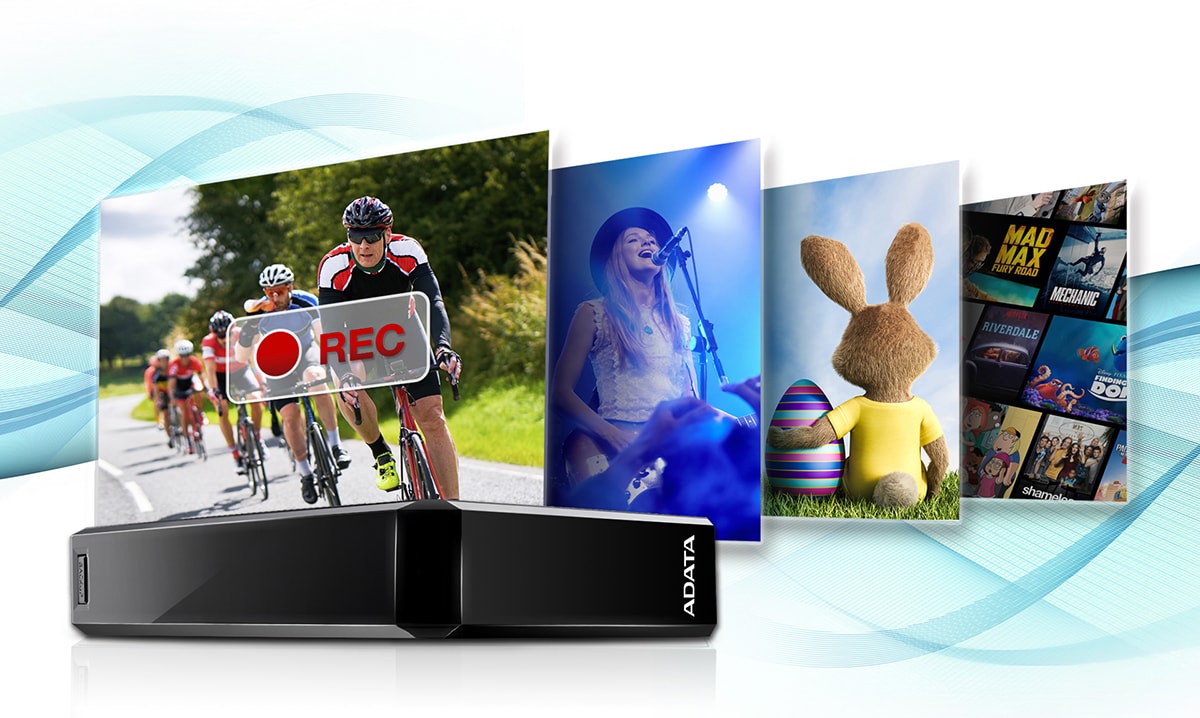
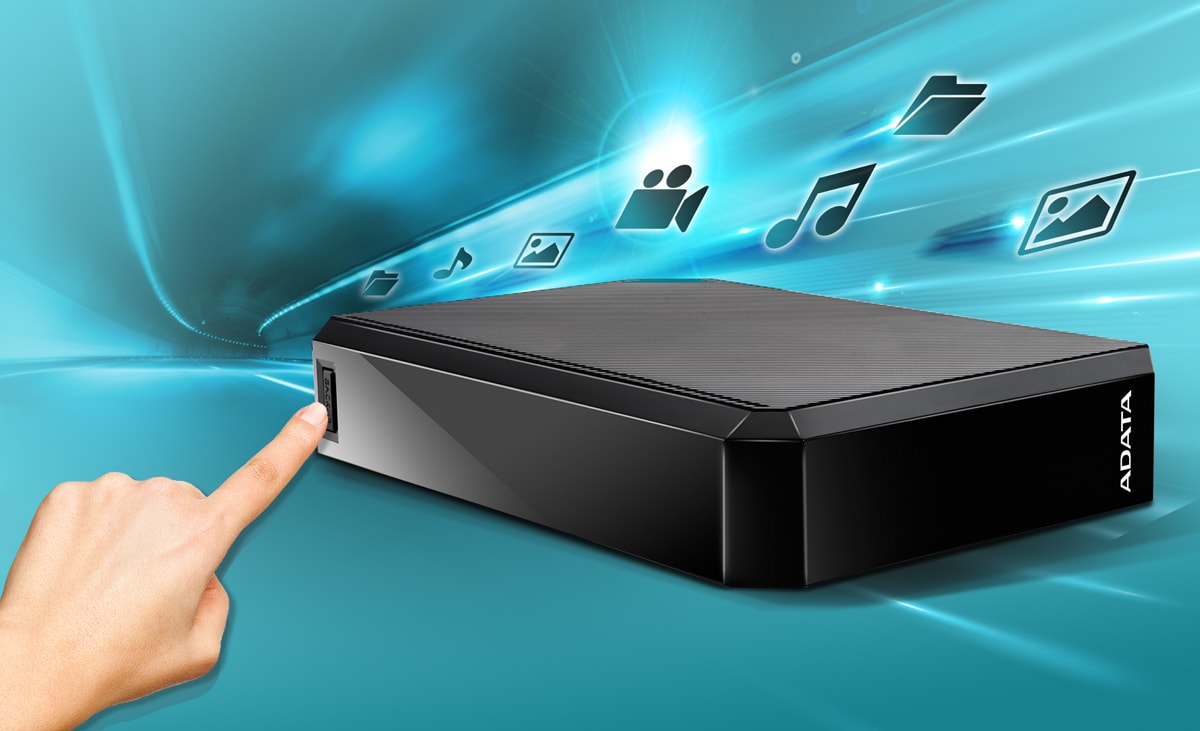
عرض على موقع ADATAThe ADATA HM800 external hard drive and your smart TV are a match made in heaven! Not only does the HM800 let you playback your favorite binge-worthy TV shows, movies, and sporting matches on your TV, but also lets you record them. Record to your heart's content with 4TB and 6TB of storage capacity and easily backup your content with the One-Touch Backup function.
Record Now, Watch It Later
Don’t miss out on the big game or the season finale of your favorite TV show. Record them onto the HM800 and enjoy them on your smart TV later on.
Your Entertainment Library
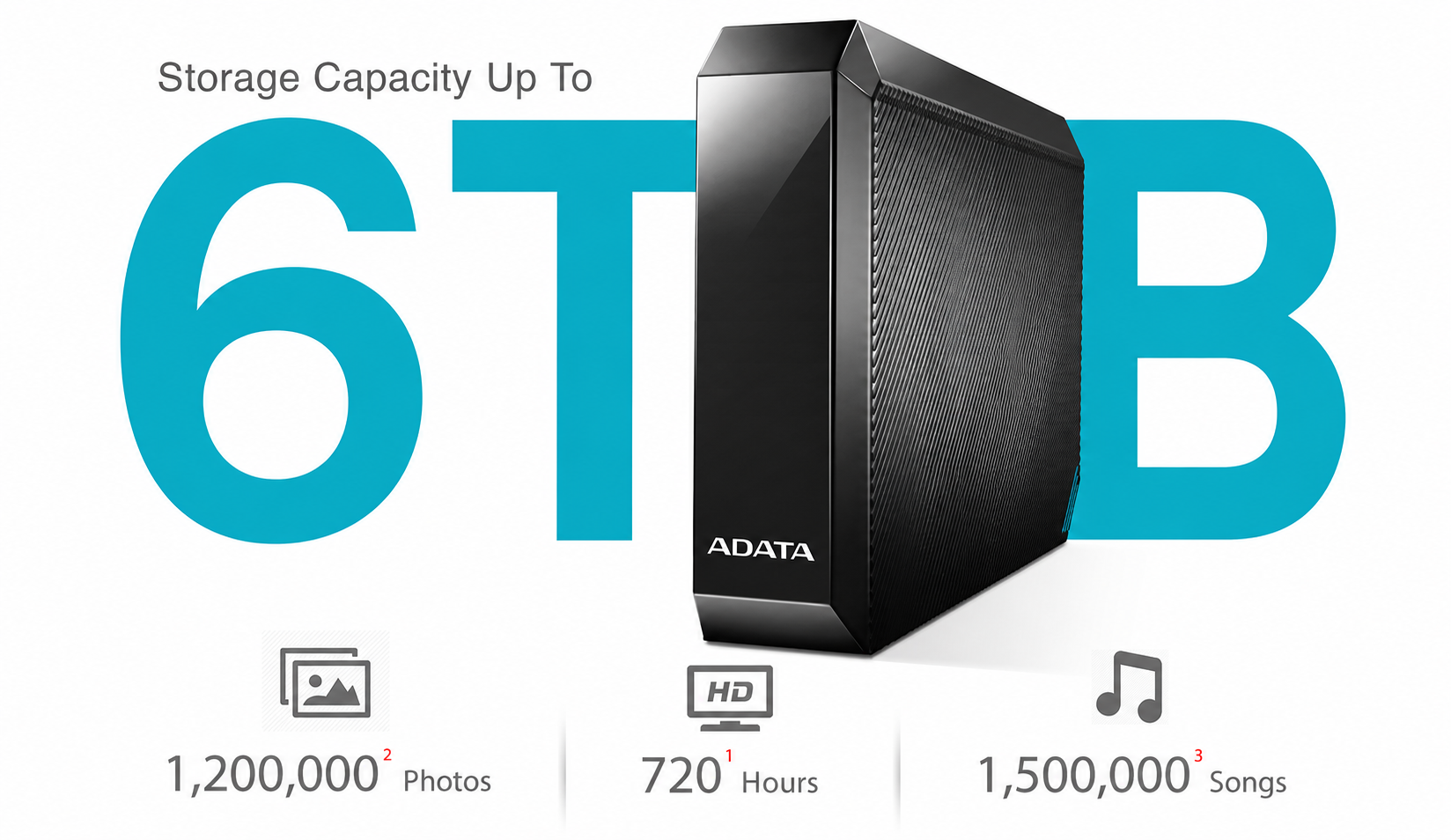
In an era of high-res content, you can never have too much storage. With up to 6TB of storage space, you'll be able to cram in up to 1000 1 episodes of your favorite TV show or a mix and match of pretty much all your movies, music, and more.
1 Based on 720P or 1080P HD resolution files with an average of 50 minutes per episode.
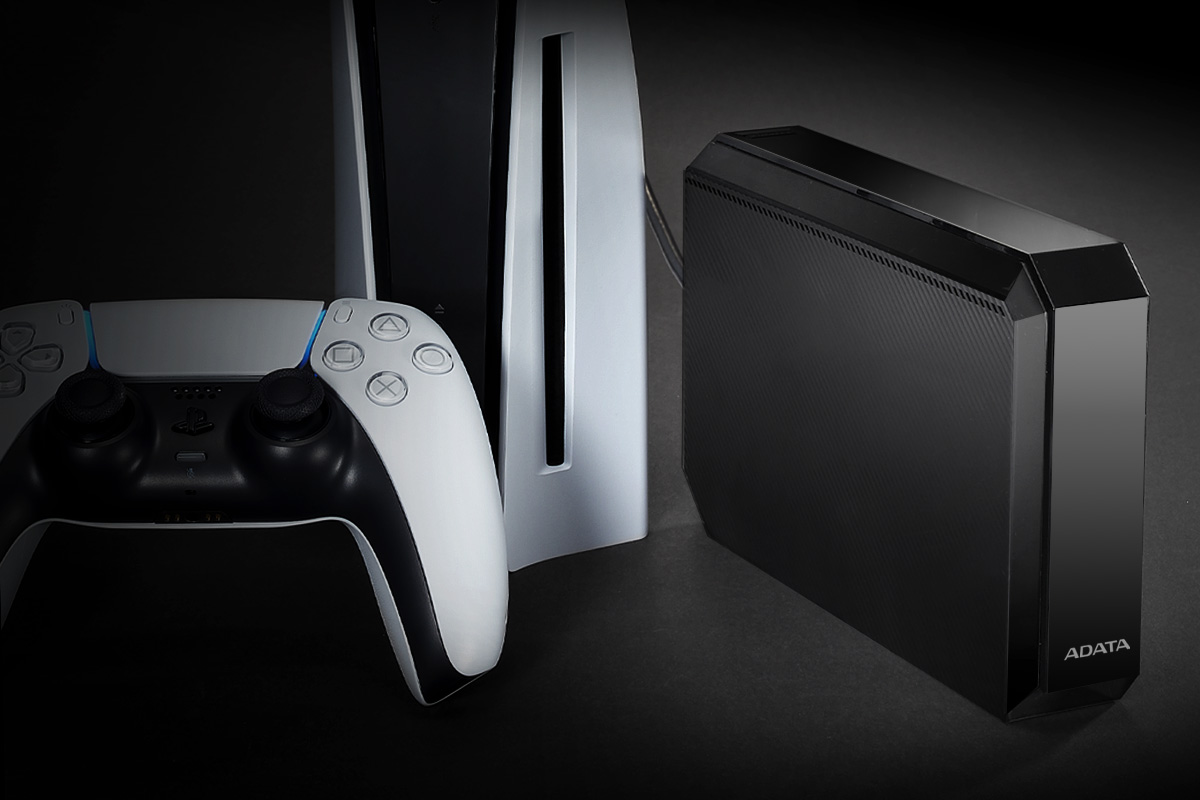
Use it with Your Game Console
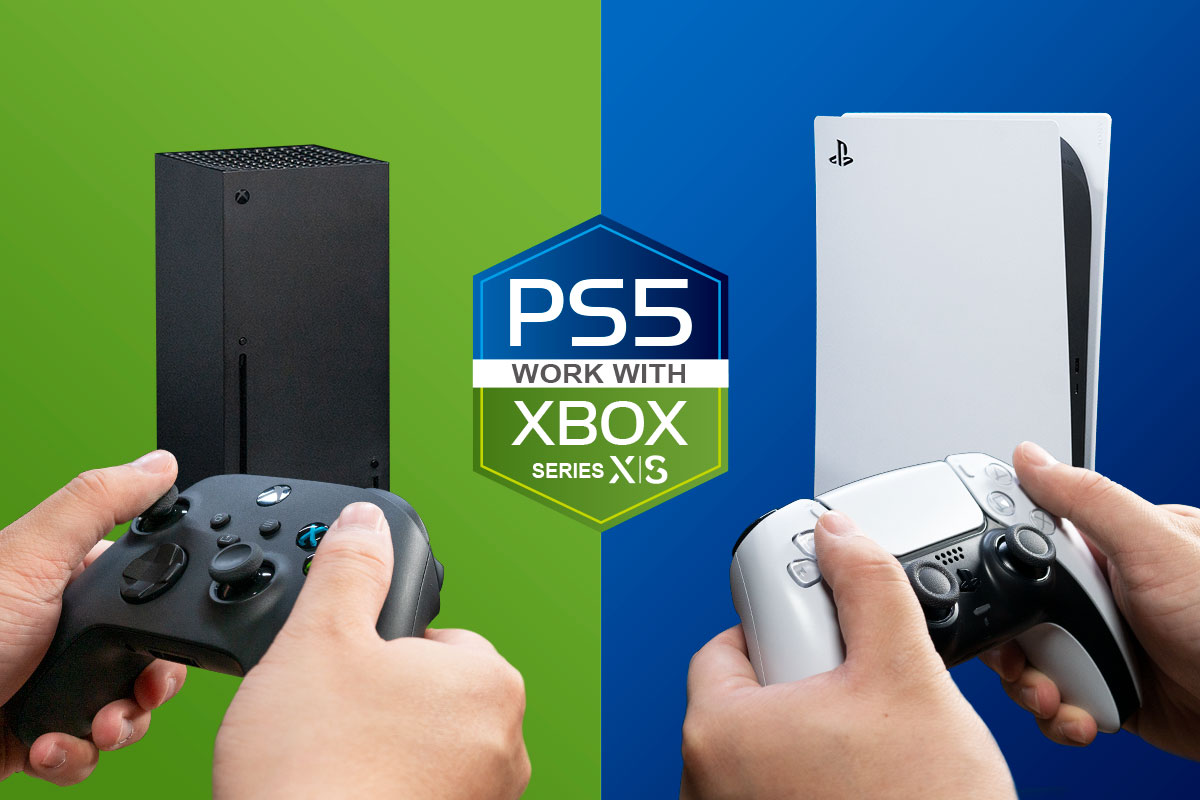
The HM800 can be connected to game consoles and be used as backup storage for games that are not currently being played. For older game consoles, the HM800 can help to improve game loading performance for a more seamless experience.
- Actual loading times may vary depending on the game. Reformatting may be required for the external SSD to work with game consoles.
Support for external storage devices varies by game console. Please refer to your manufacturer’s official information for more details.
One-Touch Backup
The HM800 has a One-Touch Backup function that automatically backs up and syncs files with the press of a button, allowing you to store your precious moments with peace of mind.
- To enable one-click backup you must have PCCloneEx Lite+ version 2.00.32 or above and Windows 7 or above.
Keeping Things Secure with AES Encryption
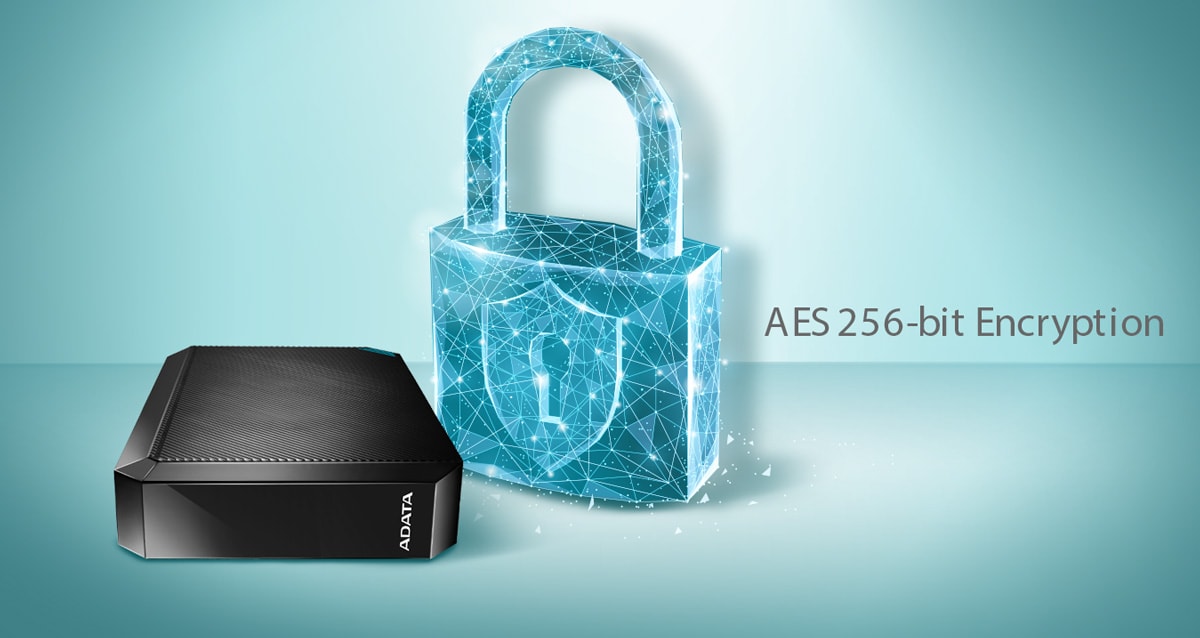
Compatible with AES 256-bit encryption, which protects stored data against intrusion and accidental exposure. Rest easy with the latest in data security measures.
TurboHDD Accelerates Speed and Efficiency
Exponentially faster than USB 2.0, the HM800 integrates TurboHDD, applying custom profiles and algorithms to speed up data rates based on traffic and system resources. It can accelerate data transfers, providing time-saving performance that makes content accessible quickly and with minimal delay.
The HM800 can be connected to game consoles and be used as backup storage for games that are not currently being played.
- Actual loading times may vary depending on the game. Reformatting may be required for the external HDD to work with game consoles.
Support for external storage devices varies by game console. Please clickhereto learn more.
Backup ToGo Smart Backup Software
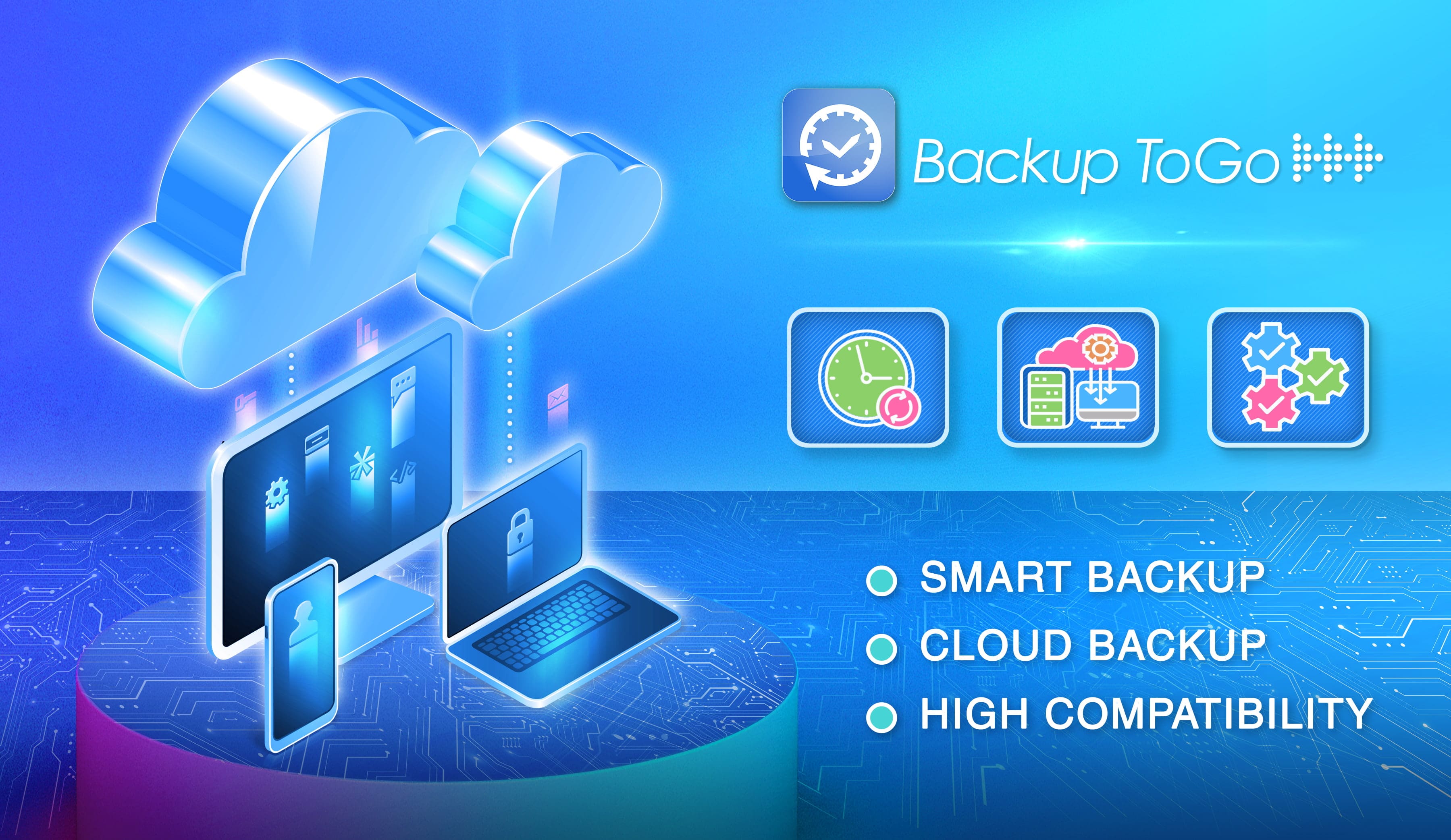
Backup ToGo uses an algorithm to back all your data intelligently and with ease. Set your desired backup schedules and never worry about data loss again! What's more, Backup ToGo features a cloud backup function, which supports backup onto the cloud, local hard drives, and even on mobile devices. With Backup ToGo, users can enjoy a tool with an intuitive interface that makes data backup a snap!
In Windows XP, you can partition disks through Control Panel / administrative tools / computer management / disk management. Select the installed hard disk, and press the right mouse button, and select the option to partition the drive.
- Safely Remove: Please use the "Safely Remove Hardware" function before unplugging the hard drive to prevent data corruption.
- Avoid Collisions and Drops: When in use, please place the hard drive on a stable surface to avoid vibrations or impacts that could damage it.
- Prevent Overheating: Keep the hard drive well-ventilated during use and do not place it in high-temperature areas or direct sunlight.
- Stable Power Supply: Prioritize using the USB ports on the computer's main unit and avoid using unpowered USB hubs.
There may be compatibility issues with certain security programs for mobile devices that are completely unrelated to the external SSD. Most Android device manufacturers themselves do not guarantee compatibility with such apps. If the OS of your mobile device freezes, reboot the mobile device. If this fails, please contact the device manufacturer.
The reasons for an external hard drive producing unusual noises could be aging, abnormalities in the circuit board, or read/write tracks. It could also be caused by the read/write head module inside the hard drive being displaced due to impact.
If the hard drive emits metallic clicking sounds and experiences slow read speeds or computer crashes, it is recommended to immediately back up your data, unplug the hard drive's power cable, and send it for repair.
- Open the Disk Management tool. You can do that by typing "disk format" or "disk management" in Windows search or going to Control Panel > Administrative Tools > Create and format hard disk partitions
- Right-click on the external drive partition or the unallocated space you want to format and choose New Simple Volume
If data transfer is interrupted, make sure that the error was not caused by a lack of power. If a transmission interruption occurs, please reconnect the device and retry the data transmission. In theory, data will not disappear because of interruptions in the transfer process.
We recommend that you use the Safely Remove Device function before disconnecting the cable between the external SSD and your Android device. Failing to do this may cause copied files to become corrupted and unreadable.
The external hard drive requires a start-up current of over 600 milliamps, however USB 2.0 can only provide a maximum of 500 milliamps. As a result, it is recommended that you use a Y-cable we using with a USB 2.0 host devices.
Differences in size shown are mainly due to differences in computer operating systems, the calculation method for an external hard drive capacity, and the Controller IC’s operations result in different ways. Generally, hard disk manufacturers usually calculate capacity based on the decimal system, and computer systems are actually binary. Hard drive manufacturer: 1KB = 1000 Bytes, 1MB = 1000KB, 1GB = 1000MB, 1TB = 1000GB
So for example, a hard disk marked as 500GB capacity is 500GB = 500 x 1,000MB x 1,000KB x 1,000Bytes = 500,000,000,000 Bytes, but in binary the capacity is calculated as 500,000,000,000 Bytes / 1024KB / 1024MB / 1024GB, approximately 465GB.
Fastest method of calculation: the hard disk capacity x 0.93 = the approximate actual hard disk capacity
Solid State Drives (SSD) are storage devices like hard drives, but with much better performance, especially as regards random access speeds. But because of their higher price, they are often more suitable to be used as the drive from which the operating system is run. The slower speeds of HDDs mean they are likely to be used as data backup media, and for data archives.
UASP stands for USB Attached SCSI Protocol. It combines SCSI commands and USB standards to accelerate data movement and make file transfers more efficient. If your device does not support UASP, you may update it from the device manufacturer website, as UASP functionality can be added via firmware or operating system update.
Backup ToGo does not support an encryption function. Use of built-in Windows encryption software BitLocker is recommended (click here to enable BitLocker encryption mechanism on Windows 10 devices).
Standard plastics are generally extracted from petrochemical raw materials, while PCR materials are produced from plastic particles after recycling, sorting, crushing, screening, and washing, with different proportions of additional newly produced plastics. Products made of PCR materials have undergone strict verification and testing to ensure that the recycled plastic meet the highest quality requirements and will not affect the normal use and durability of the product.
The FSC™ or "Forest Stewardship Council" is an international forest management certification framework. This framework has established a series of standards and principles to ensure that the production and consumption of forest products such as wood and paper achieves an optimal balance of environmental, social, and economic impact. Using FSC™-certified products can ensure that these products come from certified sustainable forestry, thereby protecting the forests’ ecological environment, biodiversity, and forest resources, and help companies fulfill their social responsibilities.
PCR or "Post-Consumer Recycled" materials represent items discarded by consumers after use that are recycled, sorted, processed, and then reused as new raw materials. ADATA's HC300 ECO external HDD and UC310 ECO UFD consists of 35% PCR materials, which come from transparent 5-gallon water jugs and vehicle headlight housings. Using PCR materials in products can reduce demand for new materials, waste generation, environmental burden, energy consumption, greenhouse gas emissions, and also help promote a circular economy and realize the sustainable responsibility of corporate ESG.
● Lack of power: The hard disk should be attached to the USB power cable connector into the USB slot on the back of the computer. Make sure your computer supplies enough power for the hard disk to run. Do not use a USB Hub, extension cord, or other USB devices together, because doing so may cause power undersupply, resulting in the external drive being unable to be read.
● Volume has not been added: In Windows XP/Vista/7 operating systems, go to Disk Management to confirm that the hard disk is installed.

سعر ثابت
سجل واحداستناداً إلى سجلات الأسعار المتاحة، وليس ضماناً لأعلى أو أدنى سعر على الإطلاق.
أقل سعر لدى متجرين.
لم يتغيّر أقل سعر منذ تسجيله أول مرة في 2026-11-25، وهو حالياً 146 د.أ.
| التاريخ | السعر | التغيير | الأقل لدى |
|---|---|---|---|
| 2026-11-25 | 146 د.أ | أول تسجيل | MID Teks Inc |
أبقِ خياراتك مفتوحة.
استكشف أقراص ssd من نوع sata
22% خصم