6% خصم
ASUS · اللوحات الأم
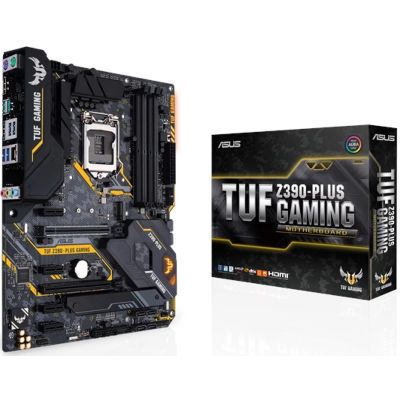
Asus TUF Z390-PLUS GAMING Intel Z390 MotherboardTUF Z390-PLUS GAMING
149 د.أمتوفر
مقارنة عبر متجرين
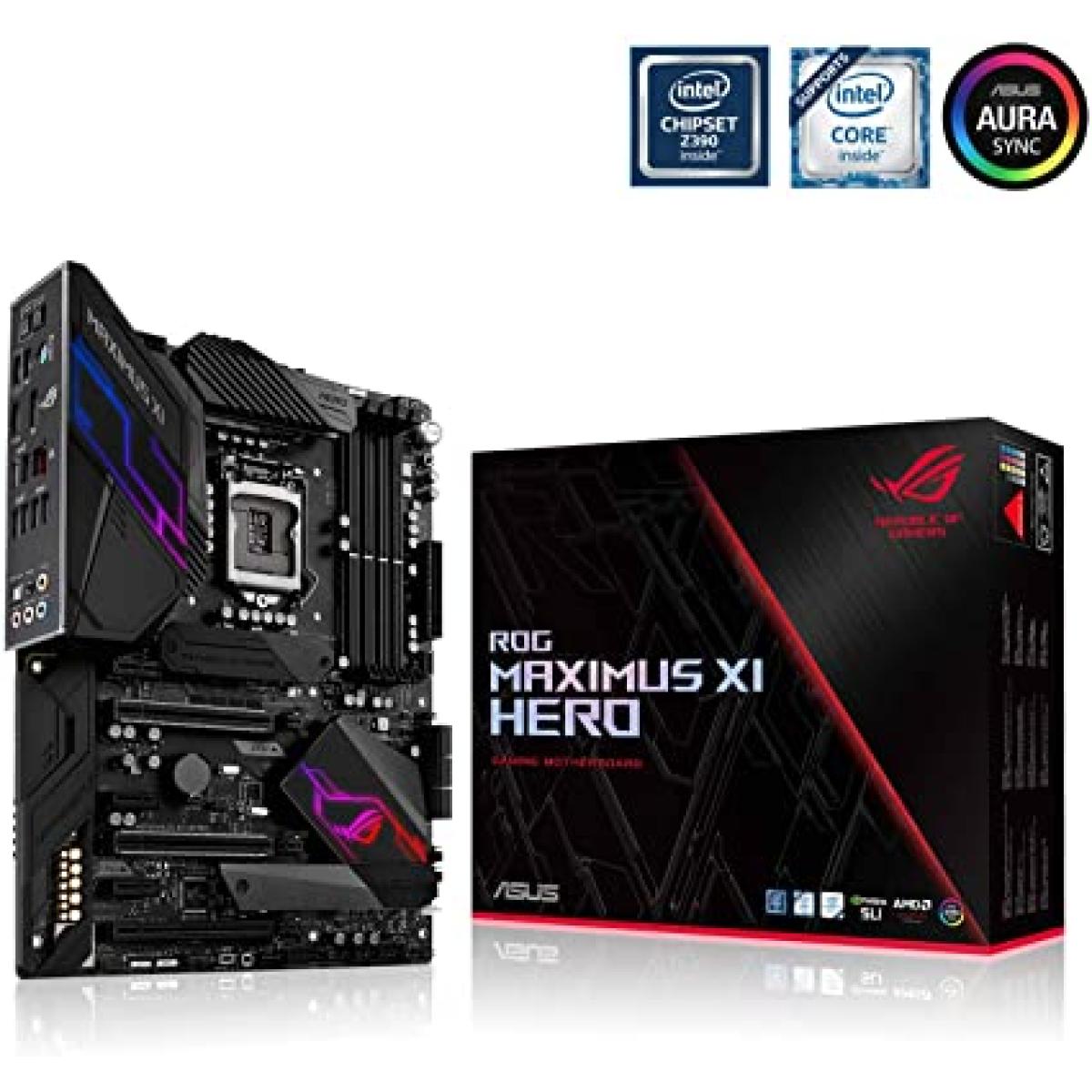
Z390 ROG MAXIMUS XI HERO
LGA 1151 · Z390 · ATX
| المتجر | السعر | التوفر | الإجراءات |
|---|---|---|---|
 Oriental Store | 269 د.أ | غير متوفر | زيارة المتجر |
متجر واحد فقط في هذا الكتالوج يعرض هذا المنتج. تأكد من السعر النهائي لدى المتجر.
أضيف أقل عرض 2021-12-30 · حُدث 2026-11-26 · لم يُسجَّل أي تغيير للسعر
ابحث عن عروض المتاجر الأخرىThe lowest price from 30 days before the promotion:
Techtesters Best of 2019 Awards The best of the best of the best!
It looks good, has very nice RGB lighting, overclocks well, has plenty of connectivity options for all your needs.
Aluminum heat sink; very efficient dissipation system; cold VRM; Wifi; onborad buttons; flash back; heat sink on both M2; possibilities for fan expansion.
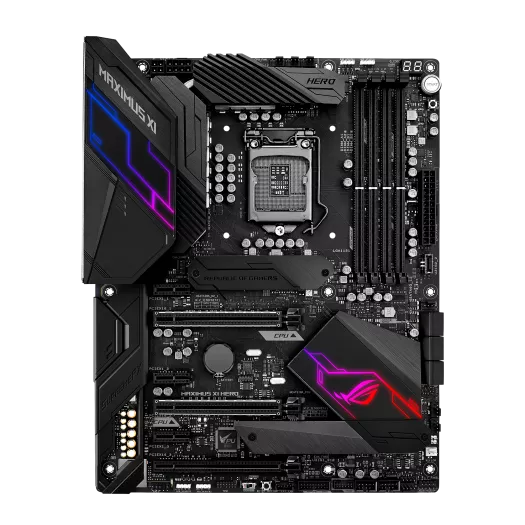
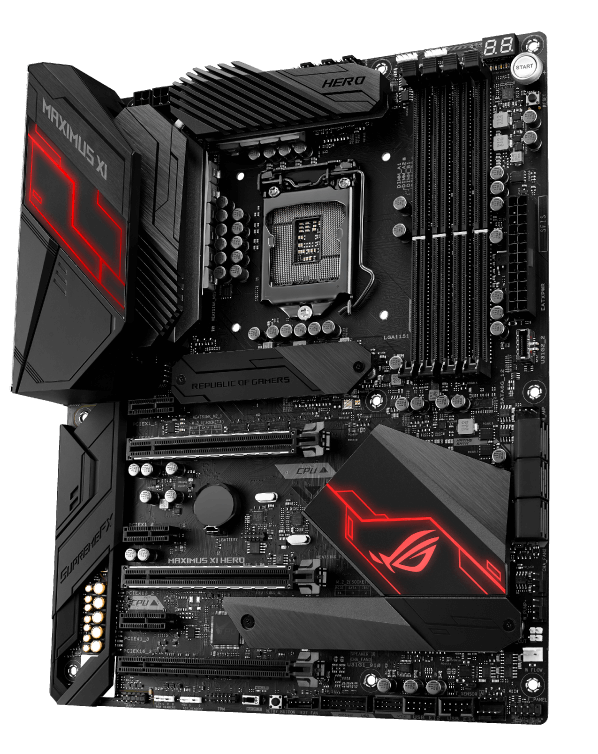
ROG Maximus XI Hero is the perfect introduction to the Republic of Gamers. It’s a Z390 gaming motherboard that packs substantial power, smart cooling and faster memory support under a stealthy skin. Loaded with renowned ROG features, from one-click overclocking and cooling to attention-grabbing Aura Sync illumination, Maximus XI Hero is ready to perform and crafted for customization.
ROG Patented Pre-mounted I/O Shield Clr CMOS BIOS FlashBack™® Button
‧ ESS® ES9023P High Definition DAC ‧ Impedance sense for front and rear ‧ 120dB SNR stereo playback output ‧ 113dB SNR recording input
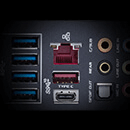
Greater electrostatic protection than standard. ESD Guards cover the USB, audio and LAN ports.
USB power supplies rock-steady 5V to all USB ports, minimizing power fluctuations for minimal data loss
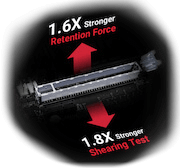
Provides stronger PCIe device retention and greater shearing resistance.
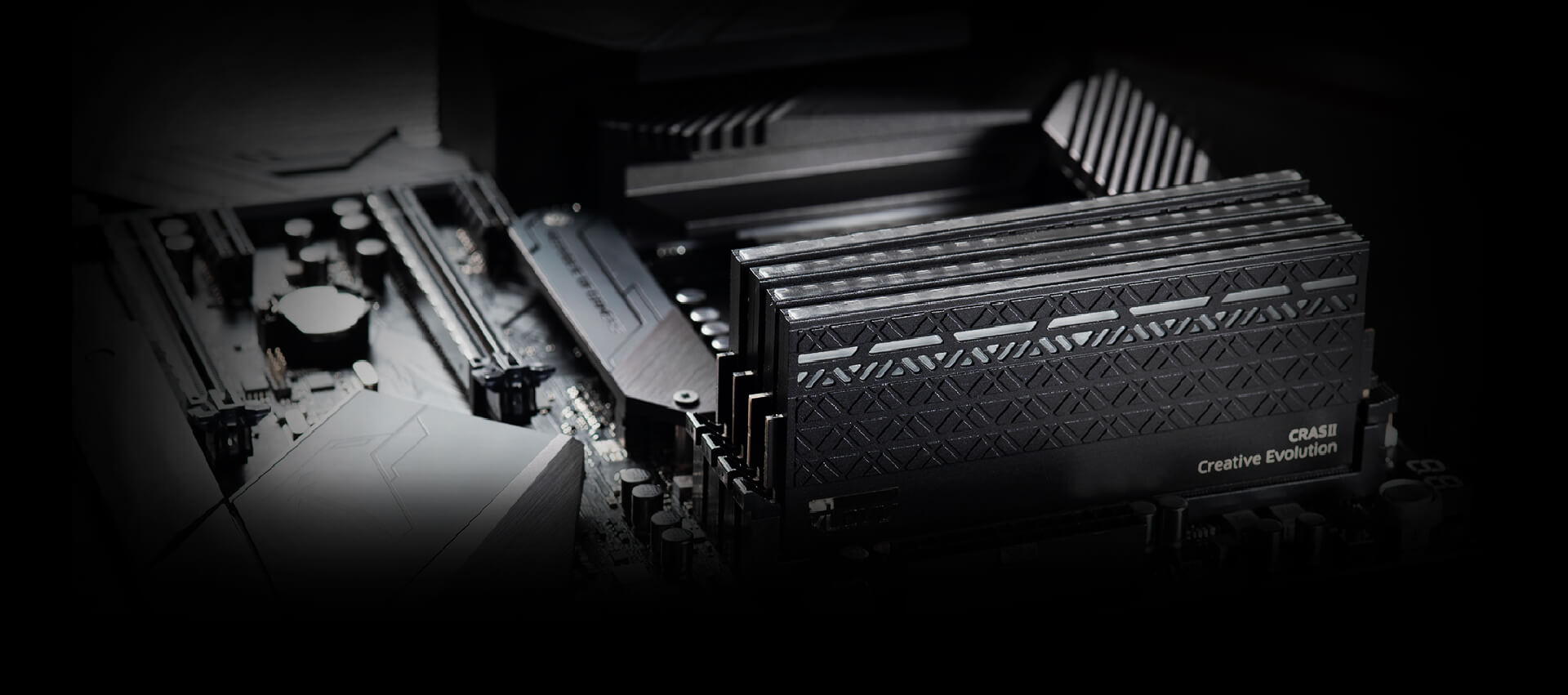
One sided clips for super-simple, super-secure handling of memory modules
Clip to swap or secure your graphics card
DDR4 4400+ MHz (O.C) ‧ 4 x DIMM, dual-channel
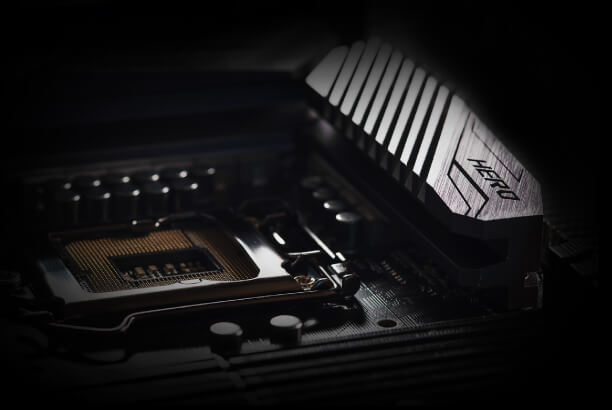
Socket 1151 for 9th / 8th Gen Intel® Core™, Pentium® Gold and Celeron® processors
Multi-GPU SLI/CFX support 2 x PCIe 3.0 x 16 (supports x16, x8/x8, x8/x4+x4) 1 x PCIe 3.0 x 16 (Max. at x4 mode) 3 x PCIe 3.0 x 1
2 x M.2 Socket 3 ・ 1 x Type 2242-2280, supports SATA & PCIe 3.0 x 4 mode ・ 1 x Type 2242-22110, supports PCIe 3.0 x 4 mode
2 x 4-pin AURA RGB headers 2 x 3-pin Addressable headers
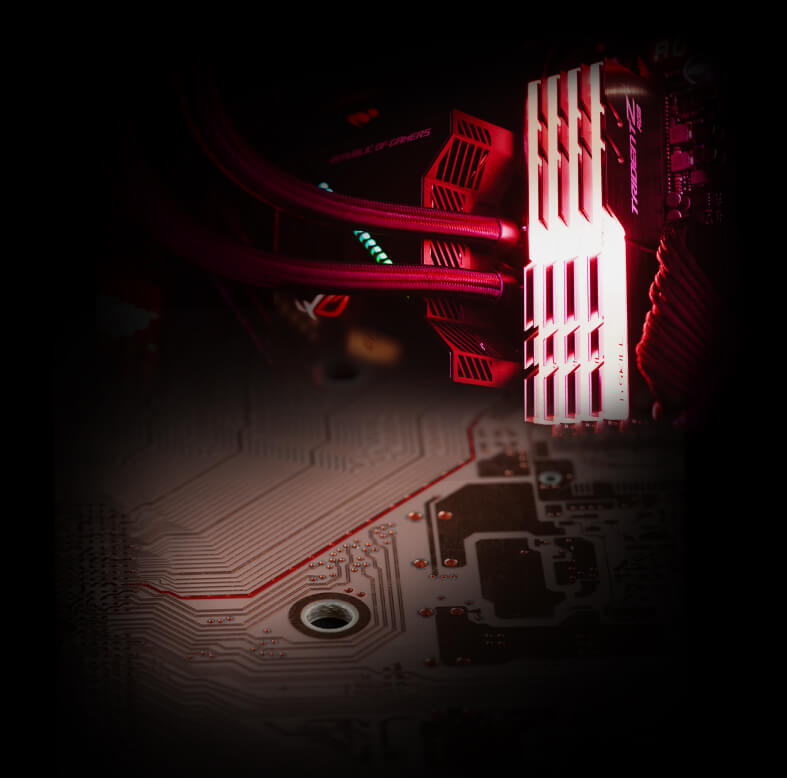
With a dedicated onboard clock generator, support for the latest high-performance memory, and cooling options to keep thermals under tight control, Hero provides a potent foundation for your next gaming build.
By default, all of Coffee Lake’s major bus frequencies are derived from the same reference clock, limiting the control and flexibility needed to harness the full overclocking potential of the platform. ROG Maximus XI Hero features a dedicated onboard clock generator that supplies dynamic reference clocks to the CPU cores and major subdomains, giving you the freedom to coax every MHz of headroom from the system.
Whether you're gunning for high memory frequencies or tuning timings for the lowest latency, ROG Maximus XI Hero provides the tools you need to exploit the Coffee Lake architecture’s full potential: carefully optimized trace pathways maintain signal integrity, and the acclaimed ROG firmware offers the necessary tweaks to ensure stability while maximizing memory performance. Load up with a high-density memory kit for heavy multitasking, or run a focused setup that delivers the bandwidth your favorite games and applications need. Any way you stack it, the Hero has you covered.
To provide Intel’s latest CPUs unfettered access to memory bandwidth, we’ve reimagined motherboard trace routing from the ground up. Our OptiMem II tech carefully maps memory signal pathways across different PCB layers to reduce vias and also adds shielding zones that significantly reduce crosstalk. And to further enhance overclocking headroom for fully stacked memory configurations, we’ve employed a highly customized T-Topology layout that delivers time-aligned signaling.
ROG Maximus XI Hero features the most comprehensive cooling controls ever, configurable via Fan Xpert 4 or the UEFI BIOS.
Each header can be set to monitor and react to three user-configurable thermal sensors, for workload based cooling. All easily managed by Fan Xpert 4 or UEFI.
A dedicated header that can supply over 3A to high-performance PWM or DC water pumps.
Every onboard header supports auto-detection of PWM or DC fans.
Allows expansion of three additional DC or PWM fan headers, plus three thermal-probe headers.
A dedicated integrated circuit that protects each fan header from over-temperature and over-current.
Allows for monitoring of temperature at the input/out of any component.
Allows for constant monitoring of the flow rate of entire loop
A dedicated PWM/DC header for self-contained water-cooling setups.
Fast, intuitive control is vital for effective command of your rig, so we’ve loaded ROG Maximus XI Hero with simple, flexible tools that let you tweak almost every system aspect. Enjoy intelligent automated tuning with 5-Way Optimization technology, or dive deep into the revered ROG UEFI BIOS to take full manual control. Hero also makes short work of fine-tuning everything from audio to storage, so it’s easy to get every part of your system up to speed.
ASUS AI Overclocking makes automatic tuning faster and smarter than ever before. Available in Windows or directly through the UEFI, it profiles the CPU and cooling to predict the optimal configuration for each individual system.
We created a proprietary algorithm that evaluates the capabilities of your CPU.
The onboard intelligence also watches system vitals like temperatures, fan speeds, and power draw to gauge cooling performance.
Utilizes onboard intelligence to perform automated clocking and provides target frequency and voltage estimations for savvy veterans that prefer manual tuning.
Take care of complex tuning with just one click. ASUS 5-Way Optimization is a system-wide tuning utility that overclocks the processor and tunes fan speeds to ensure the best balance between cooling and acoustics. The automated CPU tuning feature of 5-Way Optimization leverages the same onboard intelligence as AI Overclocking, but goes further by running a Prime95 based stress test to deliver a result that’s well-tuned from the get-go.
The TurboV Processing Unit (TPU) provides AI Suite 3 with the intelligence needed to automatically fine-tune voltages, monitor system stats, and adjust overclocking settings. We have upgraded this tool to provide AI Overclocking prediction values for users who want more insight when experimenting with different settings.
The Energy Processing Unit (EPU) enables system-wide power efficiency to automatically optimize power consumption to maximize energy savings. This tool now features temperature regulation that adjusts the CPU frequency according to processor temperatures. Users can now set a threshold to balance temperature and performance.
Enjoy comprehensive control over fans, water pumps and all-in-one (AIO) coolers, via either Fan Expert 4 or our award-winning UEFI.Whether you're cooling with air or water, Auto-Tuning mode intelligently configures all parameters with a single click. There's also an Extreme Quiet mode, which reduces all fan speeds to below the default minimum — keeping your system whisper-quiet when performing light tasks.
The Digi+ voltage-regulator module (VRM) delivers real-time control over voltage droop, switching frequency and power-efficiency settings, allowing you to fine-tune CPU voltage regulation for ultimate stability and performance.
Intel's processors feature per-core tuning, and the ASUS Turbo app makes use of this feature by letting you assign applications to specific processor cores, prioritizing computing power where it's needed most.
The renowned ROG UEFI (BIOS) provides everything you need to configure, tweak, and tune your rig. It offers intelligently simplified options for newcomers to PC DIY, as well as comprehensive features for seasoned veterans.
When you’re ready for a deeper dive into the configuration of your system, delve into the UEFI’s Advanced mode and take complete control. Each section is intuitively organized, and a built-in search feature makes it easy to find the options you need. Advanced functions are coded with the intelligence to adapt to your settings, and when you’re ready to take charge, parameters have the granularity to dial in performance just the way you want.
Quickly find tuning options and add preferred tools to the list.
Flash the latest BIOS via the internet from within the BIOS.
The AI OC Guide allows you to enable the AI Overclocking or view a quick guide.
Check your storages devices' Self-Monitoring, Analysis, and Reporting Technology logs to gauge reliability and to identify potential failures.
Automatically detect selected ASUS graphics cards to view detailed information.
Restore your SSDs to factory-fresh condition.
Track the latest changes and save preferred profiles onto a USB drive.
Rename SATA ports for easy identification.
Quickly and easily find the option or setting you’re looking for.
Port configuration settings between different BIOS versions or share them with friends.
Designed to simplify setup, EZ mode presents all the vital settings and stats on a single page. With guided wizards, drag-and-drop functionality, and one-click application of important settings, your rig will be up and running in no time.
Streamline your RAID configuration for faster data retrieval and backups.
Fine-tune individual fans simply by dragging a curve with the mouse.
View SATA port details for easy device recognition.
Use mouse controls to change the time and date.
Easily enable or disable Aura RGB lighting or every onboard LED, for a more subdued aesthetic.
Immerse yourself in sound with SupremeFX audio technology. Utilizing the S1220 codec, SupremeFX is the integrated-audio solution that's engineered to provide a flat frequency response for a neutral, detailed sound signature. And to ensure that pristine signature is perfectly preserved, the front-panel output is driven with dual op amps, delivering sonics with the scale and authority to create virtual worlds via your gaming headset. Learn More
10 DAC channels, simultaneous 7.1 channel playback, independent 2.0-channel, multiple-stream stereo to front panel outputs
Fine-quality Japanese-made components that produce a warmer, natural sound with exceptional clarity and fidelity.
Prevents oxidization to ensure a reliable connection
Unique design allows the codec's impedance-sensing function to be ported with either the front or rear headphone outputs
Enjoy visualized audio detail that eliminates the need to crank up the volume. It's the perfect tool for practice rounds and tuning untrained ears.
Explore a range of EQ options and one-click presets that allow you to tailor acoustics to suit personal preferences or the characteristics of your audio devices, and make use of the new APO-injection technology apply your audio profiles to USB, HDMI and Bluetooth gears.
GameFirst V is the ROG-exclusive tool that optimizes network traffic for faster, lag-free online gaming. Team your gateways, keeps tabs on bandwidth-hogging apps and make adjustments on the fly.
Optimize network traffic for active apps, or allocate more bandwidth to games.
Speed network packets for specific applications, helping to reduce latency. Extreme mode on: 371.7Mbps Extreme mode off: 16.03Mbps * Tested with 4GB file download while also playing 4K online video.
Interface directly with a ROG router and automatically configure QoS to prioritize network bandwidth to games.
View real-time traffic by biggest hogs, app groups, and task types, or drill down for detailed connection information.
View or adjust network settings during your game, without interrupting play.
RAMCache turns milliseconds into microseconds to boost game-load times. Fully compatible with the latest NVM Express storage options, its uniquely intelligent technology effectively caches an entire storage device so that favorite games and apps launch at breakneck speeds.
Smart mode: Automatically caches all your storage devices to maximize your system’s resources.
An intuitive interface displays real-time drive information, such as current read/write speeds.
And allows you to quickly check the health status of assigned memory.
The brand-new Armoury Crate portal keeps you updated with the latest drivers and BIOS releases. Its easy-to-use UI can be configured to show a variety of information, including security updates, bug patches, the latest ROG news, gaming events and special offers.
With Aura Sync to unleash synchronized effects that extend from motherboard to a vast ecosystem of compatible components, ROG Maximus XI Hero is primed for endless personalization.
Gear up with ROG components, from graphics and monitors, to mice and keyboards, and up your game with complementary aesthetics, control and compatibility. The ROG ecosystem is more extensive than any competing brand, so enjoy greater choice as your system expands.
This motherboard supports Socket 1151 for 9th Gen and 8th Gen Intel® Core™, Pentium® Gold and Celeron® processors, with integrated graphics, memory and PCI Express controllers to support onboard graphics output with dedicated chipsets, dual-channel (4-DIMM) DDR4 memory and 16 PCI Express 3.0/2.0 lanes for great performance.
The Intel® Z390 is a single-chipset design that supports Socket 1151 for 9th Gen and 8th Gen Intel® Core™, Pentium® Gold and Celeron® processors. It provides improved performance by utilizing serial point-to-point links, allowing increased bandwidth and stability. Additionally, the chipset provides a maximum of six USB 3.1 Gen 2 ports, four USB 3.1 Gen 1 ports, and 32Gbps M.2 and PCIe 3.0 lane speed support, for faster data retrieval. Intel Z390 also supports integrated-graphics, so you'll enjoy the very latest in graphics performance.











استناداً إلى سجلات الأسعار المتاحة، وليس ضماناً لأعلى أو أدنى سعر على الإطلاق.
لم يتغيّر سعر هذا المتجر منذ تسجيله أول مرة في 2026-09-23، وهو حالياً 269 د.أ.
| التاريخ | السعر | التغيير |
|---|---|---|
| 2026-09-23 | 269 د.أ | أول تسجيل |
TUF Z390-PLUS GAMING
مقارنة عبر متجرين
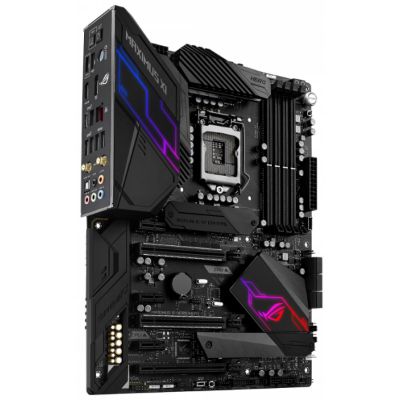
Maximus XI Hero
فقط في Compu Jordan
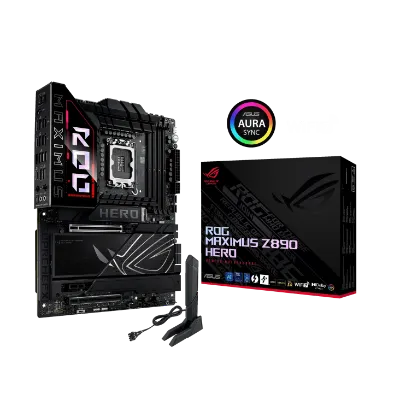
ROG Maximus Z890 Hero
فقط في IGEEK Mega Stores

Z390-E GAMING
مقارنة عبر متجرين