0
GPU question
@laggy what is the best gpu to buy under 500 now?
💬 رد واحد
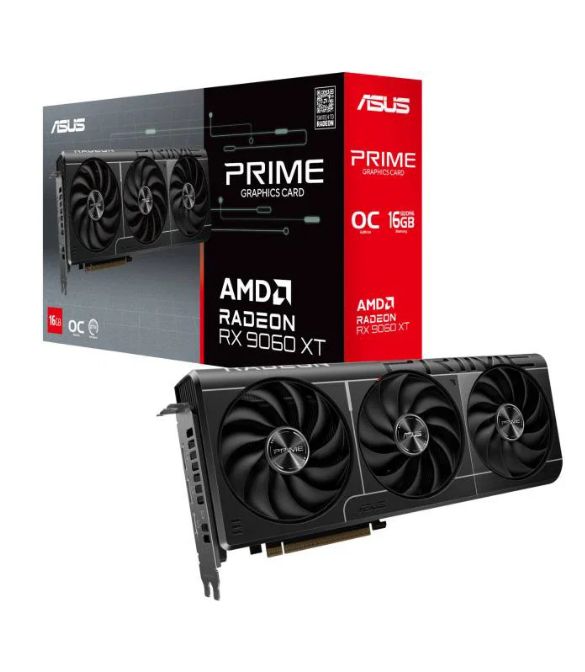
Radeon RX 9060 XT OC Edition · 16GB
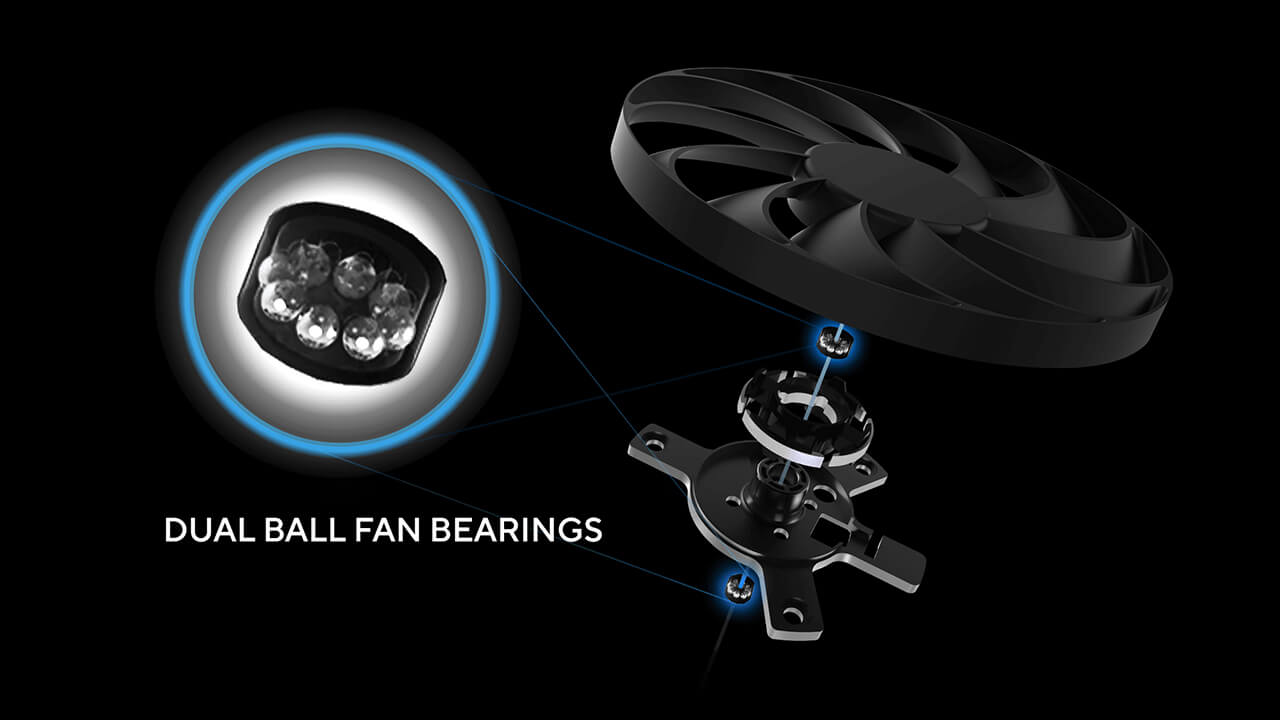
OC mode (GPU Tweak III): up to 3330 MHz (Boost Clock)/up to 2760 MHz (Game Clock) Default mode: up to 3310 MHz (Boost Clock)/up to 2740 MHz (Game Clock) · 2.5-slot design allows for greater build compatibility while maintaining cooling performance · Dual-ball fan bearings last up to twice as long as standard…
غالباً المنتج نفسه — مطابقة بالعلامة والطراز، لا برقم قطعة من المُصنّع.
| المتجر | السعر | التوفر | الإجراءات |
|---|---|---|---|
 Gamersالأقل | 499 د.أ | متوفر | زيارة المتجر |
 The Professional | 499 د.أ | متوفر | زيارة المتجر |
 City Center | 549 د.أ | غير متوفر | زيارة المتجر |
 OfficeJo Computer And Printer Shop | 555 د.أ | غير متوفر | زيارة المتجر |
 CompuMe | 576.45 د.أ | غير متوفر | زيارة المتجر |
تتطابق هذه العروض في العلامة والطراز دون رقم قطعة من المُصنّع، لذلك التطابق مرجّح وغير مؤكد. راجع المواصفات قبل الشراء بناءً على السعر وحده.
أضيف أقل عرض 2026-10-23 · حُدث 2026-11-26 · آخر تغيير للسعر 2026-10-31
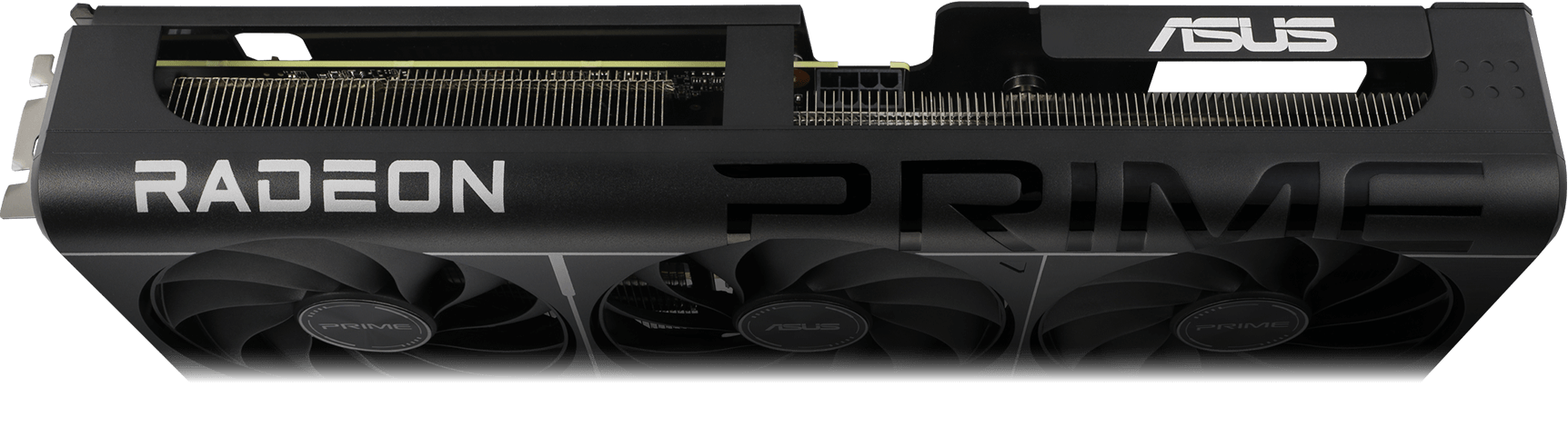
Experience Primal performance with the Prime Radeon™ RX 9060 XT graphics card featuring a compact 2.5-slot design for expansive compatibility, enhanced by a triple-fan setup for supreme cooling.
Compatible with small-form-factor builds
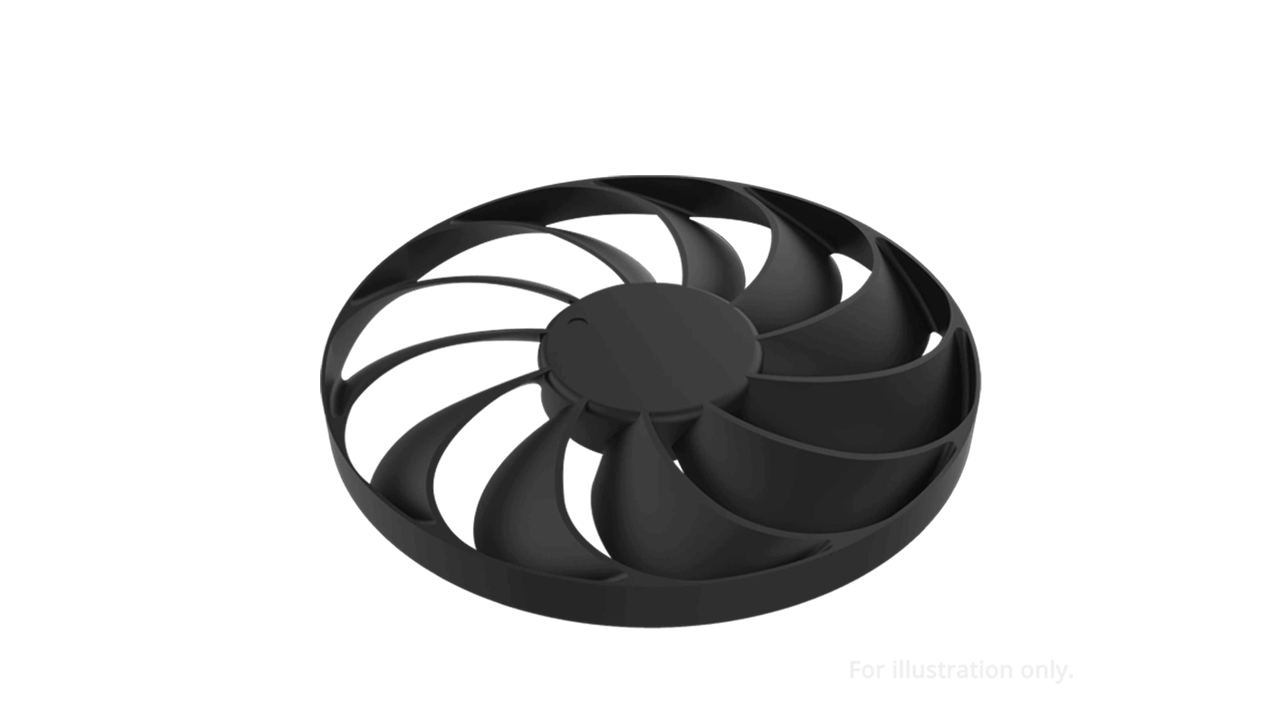
Longer blades improve airflow and dispersion
Up to twice the lifespan of sleeve bearings
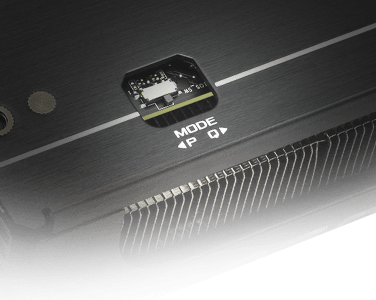
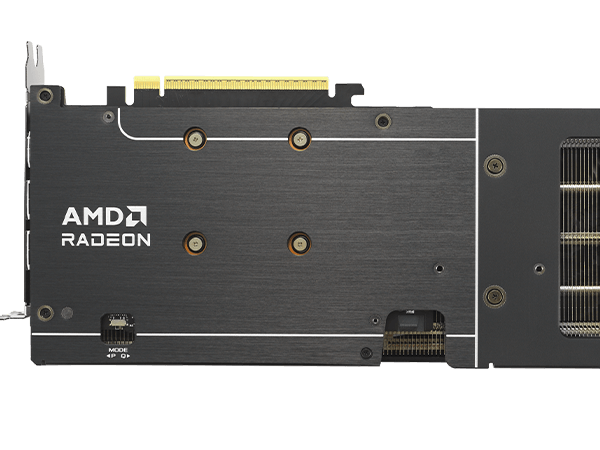
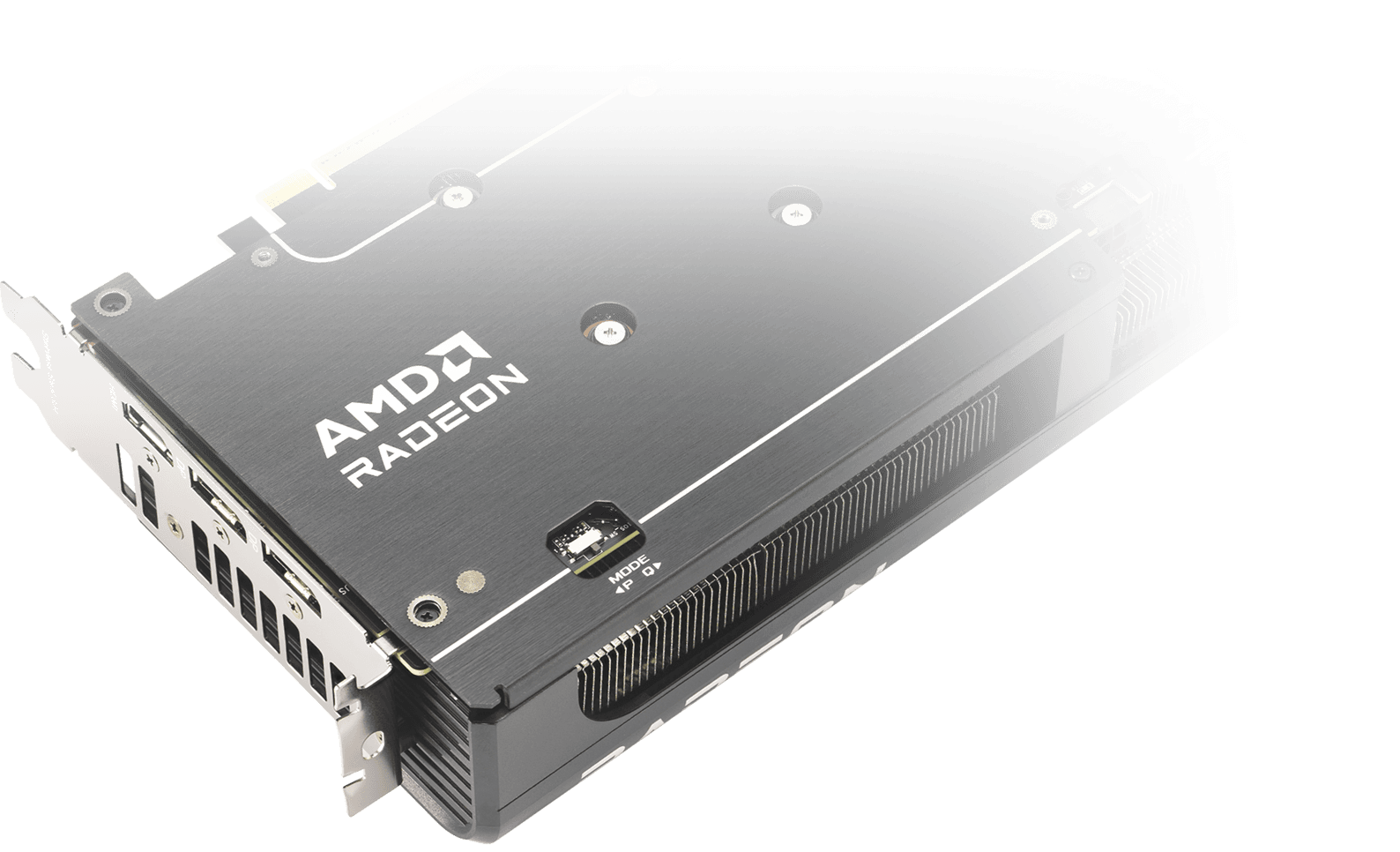
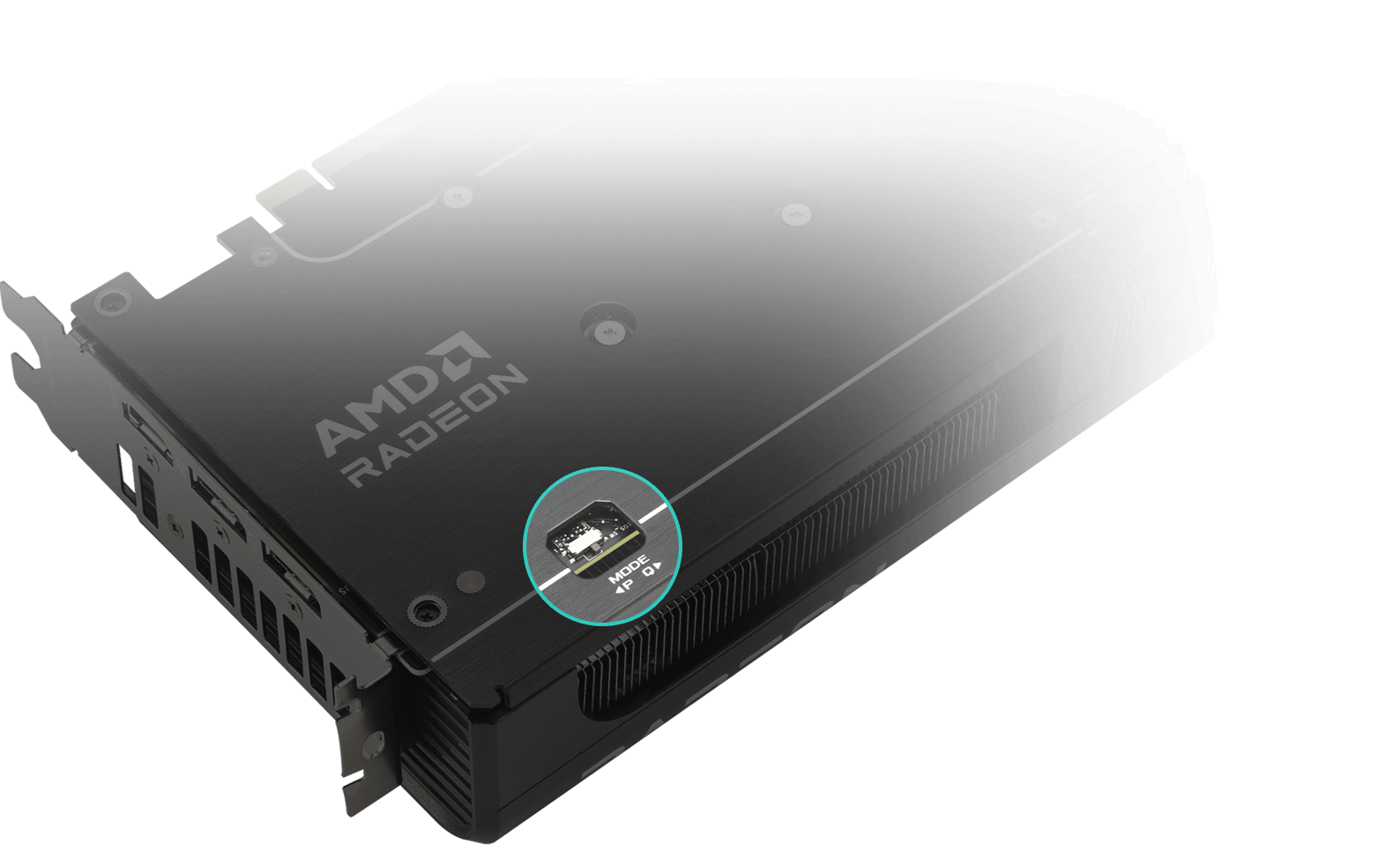
Toggle between Performance or Quiet modes
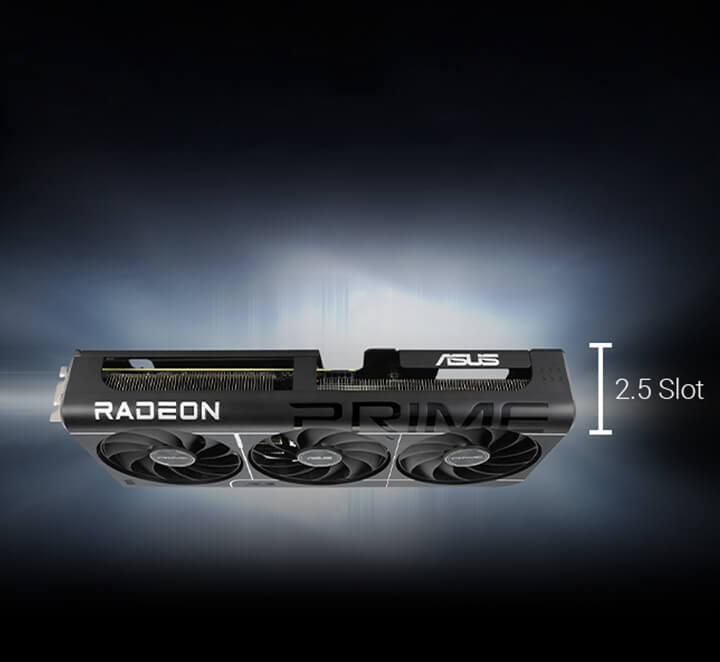
The Prime Radeon™ RX 9060 XT features a 2.5 slot design with a carefully arranged layout for the shroud, heatsink and heat pipes to let the three Axial-tech fans leverage chassis side-panel ventilation and deliver optimal thermal performance.
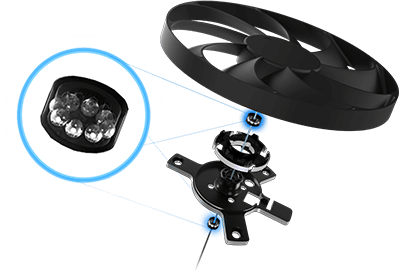
Three tried-and-true Axial-tech fans feature a smaller hub that facilitates longer blades and a barrier ring to increase downward air pressure for lower temperatures, less noise and higher performance.
Prime Radeon™ RX 9060 XT axial-tech fan illustration
All three fans come to a standstill when GPU temperatures are below 55°C, letting you play less demanding games or perform light tasks in relative silence. Fans start up again when temperatures are over 60°C, establishing a speed curve that balances performance and acoustics for work or play.
Different bearing types have unique pros and cons. Dual-ball bearings excel at durability and can last up to twice as long as sleeve bearing designs.
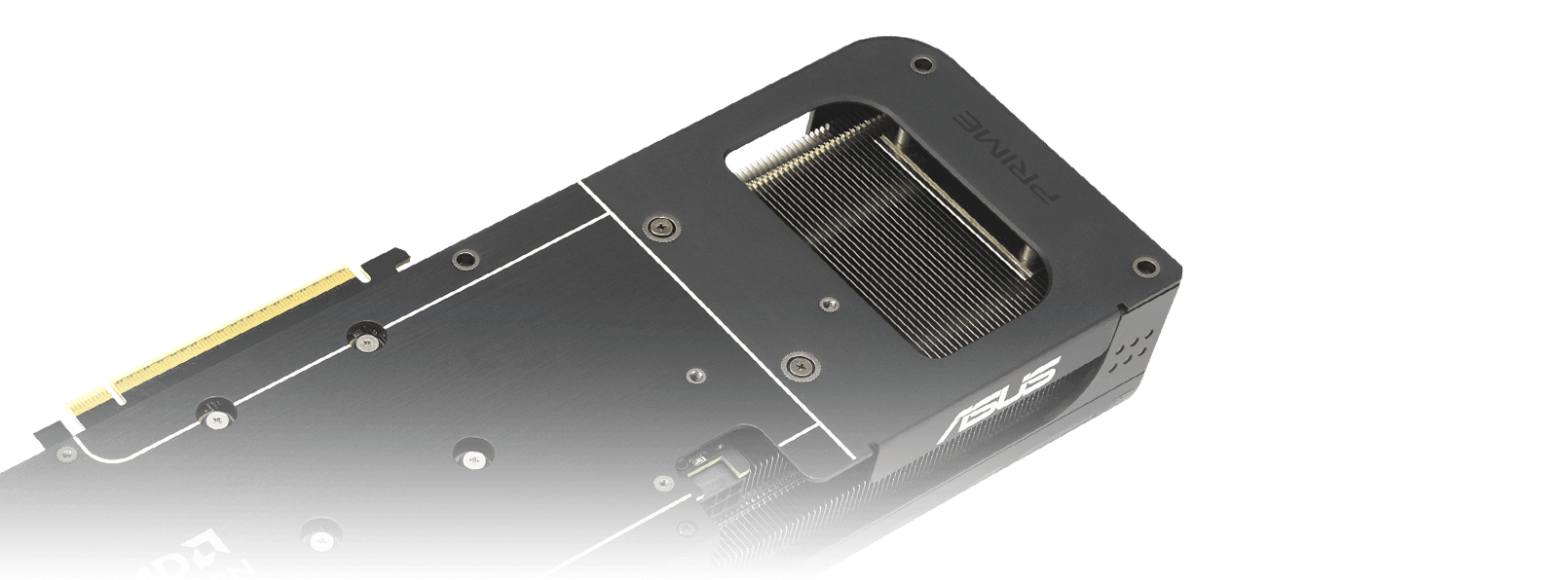
Large backplate vents significantly enhance heat dissipation, helping to keep the GPU cooler during intense tasks. This additional airflow helps ensure optimal temperatures, boosting performance, longevity and stability by defending against overheating and thermal throttling.
MaxContact is a special ASUS manufacturing process that effectively expands the surface area of the heat spreader that sits atop the GPU by 5%, compared to traditional designs. This improves temperatures by up to 2°C, in concert with an extensive heatsink array and powerful Axial-tech fans.
GPU guard applying adhesive to the four corners of GPU
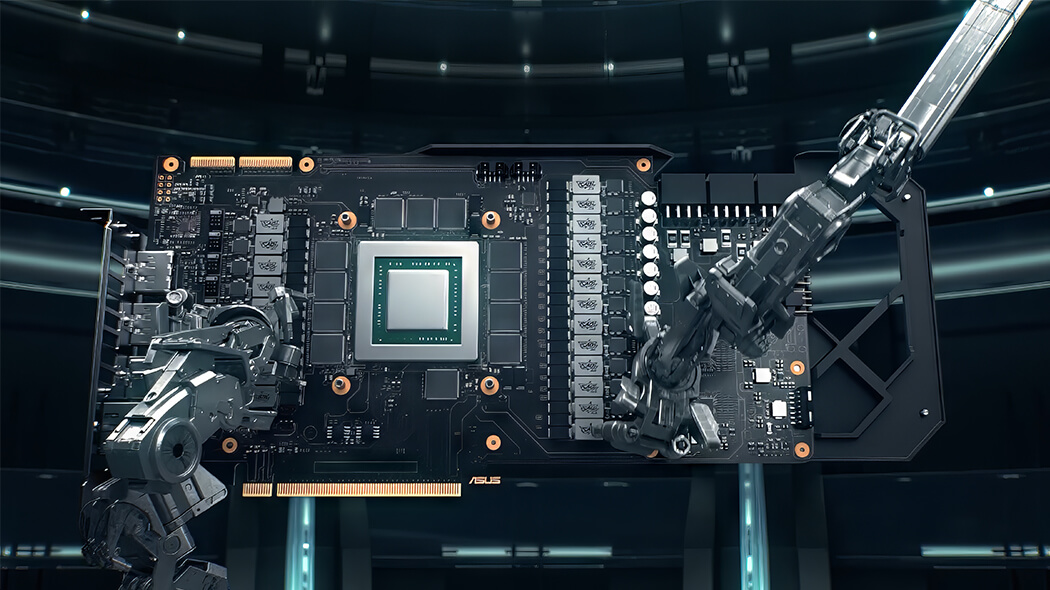
ASUS GPU Guard applies adhesive to secure all four corners to reduce the risk of cracks.
The PCB is reinforced by a backplate that adds structural rigidity, helping to prevent flex and to protect components and trace pathways from damage.
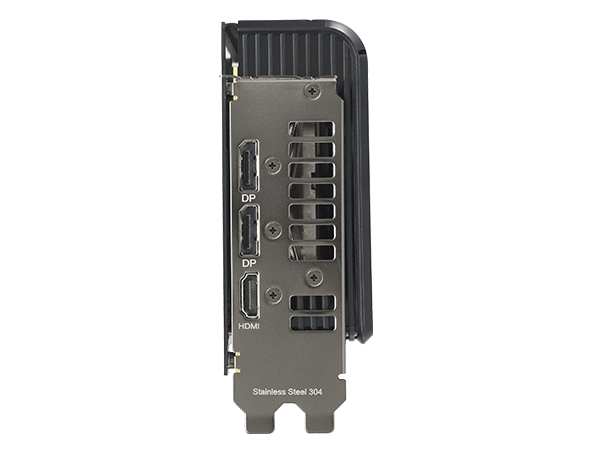
The mounting bracket features grade 304 stainless steel, chosen for its strength and high resistance to corrosion.
Do you prioritize low core temps or low noise levels? Performance mode lets the fans spin up to keep the card running cool all the time, and Quiet mode keeps the same power target and top-end settings while offering a less aggressive fan curve for quieter operation at moderate temperatures.
An automated manufacturing process that sets new standards in the industry by allowing all soldering to be completed in a single pass, ASUS Auto-Extreme technology reduces thermal strain on components and avoids the use of harsh cleaning chemicals, resulting in less environmental impact, lower manufacturing power consumption and a more reliable product overall.
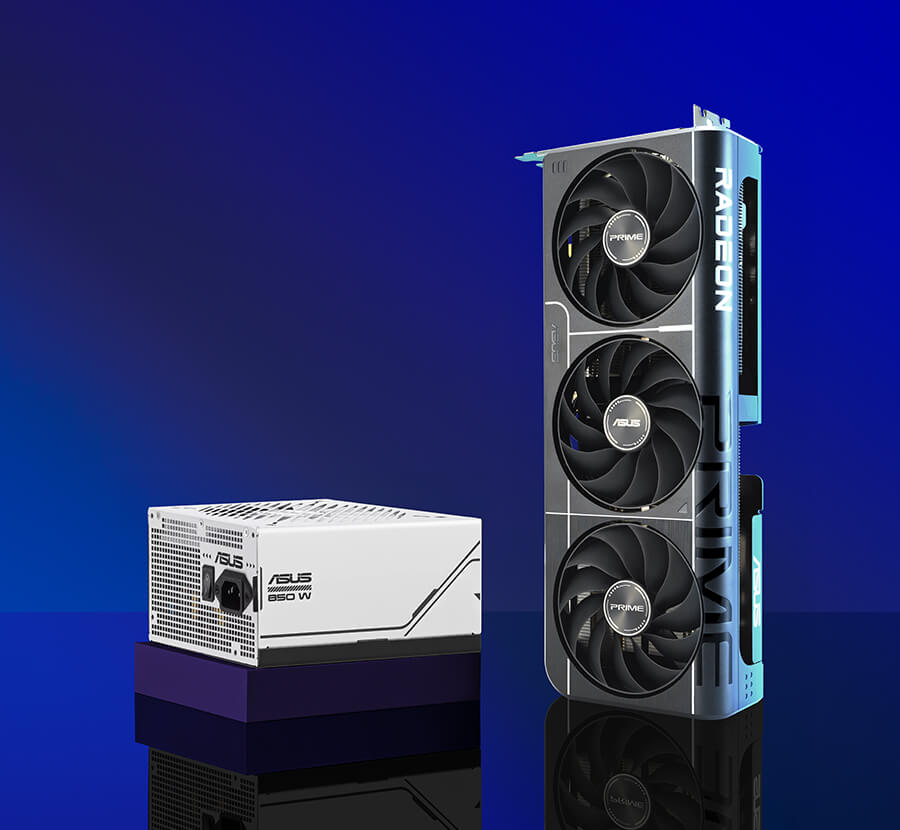
Use the wattage calculator to estimate how much power you’ll need to fuel your rig, and then pick a compatible ROG, TUF Gaming or Prime power supply for ultimate performance.
The ASUS GPU Tweak III utility takes graphics card tuning to the next level. It lets you tweak critical parameters including GPU core clocks, memory frequency and voltage settings, with the option to monitor everything in real-time through a customizable on-screen display. Advanced fan control is also included along with many more features to help you get the most out of your graphics card.
Enjoy all things AI at Adobe. Get complimentary membership to Adobe Creative Cloud with the purchase of select ASUS products, granting you access to all Adobe apps and Substance 3D.
Experience the next level of 1440p gaming performance with AMD Radeon™ RX 9060 XT graphics cards. Powered by groundbreaking RDNA™ 4 architecture with unified compute units featuring advanced raytracing and AI accelerators, support for AMD FidelityFX™ Super Resolution 4 technology1 and AMD HYPR-RX2 for ultra-smooth, ultra-responsive gameplay that makes every play count.
Enjoy gaming like never before with immersive, lifelike visuals driven by next-gen raytracing, supercharged with AMD FidelityFX™ Super Resolution 41 ML-powered upscaling, and elevated streaming clarity by Enhanced Media Engine.
The AMD Radeon™ RX 9000 Series puts powerful performance at your fingertips with intuitive AMD Software: Adrenaline Edition. Experience dependable feature rich drivers, real-time AI-powered assistance, and one-click optimization with AMD HYPR-RX2. Elevate your gaming with increased frame rates, reduced lag, and sharper visuals.
Built for longevity, AMD Radeon™ RX 9060 XT graphics cards feature up to 16GB VRAM, PCI Express® Gen 5 support, AMD Smart Access Memory™ technology3, AI-enabled technologies, and seamless pairing with AMD Ryzen™ 9000 Series processors to unlock the full potential of your AM5 platform. An updated Radiance Display™ Engine featuring DisplayPort™ 2.1a and HDMI 2.1b is ready for the latest ultra-high refresh displays.



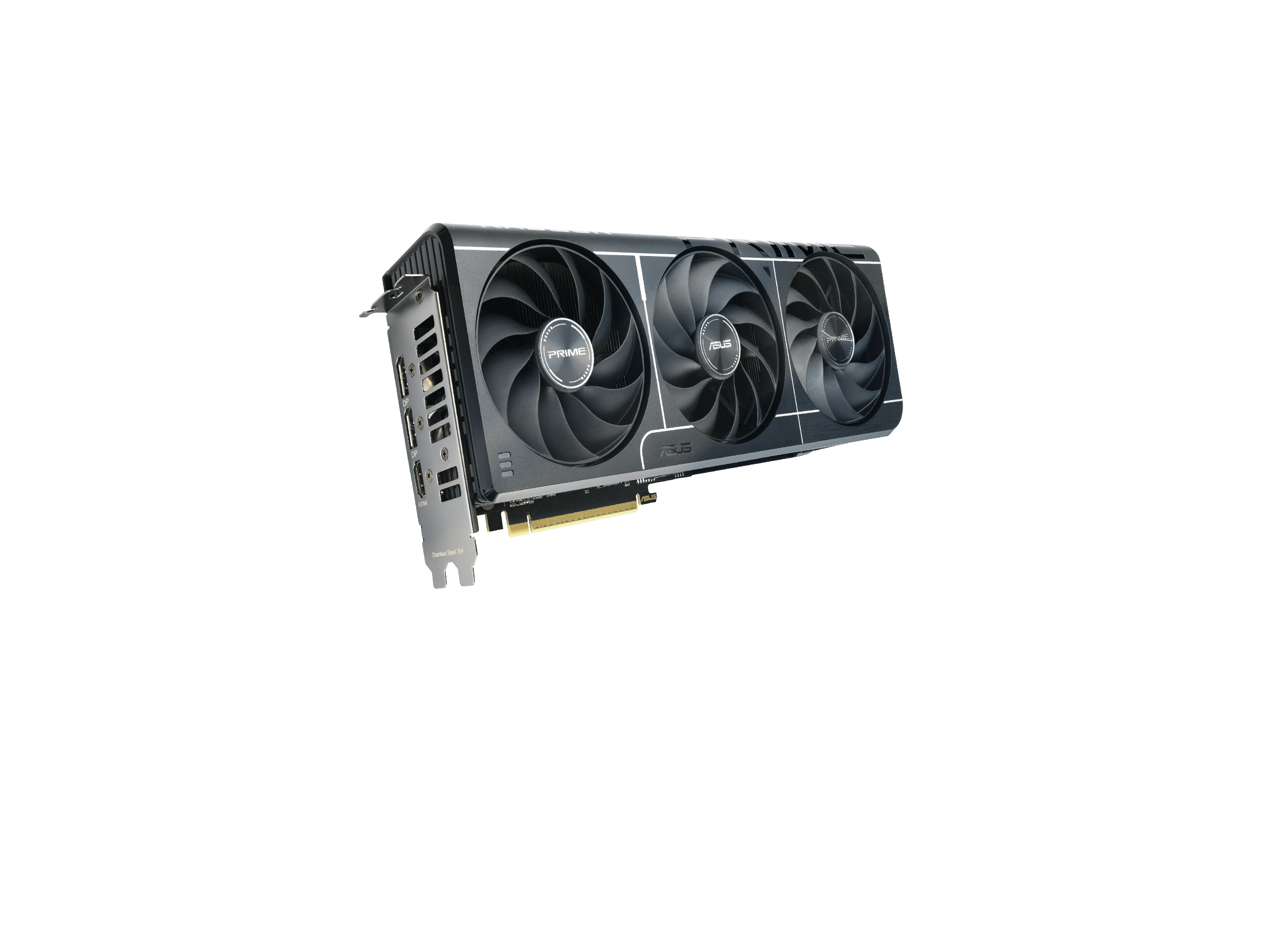






Model : PRIME-RX9060XT-O16G
Graphic Engine : AMD Radeon™ RX 9060 XT
Bus Standard : PCI Express 5.0
OpenGL : OpenGL®4.6
Video Memory : 16GB GDDR6
Engine Clock :
OC mode (GPU Tweak III): up to 3330 MHz (Boost Clock)/up to 2760 MHz (Game Clock)
Default mode: up to 3310 MHz (Boost Clock)/up to 2740 MHz (Game Clock)
Stream Processors : 2048
Memory Speed : 20 Gbps
Memory Interface : 128-bit
Resolution : Digital Max Resolution 7680 x 4320
Interface :
Yes x 1 (Native HDMI 2.1b), Yes x 2 (Native DisplayPort 2.1a), HDCP Support Yes (2.3)
Maximum Display Support : 3
NVlink/ Crossfire Support : No
Accessories :
1 x Thank you card
1 x Speedsetup Manual
Software :
ASUS GPU Tweak III & Drivers: please download all software from the support site.
Dimensions : 304 x 126 x 50mm
Recommended PSU : 550W
Power Connectors : 1 x 8-pin
Slot : 2.5 Slot
استناداً إلى سجلات الأسعار المتاحة، وليس ضماناً لأعلى أو أدنى سعر على الإطلاق.
أقل سعر لدى 5 متاجر.
| التاريخ | السعر | التغيير | الأقل لدى |
|---|---|---|---|
| 2026-10-31 | 499 د.أ | -50 د.أ | The Professional |
| 2026-10-23 | 549 د.أ | -6 د.أ | Gamers |
| 2026-10-20 | 555 د.أ | أول تسجيل | OfficeJo Computer And Printer Shop |
@laggy what is the best gpu to buy under 500 now?
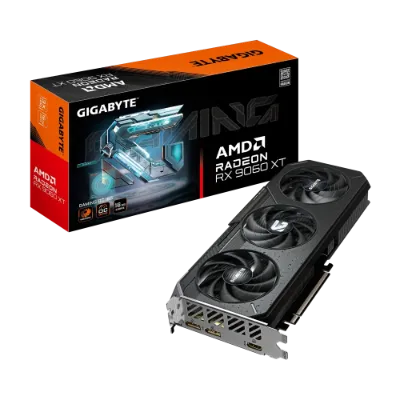
Radeon RX 9060 XT GAMING OC · 16GB
مقارنة عبر 3 متاجر
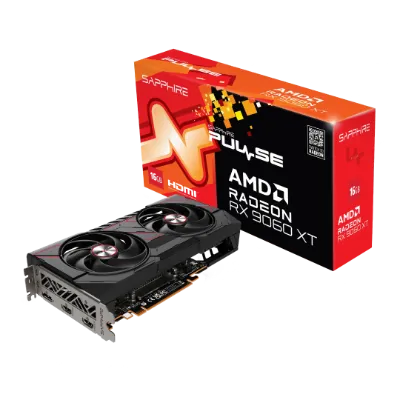
RX 9060 XT · 16GB
مقارنة عبر 4 متاجر
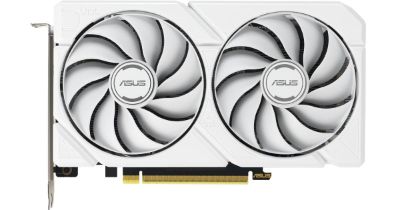
RX 9060 XT · 16GB GDDR6
مقارنة عبر 3 متاجر
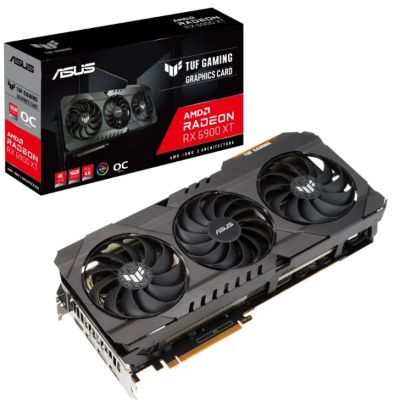
Radeon RX 6800 XT OC Edition · 16GB
فقط في Oriental Store