HP · شاشات الكمبيوتر
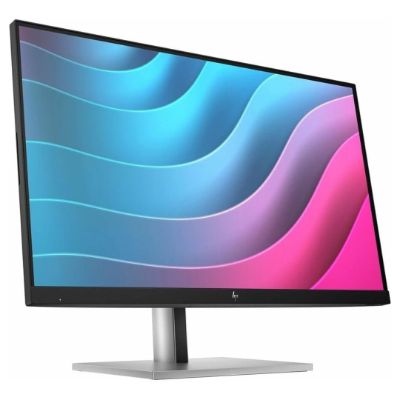
HP E24 G5 24 IPS Full HD Monitor 75Hz 4-Way Adjustable Stand 99 sRGB DisplayPort HDMI USB HubE24 G5 · 24 إنش
من 155 د.أمتوفر
مقارنة عبر 4 متاجر
E24u G5 · 24 إنش
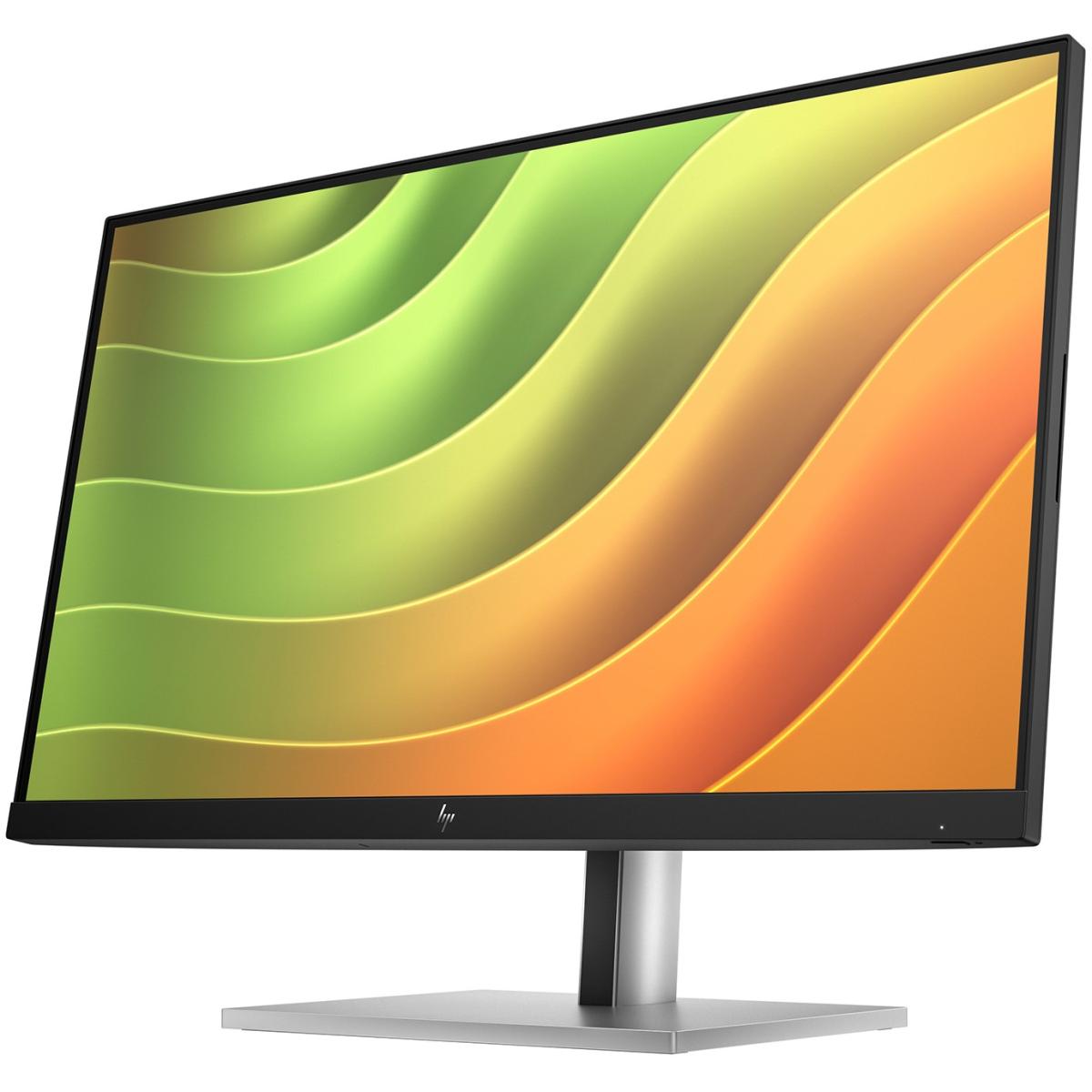
HP E24u G5 Full HD Monitor The new HP E G5 series monitors deliver sharp images and fantastic flexibility. With multiple configuration options, you can make your screen time as comfortable as possible. The versatile connectivity options mean you can keep on working no matter the end device. This monitor saves space on…
| المتجر | السعر | التوفر | الإجراءات |
|---|---|---|---|
 City Center | 189 د.أ | غير متوفر | زيارة المتجر |
متجر واحد فقط في هذا الكتالوج يعرض هذا المنتج. تأكد من السعر النهائي لدى المتجر.
أضيف أقل عرض 2024-04-19 · حُدث 2026-11-25 · لم يُسجَّل أي تغيير للسعر
ابحث عن عروض المتاجر الأخرى| Monitors Specifications | |
|---|---|
| Screen Size | 23.8" |
| Refresh Rate | 75 Hz |
| Flat / Curved | Flat |
| Panel Type | Full HD |
| Panel Technology | IPS |
| Contrast Ratio Static | 8000000:1 |
| Resolution | 1920 x 1080 |
| Response Time | 5 ms |
| Display Port | Yes |
| HDMI | Yes |
| Brightness | 250 cd/m2 |
| USB C | Yes |
| Advanced Feature | |
| Color | Silver |
| Speakers | No |
| Warranty | |
| Warranty | 1 Year |
It can supply up to 65W of power, making
it compatible with most notebook PCs. This is the perfect machine
for hybrid work .
Reduce cables and keep your workspace comfortable. Now you can do it all with one USB-C cable
instead of three separate cables .
Transfer data quickly and access
all your devices quickly . (e.g. USB, speaker, camera, etc.)
Video transfer possible with USB-C DisplayPort Alt mode
Charge your PC directly from the monitor. The monitor delivers 65W
via USB-C cable .
Hybrid workers seek a desk environment that is no different from the office at home to improve productivity.
To build a multi-display environment,
wouldn't it be best to have a display that can be considered a companion that balances design and functionality and increases productivity?
Here's the answer.
Conventional product
new G5 series
Point 1
Previous products were designed to connect power cables, HDMI cables, etc. from directly below, so when connecting or disconnecting cables, you had to look down at the monitor to see where to insert them.
In the new G5 generation, the cables have been changed to be inserted directly from the side, making it easier to insert and remove cables without having to look down.
Point 2
In conventional products, the fulcrum when adjusting the swivel (left and right) was on the pedestal side of the monitor, so due to the weight ratio, when adjusting left and right, the pedestal could move along with it, or the cable could get caught. It was gone. .
With the new G5 generation, by moving the fulcrum of the swivel to the monitor arm, you can now smoothly adjust left and right with just one finger.
Refresh rate is how many times a monitor can refresh in one second. This indicates the performance of the video, and
the more times it can be updated per second, the smoother the video will be displayed.
Compared to the previous generation's 60Hz (hertz), the latest G5 generation has improved drawing performance to 75Hz.
*To take full advantage of 75Hz drawing performance, DisplayPort connection is required.
I want to quickly adjust brightness, contrast, color, etc. to match the brightness of the room and sunlight.
In such a case, his Joypad OSD button on his G5 has evolved to a button layout where the outer round button is for "select" and the center button is for "decision", making it
more intuitive to operate compared to the previous product that was arranged side by side. It is now possible.
*The button is on the back
A new cable management hole has been installed.You can
bundle power cables, display connection cables, etc. and
keep cables that tend to get cluttered together, making your desk area cleaner.
Compatible with the international standard "VESA" when separately fixing a display to a wall or monitor arm.
It has a 100 x 100mm interface with screws already attached, so
you can start using it immediately with a VESA compatible monitor arm.
※The photograph is an image
*The power button is located on the bottom of the right side when facing the monitor.
استناداً إلى سجلات الأسعار المتاحة، وليس ضماناً لأعلى أو أدنى سعر على الإطلاق.
لم يتغيّر سعر هذا المتجر منذ تسجيله أول مرة في 2026-10-25، وهو حالياً 189 د.أ.
| التاريخ | السعر | التغيير |
|---|---|---|
| 2026-10-25 | 189 د.أ | أول تسجيل |
E24 G5 · 24 إنش
مقارنة عبر 4 متاجر
P2725HE · 27 إنش
مقارنة عبر 5 متاجر

T24-40 · 23.8 إنش
مقارنة عبر متجرين
P2425HE · 24 إنش
مقارنة عبر 5 متاجر