PCIe 4.0 NVMe Technology
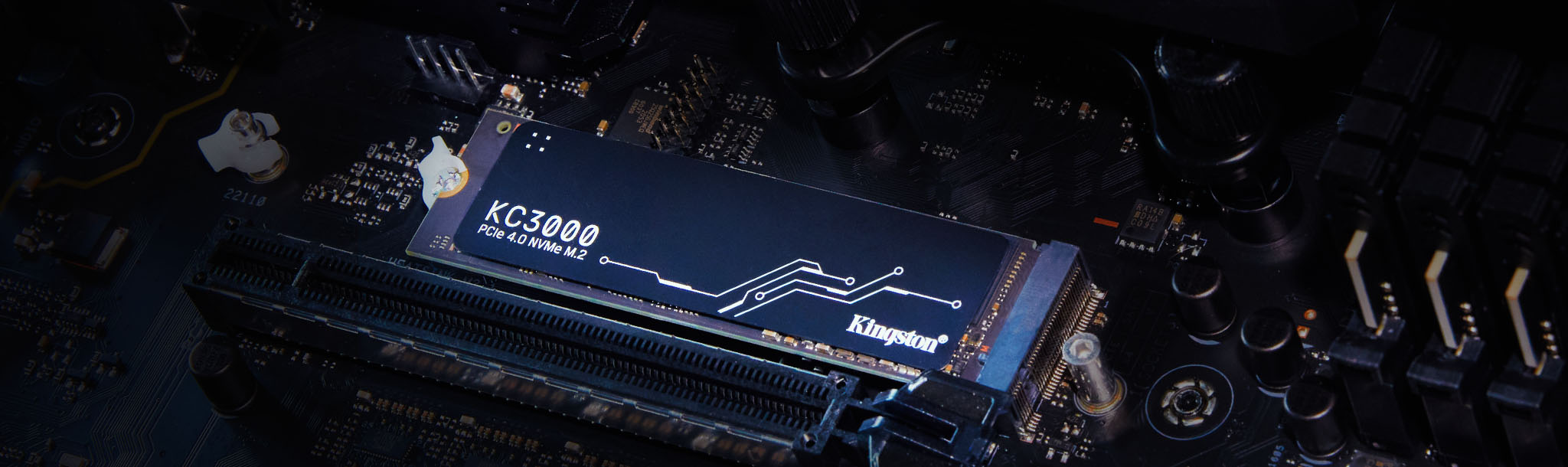
Master intensive applications with speeds up to 7,000/7,000MB/s1 read/write.

M.2 2280 · 2048G
PCIe 4.0 NVMe high-performance · Compact M.2 2280 form factor · Low profile graphene aluminium heat spreader · PCIe 4.0 NVMe high-performance · Compact M.2 2280 form factor · Low profile graphene aluminium heat spreader
غالباً المنتج نفسه — مطابقة بالعلامة والطراز، لا برقم قطعة من المُصنّع.
| المتجر | السعر | التوفر | الإجراءات |
|---|---|---|---|
 City Centerالأقل | 119 د.أ | غير متوفر | زيارة المتجر |
 Oriental Store | 129 د.أ | غير متوفر | زيارة المتجر |
 GameOnJO | 220 د.أ | غير متوفر | زيارة المتجر |
 OfficeJo Computer And Printer Shop | 222.99 د.أ | غير متوفر | زيارة المتجر |
 GTS | 229 د.أ | غير متوفر | زيارة المتجر |
تتطابق هذه العروض في العلامة والطراز دون رقم قطعة من المُصنّع، لذلك التطابق مرجّح وغير مؤكد. راجع المواصفات قبل الشراء بناءً على السعر وحده.
أضيف أقل عرض 2022-03-27 · حُدث 2026-11-22 · لم يُسجَّل أي تغيير للسعر
| Product Specifications | |
|---|---|
| Manufacturers Link | https://www.kingston.com/en/ssd/kc3000-nvme-m2-solid-state-drive |
| Storage Specification | |
| Series | KC3000 |
| Capacity | 2 TB |
| Interface | M.2 NVMe |
| Form Factor | m.2 |
| Max Sequential Read | Up to 7000 MBps |
| Max Sequential Write | Up to 6000 MBps |
| Warranty | |
| Warranty | 1 Years |
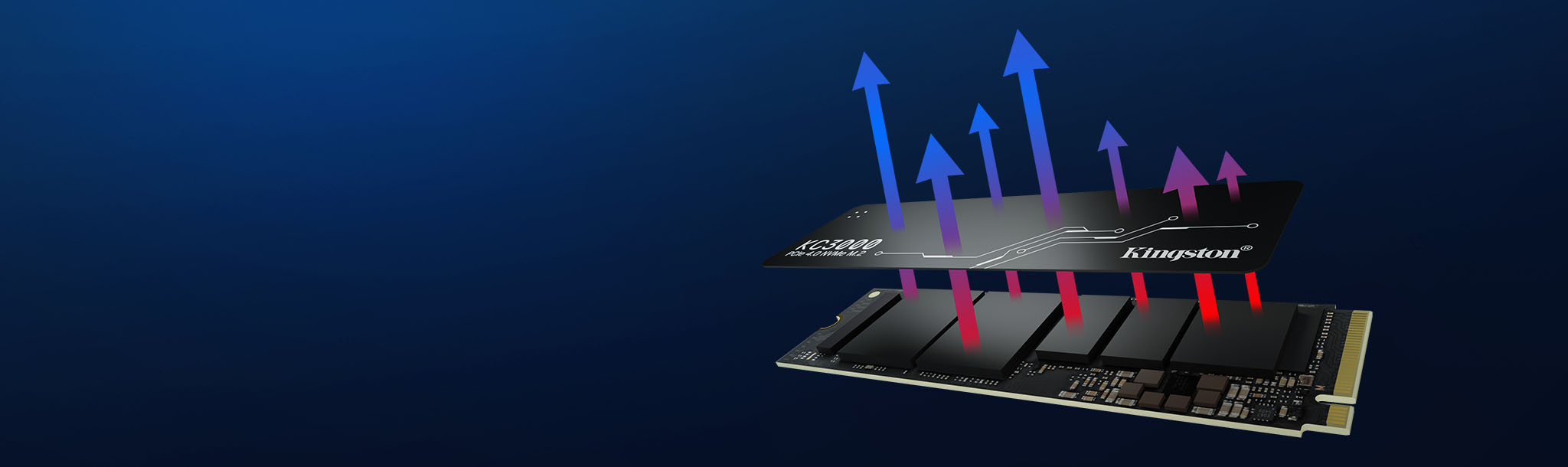
Kingston KC3000 PCIe 4.0 NVMe M.2 SSD delivers intense speeds up to 7,000MB/s for high-performance desktops and laptops using the latest Gen 4x4 NVMe controller and 3D TLC NAND. Ideal for 3D rendering and 4K+ content creation, it ensures seamless workflow and rapid load times, while the low-profile graphene aluminum heat spreader keeps your drive cool. Its compact M.2 2280 design offers flexibility, with capacities from 512GB to 4096GB.
Kingston KC3000 PCIe 4.0 NVMe M.2 SSD delivers next-level performance using the latest Gen 4x4 NVMe controller and 3D TLC NAND. Upgrade the storage and reliability of your system to keep up with demanding workloads and experience better performance with software applications such as 3D rendering and 4K+ content creation. With formidable speeds up to 7,000MB/s 1 read/write, it ensures improved workflow in high-performance desktop and laptop PCs making it ideal for power users who require the fastest speeds on the market.
The compact M.2 2280 design fits seamlessly into motherboards and gives greater flexibility where high-power users appreciate responsiveness and superior loading times.
Full capacities available from 512GB–4096GB 2 to meet your data storage requirements.
Power Consumption 512GB – 50mW Idle / 0.34W Avg / 2.7W (MAX) Read / 4.1W (MAX) Write
If you want to take your system to the next level—without getting lost in a jungle of technical compromises—this SSD is a true gem.
For those looking for a reliable and high-performance PCIe 4.0, we recommend the Kingston KC3000 NVMe SSD.
The Kingston KC3000 sets a new standard for fast and affordable SSDs, reaching a remarkable 7,000 MB/s read and write speed.
The Kingston KC3000 is extremely fast and backs it up with a generous TBW rating.
The benchmark result has proven that Kingston KC 3000 PCle 4.0 NVMe M.2 is a great product for the price. The most important factor
Incredible speeds with double the performance in many benchmarks vs previous generation, One of the highest endurance ratings on the market
Offering consistently superior performance and available in up to 4TB, it makes a convincing case for inclusion in a high-quality build this year.
The SLC cache methodology used here is fascinating, as it provides the maximum advantage in writing speed over the long haul. Unless someone devises NAND that can cope with these speeds without a cache, the approach taken by Kingston is probably the best for TLC NAND at this time.
Kingston have taken their time to introduce a Gen4 SSD, but the wait has been worth it as they’ve been able.... to make the KC3000 one of the fastest Gen4 drives around.
If you are looking for a fast and reliable SSD, then the Kingston KC3000 2TB SSD has it all.
Fantastic real-life performance, Outstanding sustained writes—best TLC SSD we ever tested.
Compact M.2 design fits easily into small form factor (SFF) systems, desktops and laptop PCs.
Planning the right solution requires an understanding of your project's security goals. Let Kingston's experts guide you.
NVMe is the protocol designed for flash storage like SSDs, as we move beyond legacy AHCI standards used in SATA SSDs and spinning disk hard drives.
NVMe is now the standard protocol for SSDs to empower data centers and enterprise environments.
Upgrading your RAM and closing other programs are just a few ways to improve performance.
Compare SSD form factors and choose the right drive for your desktop, laptop, or server.
Compare custom gaming PC and a prebuilt gaming PC, costs, performance, and flexibility.
Kingston explains the often-confusing naming conventions for AMD’s processors and chipsets.
Build a rackmount gaming PC for better airflow, space savings, and neat cabling.
AMD Gear Modes alter the CPU’s communication with the system’s RAM. Learn more in this article.
Do SSDs need cooling? Learn when NVMe SSDs need a heatsink and how to prevent throttling.
This latest version can use a lot of memory, so optimize your computer’s performance with these tips.
AEMP is a helpful tool for getting the most out of your memory modules. Kingston explains how.
We explain what memory is, why it’s important, and which type to choose for your needs.
What are Intel’s designations? Like Xeon? Core? Chipset? Gen? Learn what they mean with Kingston.
Learn how upgrading a used business laptop can give you a powerful and cost-effective PC.
CUDIMMs and CSODIMMs are memory modules that meet new hardware needs. Kingston explores how!
Here we discuss the considerations that organizations should make when it comes to AI PCs.
Discover AI PCs' merits and challenges, and whether your organization should adopt them.
What’s the difference between a CAMM & a regular memory module? Learn the CAMM’s unique features.
A new high-density type of DDR5 DRAM goes into production in late 2024, offering better efficiency.
We show you how to assess your current memory along with your actual needs based on your apps, OS.
Which has more advantages for consumers improving their computers: an HDD or external SSD?
A step-by-step of how a Dell PC owner can remedy a memory/storage issue with their machine.
Improving memory performance with overclocking can make improving FPS across multiple games a snap.
We explore the benefits of upgrading vs. replacing, and how organizations can succeed.
A mineral oil PC build offers various benefits that make it an attractive option for enthusiasts.
There are two types of M.2 SSDs available which are SATA and NVMe. Learn more about each type.
There’s a few different ways to backup your Windows and Mac drives and they can be either online or local. We’ll show you how.
Choosing storage products for your enterprise is a complex process. Kingston offers our expertise.
Older laptops with bad gaming performance should be upgraded with more RAM. We show you how.
Unlock your PC's gaming potential with Kingston memory: we show you how to install new RAM modules!
A look into SMART monitoring, Kingston SSD manager, and other ways to maintain an SSD’s health.
MT/s is the accurate measure for DDR SDRAM memory transfers that happen on both the rising and falling edges of the clock cycle, not MHz.
Cleaning your system is not as hard as you might think! Check out our step-by-step guide.
Installing an internal SSD is easy and can improve the overall speed of your desktop PC or laptop.
This is a step-by-step guide on installing an M.2 SSD into a laptop or desktop PC.
SSDs are more durable, reliable, faster, smaller, lighter, silent and more power efficient than traditional hard drives.
Why should you choose an SSD over an HDD? The main factor is better performance from SSDs.
Understand the difference between a storage medium and a system's dynamic random-access memory.
Learn about types of NAND in SSDs like SLC, MLC, TLC, QLC, 3D NAND. What is Wear Leveling?
If you’re finding your PC performance slowing down these tips can help improve your speeds and PC efficiency.
There are a few ways to speed up a slow iMac or MacBook that doesn’t require any hardware or software upgrades.
Find out all the basics of laptop and desktop PC memory technology and see why you should trust Kingston.




















Master intensive applications with speeds up to 7,000/7,000MB/s1 read/write.
Upgrade and manage storage with full capacities up to 4096GB2.
Compact M.2 design fits easily into small-form-factor (SFF) systems, desktops and laptop PCs.
استناداً إلى سجلات الأسعار المتاحة، وليس ضماناً لأعلى أو أدنى سعر على الإطلاق.
أقل سعر لدى 5 متاجر.
لم يتغيّر أقل سعر منذ تسجيله أول مرة في 2026-10-25، وهو حالياً 119 د.أ.
| التاريخ | السعر | التغيير | الأقل لدى |
|---|---|---|---|
| 2026-10-25 | 119 د.أ | أول تسجيل | City Center |
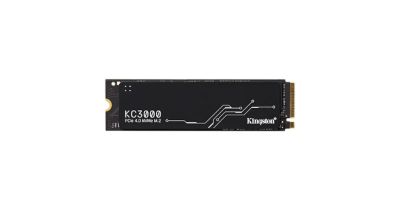
KC3000 · 1TB
مقارنة عبر 7 متاجر
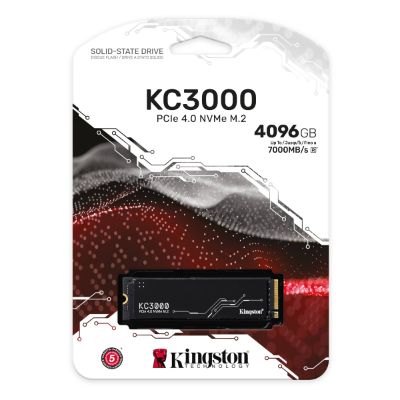
KC3000 · 4TB
مقارنة عبر 4 متاجر
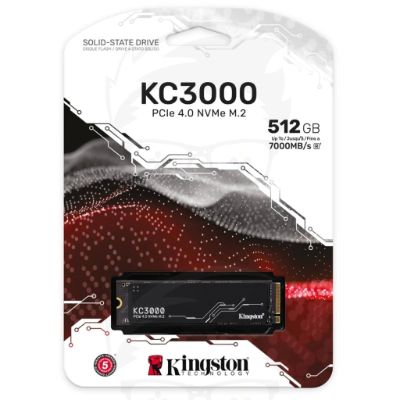
KC3000 · 512GB
مقارنة عبر 6 متاجر
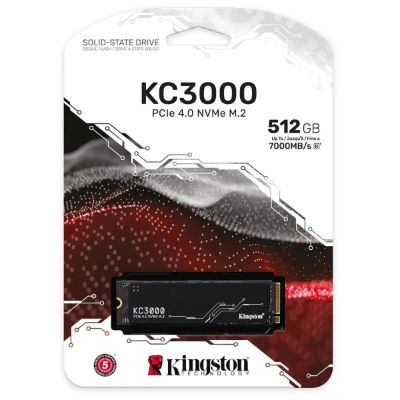
KC3000 · 500GB
مقارنة عبر متجرين