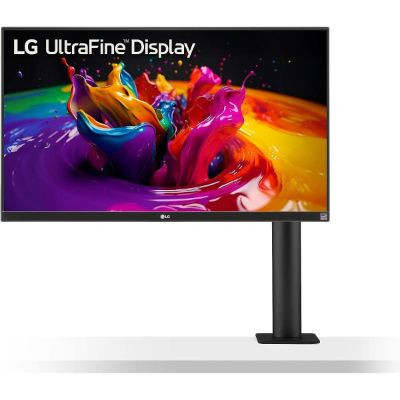
LG · شاشات الكمبيوتر
LG 32UN880-B 32 Inch UltraFine™ Display Ergo 4K HDR10 Monitor32UN880-B · 32 إنش
من 469 د.أمتوفر
مقارنة عبر 3 متاجر
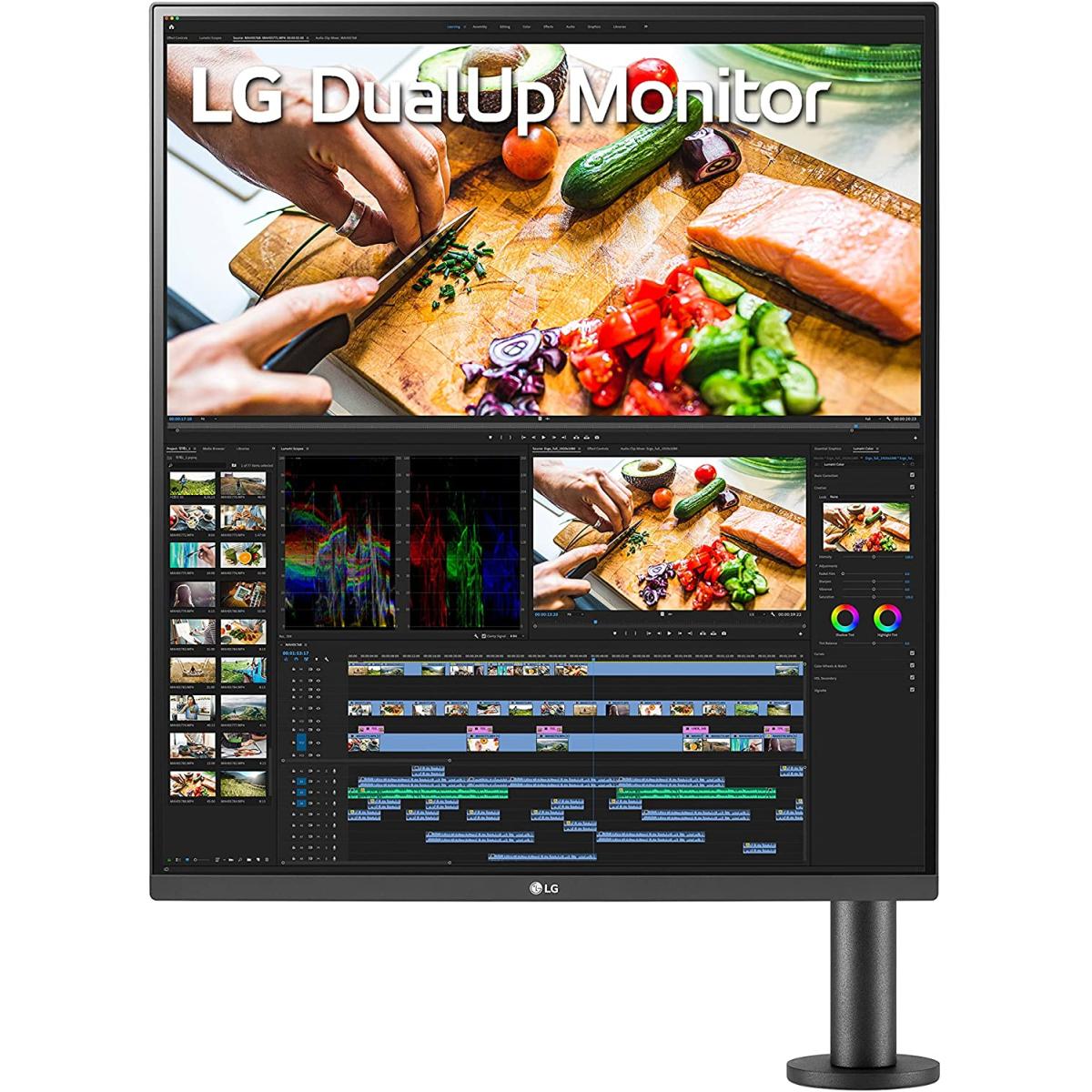
28MQ780-B · 28 إنش
· 27.6-inch SDQHD (2560 x 2880) Nano IPS Display · · DCI-P3 98% (Typ.) with HDR10 · · Ergo Stand with C-Clamp · · USB Type-C (90W Power Delivery) · · Ambient Light Sensor
المنتج نفسه: كل العروض تنشر رقم القطعة 28MQ780-B.
| المتجر | السعر | التوفر | الإجراءات |
|---|---|---|---|
 City Centerالأقل | 629 د.أ | غير متوفر | زيارة المتجر |
 Compu Jordan | 629 د.أ | غير متوفر | زيارة المتجر |
تنشر هذه العروض رقم القطعة نفسه من المُصنّع، لذلك فهي المنتج ذاته. تأكد من السعر النهائي لدى المتجر.
أضيف أقل عرض 2022-08-22 · حُدث 2026-11-24 · لم يُسجَّل أي تغيير للسعر
| Monitors Specifications | |
|---|---|
| Screen Size | 27.6" |
| Refresh Rate | 60 Hz |
| Panel Type | 2K |
| Panel Technology | IPS |
| Contrast Ratio Static | 1.000:1 |
| Resolution | 2560 x 2880 |
| Response Time | 5 ms |
| Built In Speakers | Yes |
| Display Port | Yes |
| HDMI | Yes |
| Brightness | 300 cd/m2 |
| Display Colors | 1.07B |
| USB C | Yes |
| Advanced Feature | |
| Color | Black |
| Speakers | None |
Double the Screen, Twice the Experience
Enhance your efficiency with a new format of 16:18 aspect ratio SDQHD display.
SDQHD (2560 x 2880) Nano IPS, DCI-P3 98% (Typ.) & HDR10
Single ‘C-Clamp’ Mounting Point, Variety of Position Options
USB Type-C, Easy Installation
The 16:18 aspect ratio of the DualUp monitor provides approximately the same screen real estate as two separate 21.5 inch monitors (16:9 aspect ratio) to enable viewing of 2 applications at the same time for added productivity.
The Ergo stand offers the flexibility to extend, retract, swivel, pivot, raise, lower and tilt the location of the screen to achieve the desired and comfortable viewing position.
**Ergo Stand: Extend/Retract 210mm, Swivel ±335-degrees, Pivot 90-degrees (Counterclockwise), Height 130mm, Down Height 35mm, Tilt ±25-degrees
The 27.6-inch SDQHD (2560 x 2880, 16:18 aspect ratio) Nano IPS display supports a wide colour spectrum, 98% of DCI-P3 colour gamut, and offers vibrant colour reproduction with the support of HDR10.
The sensor measures the ambient light in the surrounding environment and adjusts the screen brightness accordingly.
Boost your efficiency and productivity. See more information at a glance and run two applications at the same time.
Stream content and edit video content in two apps displayed on the same screen.
Work more creatively with the large screen design and stand that helps free up desk space.
Work more efficiently when you can see more information in one place.
The USB Type-C port enables charging (up to 90W) and display connectivity at the same time over a single cable to a compatible laptop.
The DualUp monitor lets you control the on screen content from 2 separate computers with the picture-by-picture feature. The built in KVM features helps manage this on screen content with a single keyboard and mouse.
*KVM: Keyboard, Video Monitor, and Mouse.
By connecting two cables, out of HDMI, DisplayPort, and USB Type-C, you can utilize a dual monitor setup. It helps to control two screens easily without using software or shortcut keys.
*It can be connected via the USB Type-C cable, HDMI cable, and USB2.0 upstream cable included with the package.
*DisplayPort cable is NOT included with the package.
The DualUp monitor, with its C-Clamp mounting point design enables installation of the adjustable screen on the rear of desk, removing the screen and stand from the desk surface freeing up valuable space for other items.
استناداً إلى سجلات الأسعار المتاحة، وليس ضماناً لأعلى أو أدنى سعر على الإطلاق.
أقل سعر لدى متجرين.
لم يتغيّر أقل سعر منذ تسجيله أول مرة في 2026-09-25، وهو حالياً 629 د.أ.
| التاريخ | السعر | التغيير | الأقل لدى |
|---|---|---|---|
| 2026-09-25 | 629 د.أ | أول تسجيل | Compu Jordan |
32UN880-B · 32 إنش
مقارنة عبر 3 متاجر
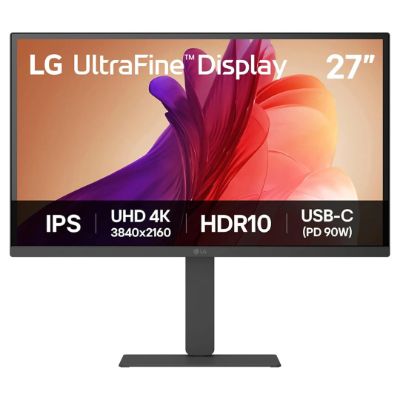
27-inch UltraFine 4K UHD IPS Monitor · 27 إنش
فقط في OfficeJo Computer And Printer Shop
27-inch UltraFine 4K UHD Monitor · 27 إنش
فقط في Ammanzone
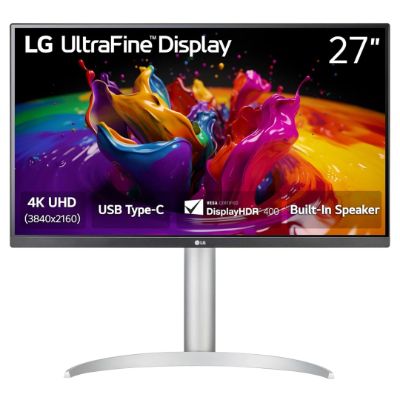
27 إنش
فقط في OfficeJo Computer And Printer Shop