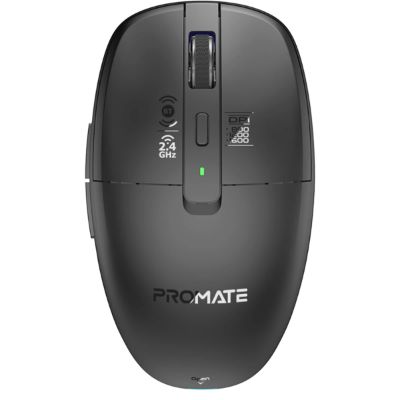
Promate · الماوس
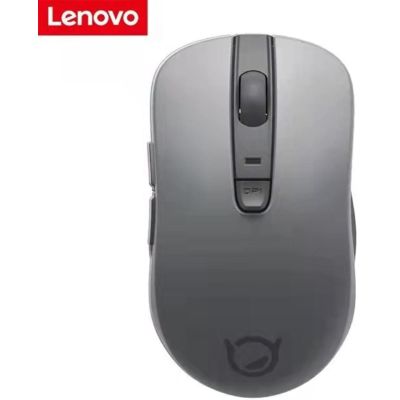
Promate Flixi Dual-Mode Wireless Mouse – Bluetooth & 2.4GHz, RechargeableFlixi
من 15 د.أمتوفر
مقارنة عبر 6 متاجر
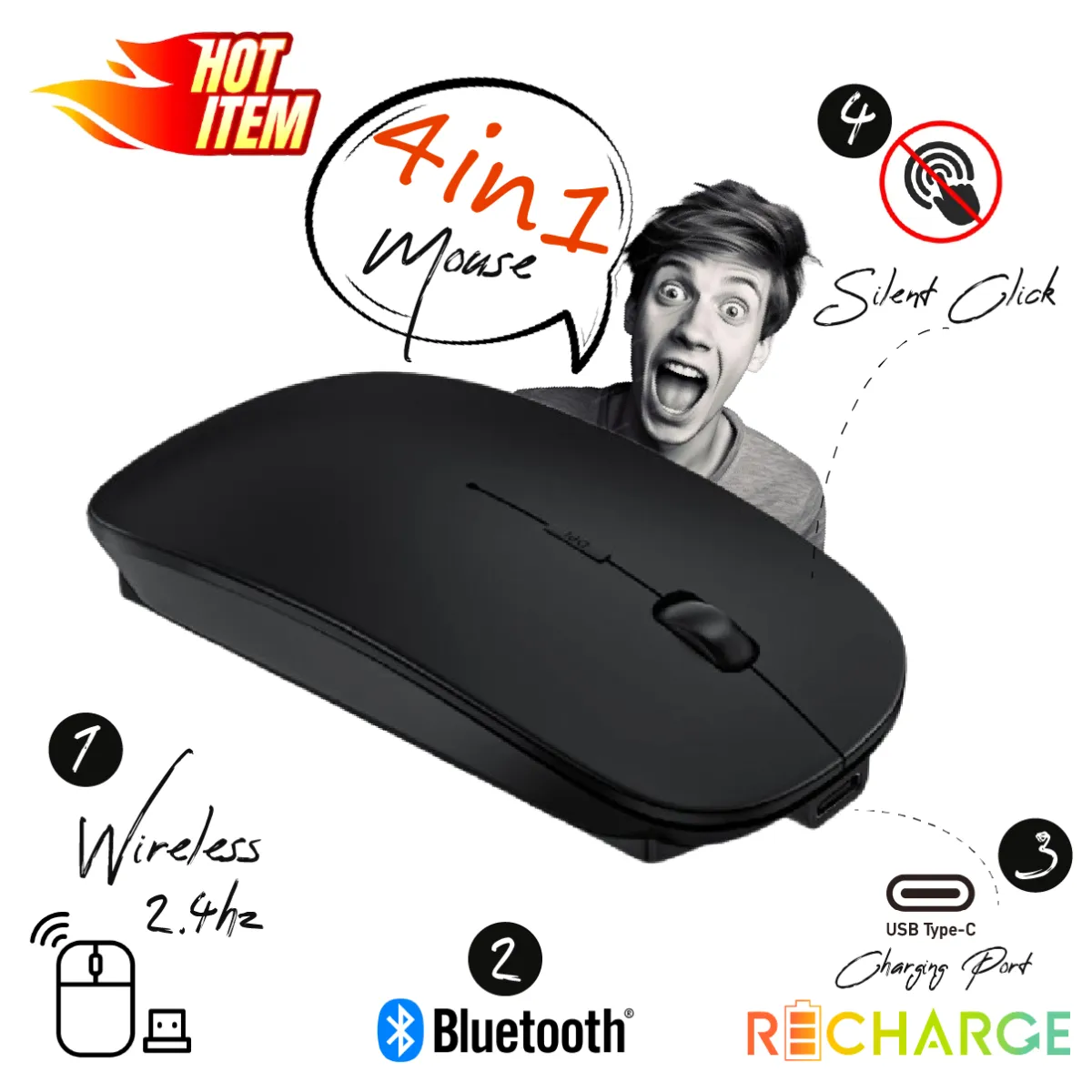
Wireless & Bluetooth 4.0 Mouse
Compatible with most system:iOS SYSTEM CONNECTION METHOD: please upgraded to the latest software ver...
| المتجر | السعر | التوفر | الإجراءات |
|---|---|---|---|
 GTS | 3.99 د.أ | غير متوفر | زيارة المتجر |
متجر واحد فقط في هذا الكتالوج يعرض هذا المنتج. تأكد من السعر النهائي لدى المتجر.
أضيف أقل عرض 2025-08-13 · حُدث 2026-11-25 · لم يُسجَّل أي تغيير للسعر
ابحث عن عروض المتاجر الأخرىiOS SYSTEM CONNECTION METHOD: please upgraded to the latest software version of iOS 13
1. Open Settings
2. Choose Accessibility
3. In Accessible, tap Touch
4. In Touch, toggle AssistiveTouch on
5. In Touch, Devices
6. Choose Bluetooth Devices
7. Set your mouse Bluetooth to discoverable and select the mouse (Bluetooth Mouse 4.0) when it appears
8. Mouse should be connected
|
|
|
|
|---|---|---|
|
|
Switch the mouse to "ON" position when charging ,charging time: 2- 4 hours, blue light shine when charging, blue light automatically extinguished after full charged. |
استناداً إلى سجلات الأسعار المتاحة، وليس ضماناً لأعلى أو أدنى سعر على الإطلاق.
لم يتغيّر سعر هذا المتجر منذ تسجيله أول مرة في 2026-11-21، وهو حالياً 3.99 د.أ.
| التاريخ | السعر | التغيير |
|---|---|---|
| 2026-11-21 | 3.99 د.أ | أول تسجيل |
Flixi
مقارنة عبر 6 متاجر
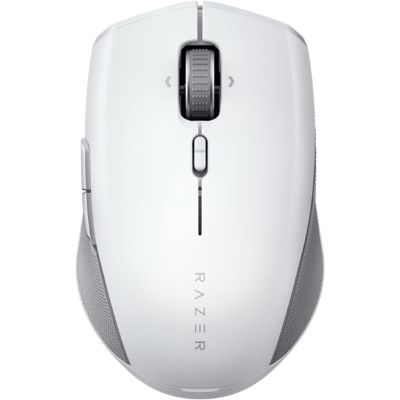
Pro Click Mini · Mini
مقارنة عبر 4 متاجر
XM300
فقط في City Center