Redragon · لوحات المفاتيح
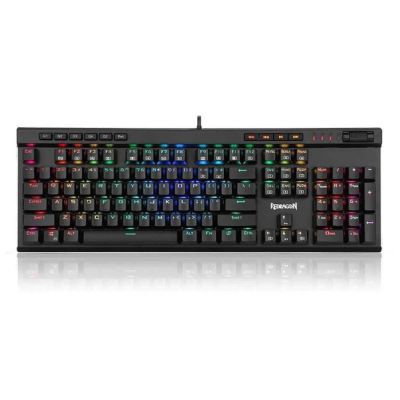
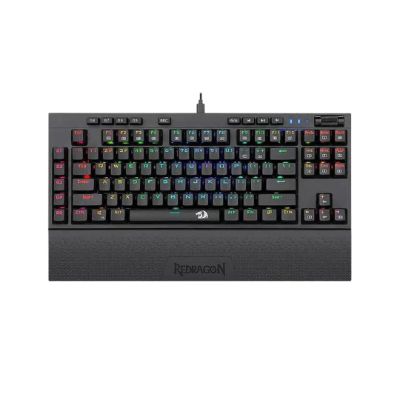
Redragon Vata K580 RGB MECHANICAL Gaming KeyboardK580 · RGB
من 35 د.أمتوفر
مقارنة عبر 6 متاجر
K3 · 13 إنش
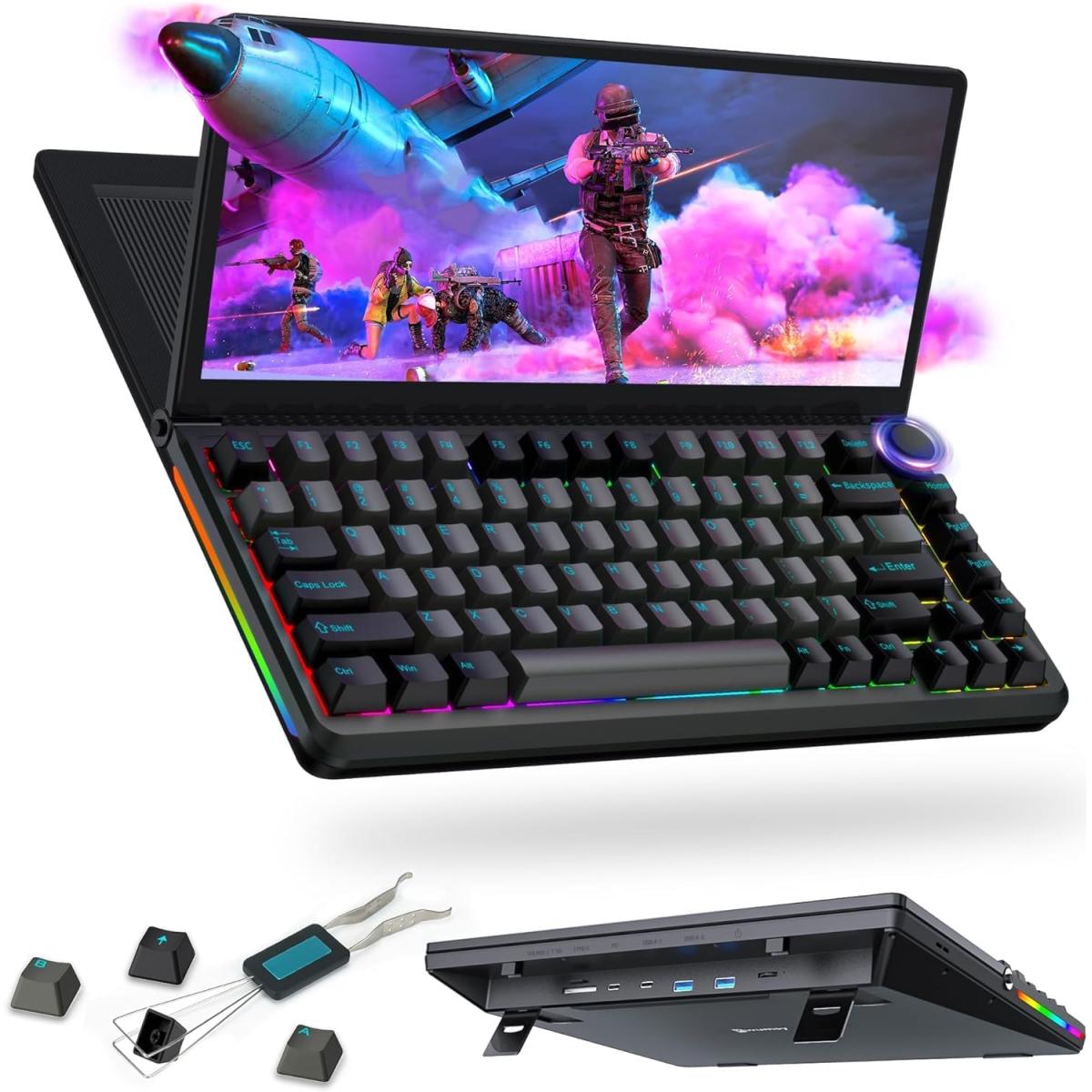
【TOUCHSCREEN GAMING MECHANICAL KEYBOARD】Built with 13-inch touchscreen.Will help you to fulfill an integrated keystroke and touchscreen experience that also supports multiple-screen display work. keyboard input, HUB expansion, and M2 solid-state hard disk interface expansion. Plug and Play (????If has a…
غالباً المنتج نفسه — 1 من 2 عروض تنشر رقم القطعة K3، والباقي مطابق بالعلامة والطراز.
| المتجر | السعر | التوفر | الإجراءات |
|---|---|---|---|
 City Centerالأقل | 249 د.أ | غير متوفر | زيارة المتجر |
 IGEEK Mega Stores | 249 د.أ | غير متوفر | زيارة المتجر |
تتطابق هذه العروض في العلامة والطراز دون رقم قطعة من المُصنّع، لذلك التطابق مرجّح وغير مؤكد. راجع المواصفات قبل الشراء بناءً على السعر وحده.
أضيف أقل عرض 2026-10-24 · حُدث 2026-11-25 · لم يُسجَّل أي تغيير للسعر
| Monitors Specifications | |
|---|---|
| Screen Size | 13.0" |
| Refresh Rate | 60 Hz |
| Panel Type | HD |
| Panel Technology | IPS |
| Contrast Ratio Static | 1000:1 |
| Resolution | 1920 x 720 |
| Input Connectors | 1x TYPE-C
1x TYPE-C PD 2x USB-A 3.0 1x SD 1x TF 1x M2 SSD |
| Brightness | 300 cd/m2 |
| Display Colors | 16.9 Million |
| Touch Screen | Yes |
| Advanced Feature | |
| Color | Black |
| Speakers | Yes |
The multifunctional keyboard is compatible with your laptop, desktop, or cellphone, and it can also be connected to tablets for screen projection and microcomputer operation. Whether you're using a mini PC, Raspberry Pi, performing machine room inspections, or gaming on a PS4 or Switch. With the K3, you can enjoy the best visual experience from any position or angle, making it a top choice for all your mobile computing needs!
Special note:
Note to Mac OS users:
|
|
|
|
|
|---|---|---|---|
Multimedia control buttonThe media button controls the volume, as well as the start and stop of videos and music |
M2 solid state expansion boxBuilt-in M2 solid-state drive expansion box that supports B&M key / B key interface hard drive strips and 2280/2260/2242 specifications of solid-state drives |
Removable and replaceable key capThe K3 is equipped with an 82-key mechanical keyboard, hot-swappable and customizable shaft (built-in yellow shaft) for easy replacement |
Foldable 0-90 degreeDo not press violently, you need to hold down the button, adjust to your own Angle, to meet your multi-directional use needs |
1. TYPE-C interface computer/mobile phone connection method
Only a TYPE-C notebook/mobile phone with signal + power supply + video can achieve one-line communication.
Note: The data line connected to the computer must be connected to the TYPE-C interface of the product to achieve video and data transmission.
2. HDMI interface computer / mobile phone connection method
Note: Desktop/laptop/mini PC with HDMI output port can be directly connected to display
It can be connected via TYPE-C TO HD+2USBA cable, the computer end is connected to the
HDMI interface and USB interface, and the keyboard end is connected to the TYPE-C connector.
3. The way to secure the cable
Note: To prevent poor contact or damage to the TYPE-C interface of the product during the operation of the product, please insert the data line into the slot.
Warm Prompt:
1. Please ensure that the data cable is well connected with the computer and products.
2. The starting power required for this product is 10W. Please ensure that the computer, the type-C interface of the mobile phone or the USB interface can provide 10W power (5V/2000mA).
3. Due to the poor performance in power supply, some mobile phones cannot be connected with the product.
complete the installation.
settings, driver updates, configuration layer settings, etc. If you need to log in to the
personal center and share the scheme, you need to register and log in to the driver.
rate can only reach USB2.0 (12-480 Mbps).
Step 1: Press to open the hard disk cover.
Step 2: Slowly insert the M.2 hard disk into the M.2 card slot.
Step 3: Press the silicone buckle into the hole position, cover the hard disk cover to complete the installation.
Note:
1. Connect the hard disk box to the computer, and the computer can read the disk drive to
complete the installation.
2. When connecting with a 3-in-1 data cable, the USB3.0 and solid state hard drive transfer
rate can only reach USB2.0 (12-480 Mbps).
Keyboard disassembly method:
Step 1: Unscrew the keyboard knob button.
Step 2: Disassemble the keyboard shell according to the figure.
Step 3: Pull out the keyboard line, remove the keyboard, and DIY the keyboard.
Step 4: Contact to get the video of the K3 disassembly step.
Screen scale:16:6
Color Gamut Range:60%
Size:330x295x39.5MM
Weight:2.12 Kg
Resolution:1920*720P
Contrast:1000:1
Panel Type: IPS wide viewing angle
Average Brightness:300CD/m
Shaft Type: Yellow switch
product Material: Aluminum alloy+ABS+PC
Product Interface: TYPE-C*2+USB3.0*2+TF+SD+M2 SSD
TYPE-C Input: 5-20V / 3.5A MAX
TYPE-C Output: 5-20V / 3A MAX
Hard disk interface: B&M key / B key
Hard disk specifications: 2280/2260/2242
استناداً إلى سجلات الأسعار المتاحة، وليس ضماناً لأعلى أو أدنى سعر على الإطلاق.
أقل سعر لدى متجرين.
لم يتغيّر أقل سعر منذ تسجيله أول مرة في 2026-10-24، وهو حالياً 249 د.أ.
| التاريخ | السعر | التغيير | الأقل لدى |
|---|---|---|---|
| 2026-10-24 | 249 د.أ | أول تسجيل | City Center |
K580 · RGB
مقارنة عبر 6 متاجر
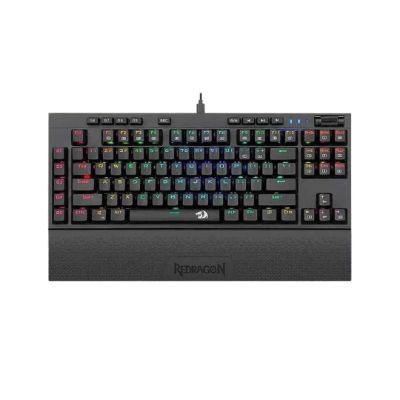
K588 · switches
مقارنة عبر 4 متاجر
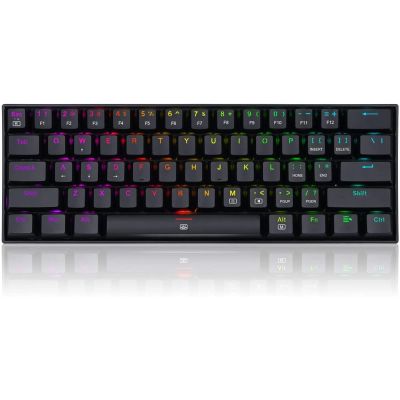
K630RGB
فقط في APEX for Computer
K588 · أزرق switches
فقط في Redragon Jordan