ASUS · Motherboards
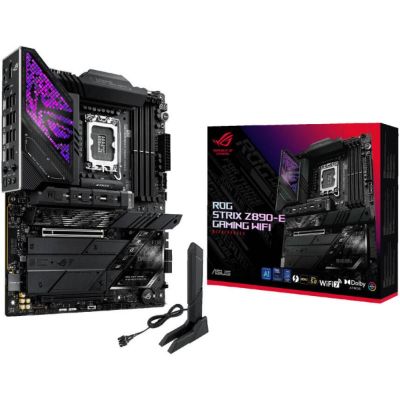
ASUS ROG Strix Z890-E Gaming WiFi ATX Motherboard – DDR5, PCIe 5.0ROG Strix Z890-E Gaming WiFi · ATX
from 449 JODIn stock
Compared across 8 retailers

Z690-E WiFi · DDR5
Intel LGA 1700 socket ready for 12th Gen Intel® Core™ CPUs, with PCIe 5.0, DDR5, and Windows 11 support High-performance networking with onboard WiFi 6E and Intel 2.5Gb Ethernet with ASUS LANGuard Advanced connectivity: HDMI 2.0, DisplayPort 1.4, up to 5× M.2 slots (including 1× PCIe 5.0 M.2), ROG Hyper M.2 card, and…
Likely the same product — matched on brand and model, not on a manufacturer part number.
| Retailer | Price | Availability | Actions |
|---|---|---|---|
 Eagle ComputerLowest | 299 JOD | Out of stock | Visit retailer |
 Compu Jordan | 429 JOD | Out of stock | Visit retailer |
These listings match on brand and model rather than on a manufacturer part number, so the match is likely but not confirmed. Check the specifications before you buy on price alone.
Lowest offer added 2026-11-15 · Updated 2026-11-26 · Last price change 2026-11-26
The lowest price from 30 days before the promotion:
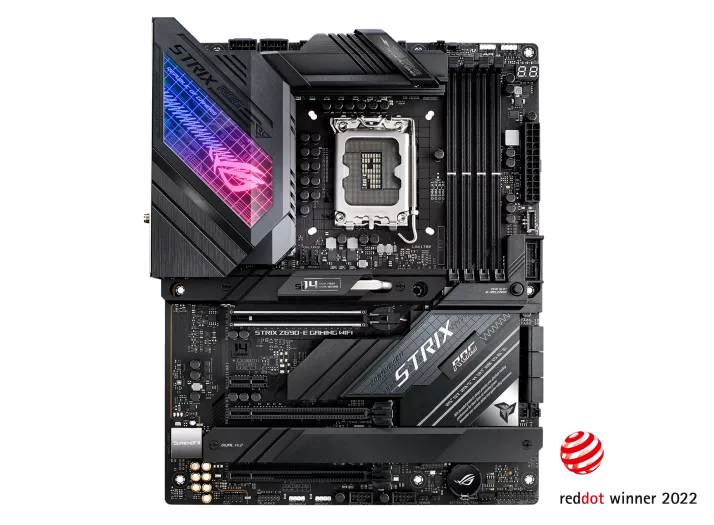
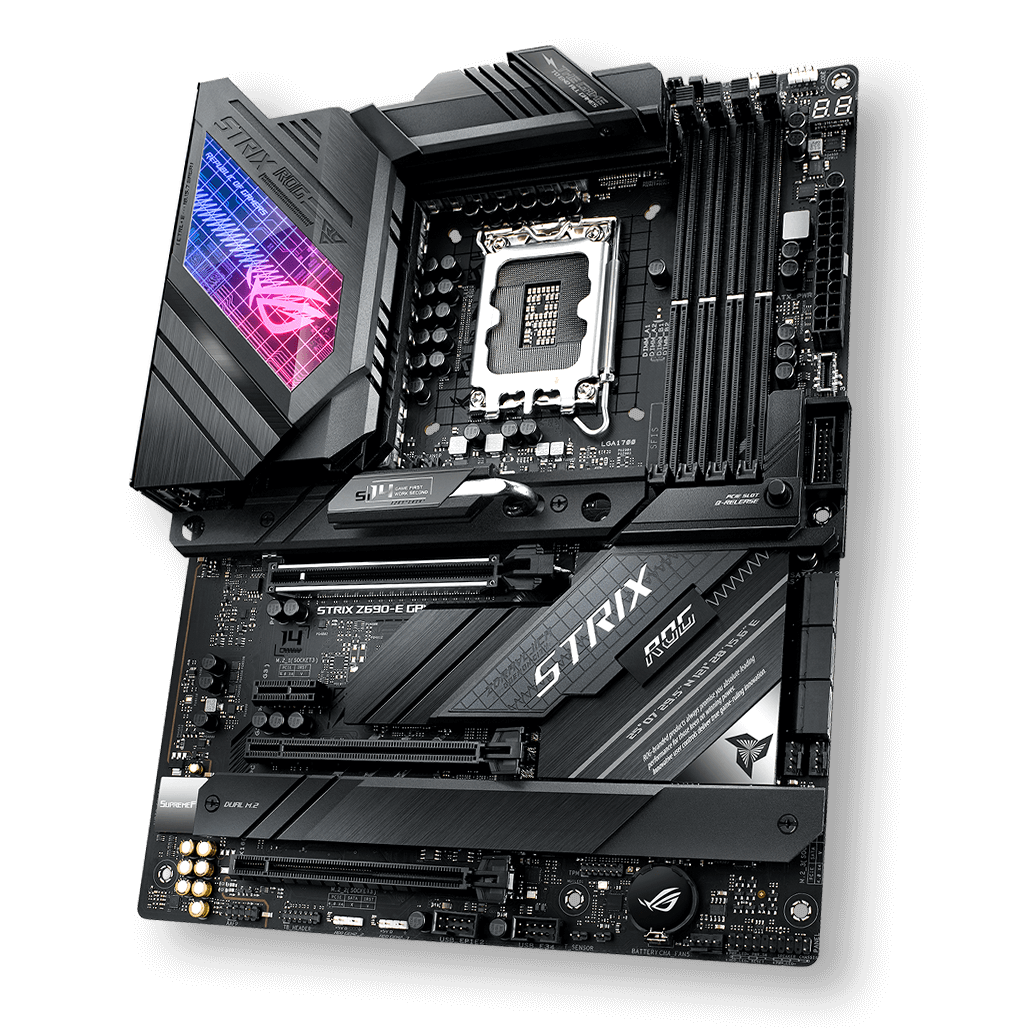
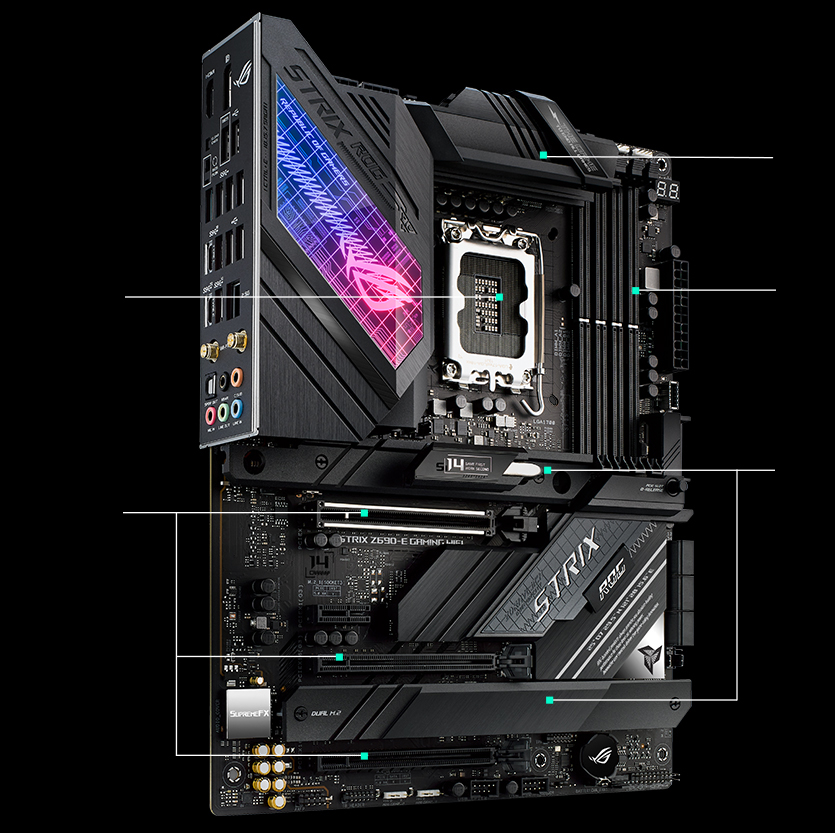
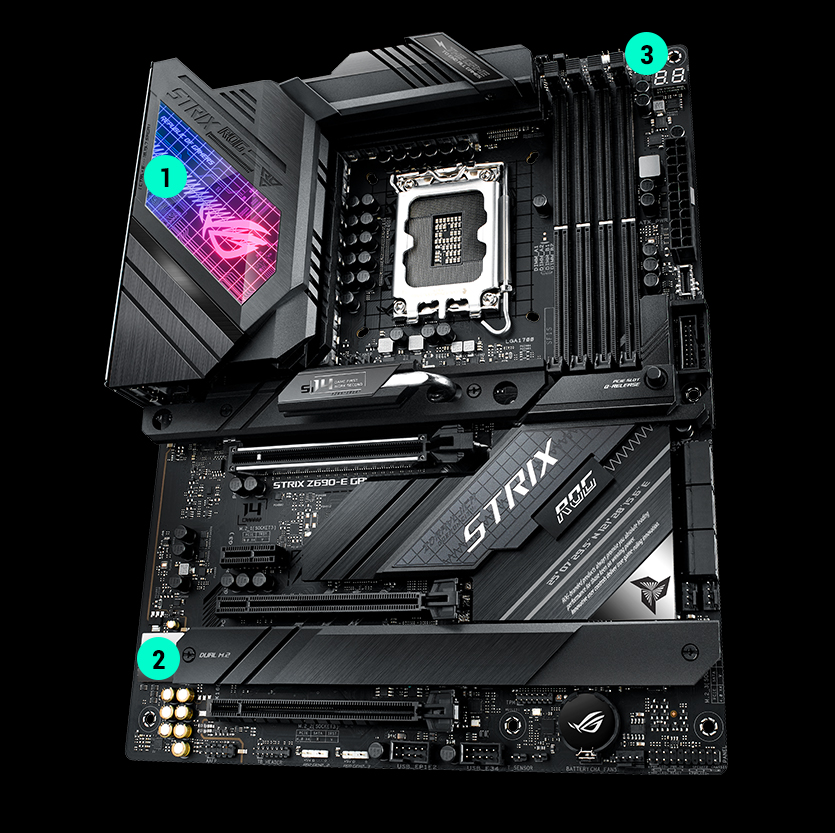
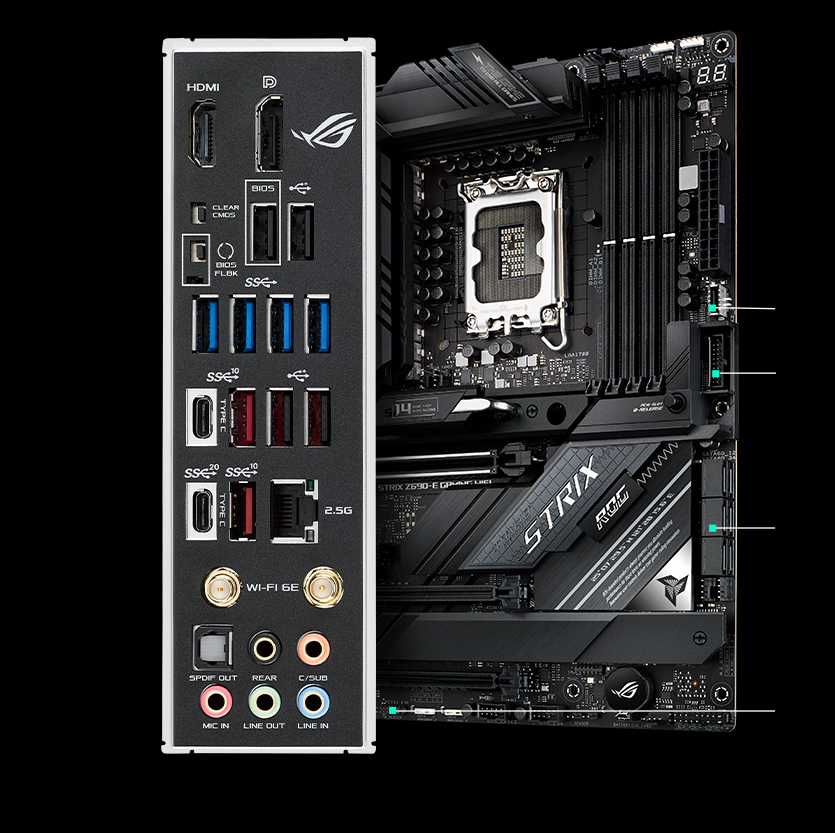
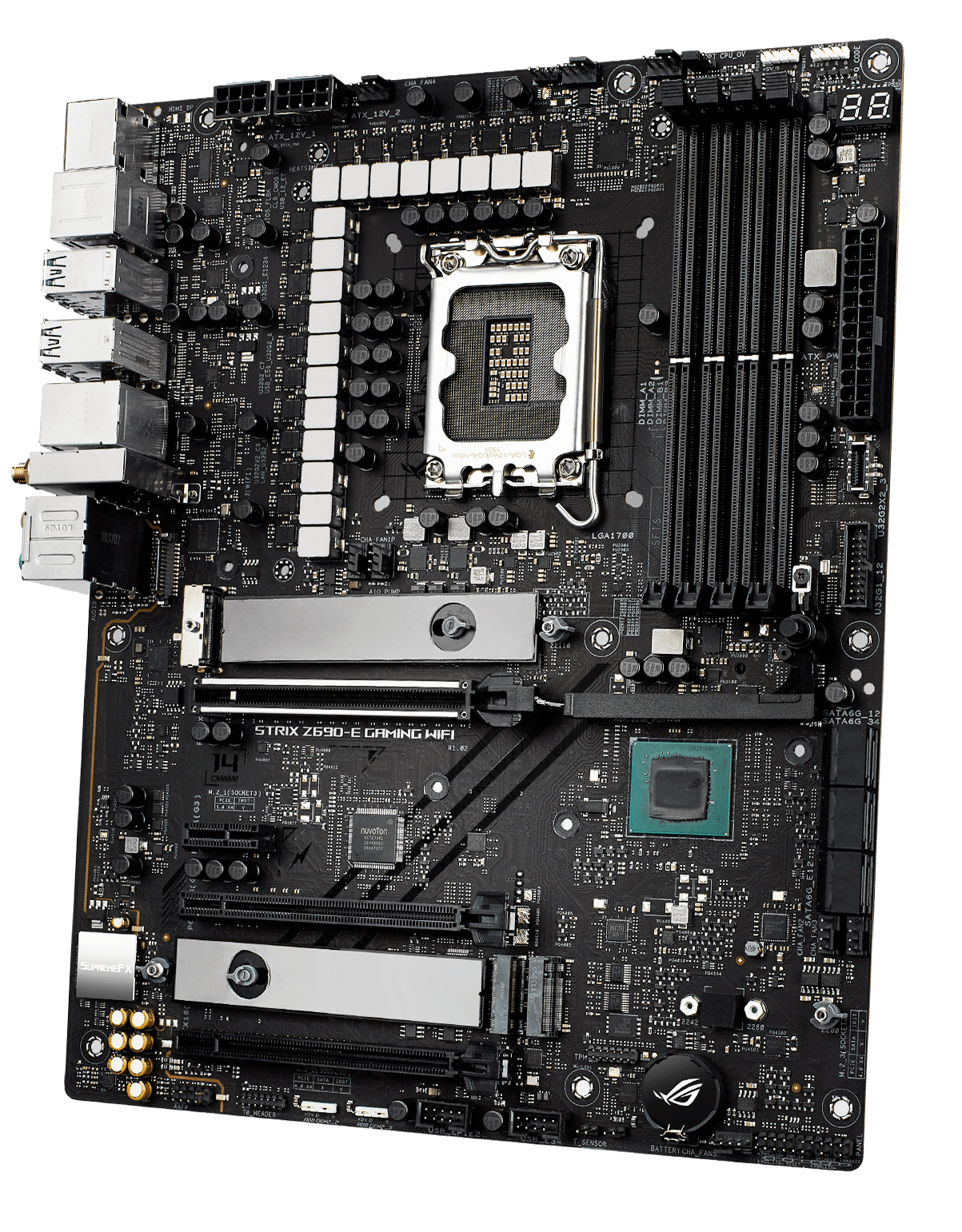
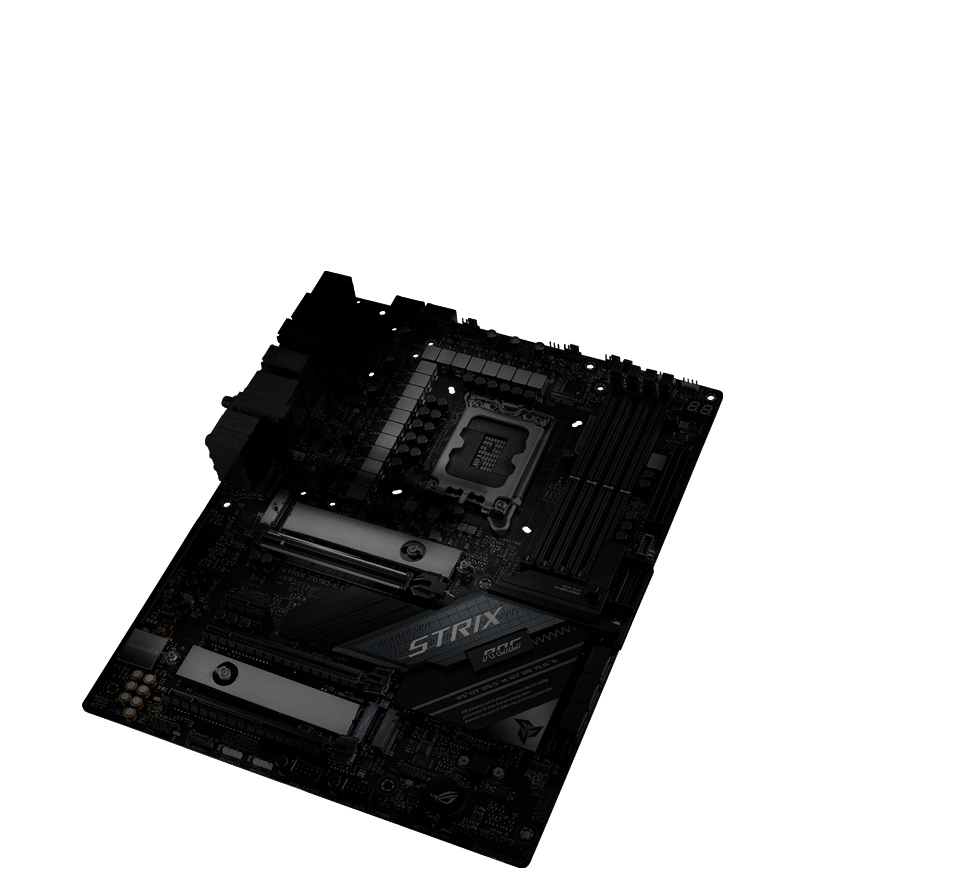
Intel® Z690 LGA 1700 ATX motherboard with PCIe® 5.0, 18+1 power stages, DDR5, Two-Way AI Noise Cancelation, WiFi 6E, Intel® 2.5 Gb Ethernet, five M.2 slots with heatsinks (including two on the bundled ROG Hyper M.2 card), PCIe® 5.0 NVMe® SSD support, M.2 Combo-Sink, M.2 backplate, PCIe® Slot Q-Release, USB 3.2 Gen 2x2 Type-C®, SATA and Aura Sync RGB lighting
ROG STRIX Z690-E GAMING WIFI won the 2022 Red Dot Product Design Award, a world-renowned design award.
ASUS ROG STRIX Z690-E GAMING WIFI in Test
A high-end motherboard, equiped with huge VRM and engineered for gaming...
... this motherboard offers a great design with an excellent build quality, just like ASUS knows how to do it on their ROG Strix Gaming lineup. With excellent performance and great support, this motherboard is perfect for the gamers who wants the best.
Beyond the cost difference between these two ASUS ROG motherboards, the B660 chipset seem already very capable for building a PC configuration dedicated for gaming. However, if you would like to overclock your processor or if you need more PCI-Express 16x extension ports, then the Strix Z690-E Gaming WiFi is an excellent choice.
In terms of design, it changes slightly here and we find here something very elaborate. More specifically, the radiators on the chipset where there are many details. The global design is very satisfying to look.
It's an excellent board that you really can't go wrong with and will undoubtedly make you happy...
ASUS has an M.2 slot on the ROG Strix Z690-E, among others, that is prepared for PCIe 5.0 SSDs, which we do not encounter with other manufacturers.
It takes the most important features of Alder Lake and brings them together nicely on a solid motherboard.
a good dose of OC on processors like the Intel Core i9-12900K.
Review ASUS TUF Gaming M4 Wireless – Ringan dan Ga Perlu Ribet Sama Kabel
Worth It Enggak Sih? ASUS ROG STRIX Z690-E GAMING WIFI Review
Review Motherboard ROG Strix Z690-E Gaming WiFi
Also compatible with Intel gen12 processors. The full feature Q-latch Q-release wifi6E ROG Hyper M.2 card is included, and it can easily be overclocked to 5.0GHz.
The Z690 is intended for enthusiasts and overclockers, and brings powerful performance and very rich equipment. It is possible to install even five M.2 of SSD and turn it into a capable workstation.
As for the motherboard, since I have an insight into the next test of the Hero model, my grade for this one will be the Gold Medal. The board handles very well with what it has, especially compared to the more expensive HERO model, although I honestly would not advise you to combine it with 12900K.
In relation to the more expensive models, but also the competition, the price really has to justify me, if someone knows how to use its potentials.
Video review from the channel TheTanelChannel
ASUS has something else unique; on some of their more luxurious motherboards, starting with the Z690-E ROG Strix, they've put an M.2 slot on the motherboard which is PCI-Express 5.0 ready.
…are you a die-hard overclocker? Then I think you will be very happy with this.
So I do expect this board to be popular with any one that is looking for a bit more, a bit premium, but complete featureset.
Saya pasang pc gaming paling power dari Asus ROG untuk main game 4K guna Intel 12th Gen.
Stop chasing me with PC questions, I shy already😝 My new ADATA x ASUS PC enough to calm you down or not? 😏
MOBO KECE, BIKIN PEDE I ASUS ROG STRIX Z690-E GAMING WiFi
Standar Middle-Budget Terbaru? - Intel Core i5 12600K
Mobo DDR5 Tanpa RIBET! - ROG STRIX Z690 E Gaming WIFI
Build PC Future Ready! Siap DDR5 + Intel Alder Lake! Review Motherboard ROG Strix Z690-E Gaming WiFi
VALORANT CUSTOM | Hundred Million Warriors with ASUS Z690
Z690 IS HERE! See what has changed on the NEW cards for INTEL 12 GENERATION (ASUS ROG Z690-E Gaming Wifi)
The board handles very well with what it has, especially compared to the more expensive HERO model, although I honestly would not advise you to combine it with 12900K.
"🔥🔥🔥 Motherboard Intel 12th Gen 'Alder Lake' ROG Strix Z690-E🔥🔥🔥 Kru KotGa baru aja nge-review motherboard tier dewa nih yaitu ROG Strix Z690-E Gaming WiFi, mobo ini sudah support Intel 12th Gen alias Alder Lake, RAM DDR5, PCIE 5.0, WiFi 6.E yang bisa sampai di frekuensi 6 GHz, bahkan motherboard canggih ini support hingga 5 slot M.2. Semakin penasaran kan bagaimana performa dari motherboard ini ketika digeber dengan processor Alder Lake dan RAM DDR5 dari Kingston? Tonton aja full reviewnya di Channel YouTubeKotak Game di: https://www.youtube.com/watch?v=jym4p67t9ZQ"
ROG Strix Z690-E Gaming WiFi with 14th or 13th or 12th Gen Intel® Core™ processors at center stage, with beefed-up power delivery, cooling, cutting-edge connectivity options, and a range of accoutrements that effortlessly propel builds to maximum performance. This series flagship is your ticket to next-level gaming.
ROG Strix Z690-E Gaming WiFi is armed with all the essentials you need to create a gaming PC with top-tier performance. Heavy-duty power delivery and optimized cooling provide the weapons you need to push any gaming build to its limits. Intelligent controls enable easy management of overclocking, cooling and networking settings. And Two-Way AI Noise Cancelation helps ensure crystal-clear in-game communication.
Digital power control and an array of power stages provide the muscle needed to control the latest Intel CPUs.
18+1 power stages combine high-side and low-side MOSFETS and drivers into a single package, delivering power and efficiency that the latest Intel processors can take full advantage of.
High-end chokes and durable capacitors are engineered to resist extreme temperatures, enabling performance that exceeds industry standards.
ASUS ProCool II connectors are built to tight specifications to ensure full contact with power supply cable wiring. A metal sheath improves heat dissipation, and low electrical impedance helps prevent hotspots and bolsters reliability.
The Digi+ voltage-regulator module (VRM) is one of the finest in the industry, ensuring ultrasmooth and clean power delivery to the CPU.
Multi-layered printed circuit board design quickly dissipates heat around the voltage regulators to improve overall system stability and provide the CPU with more overclocking headroom.
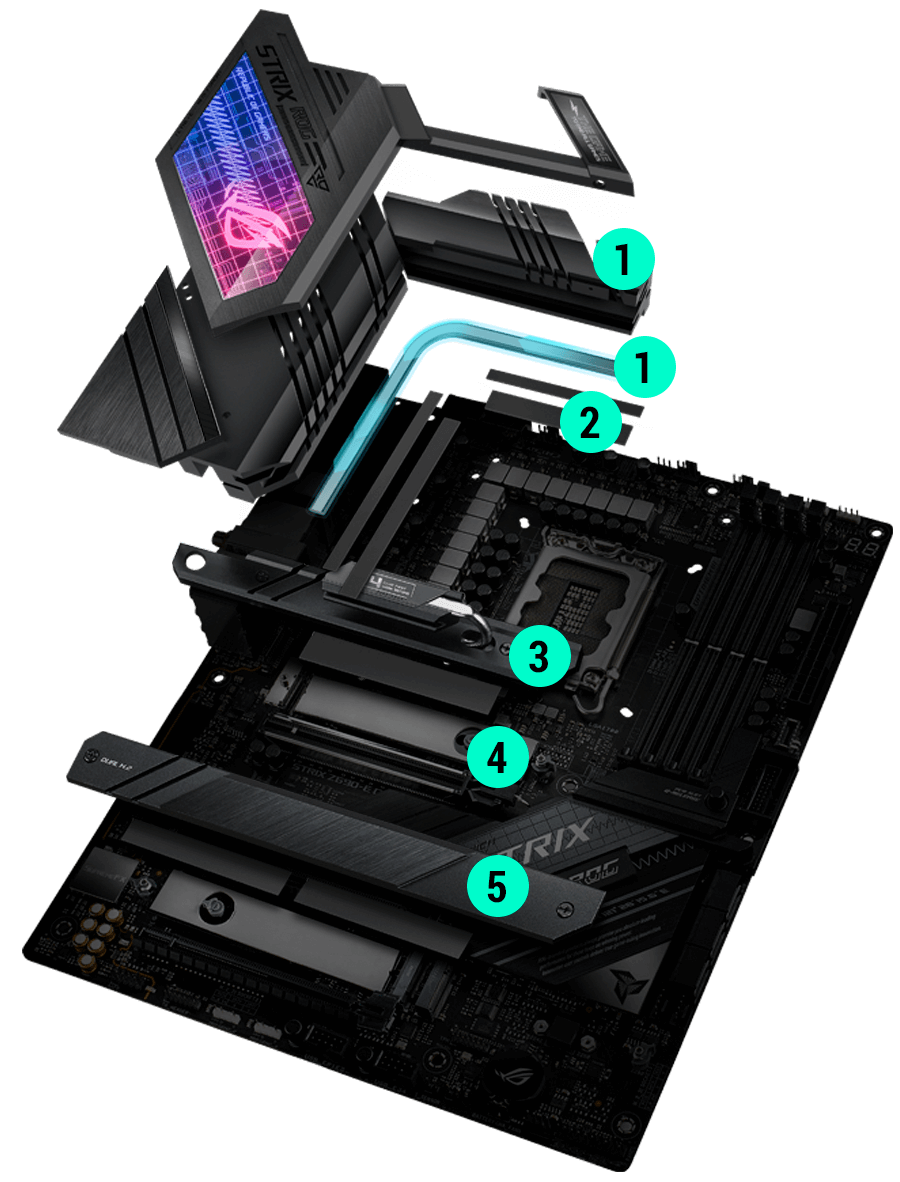
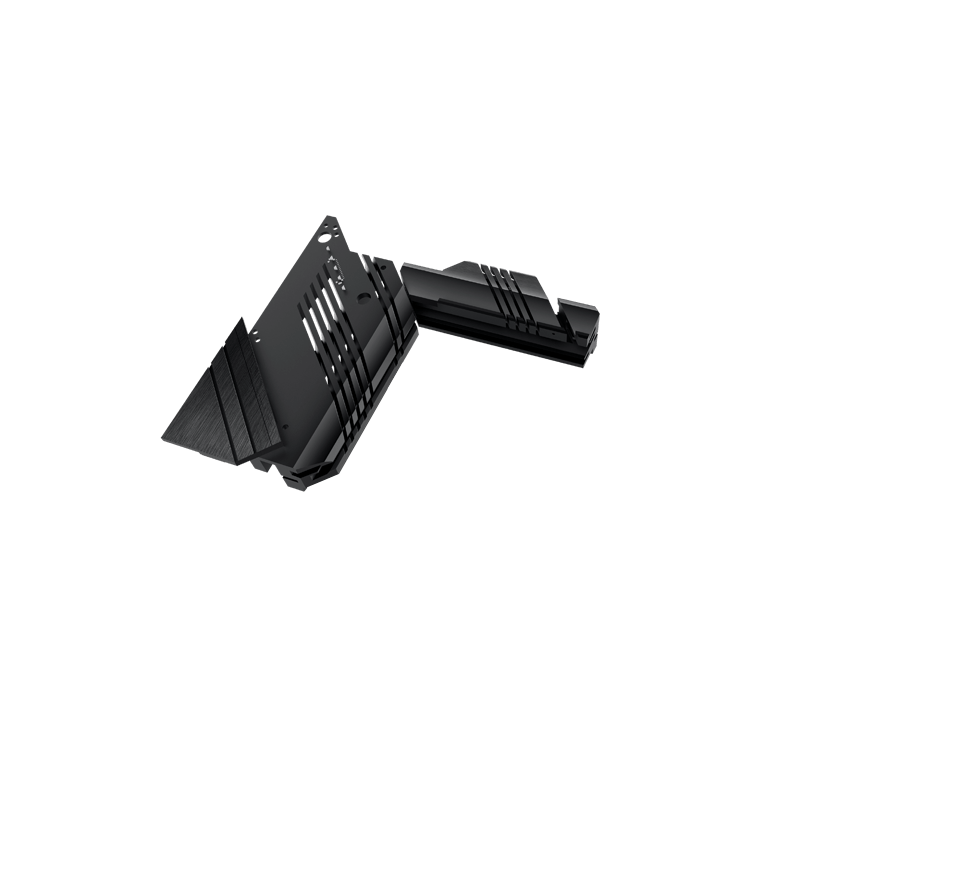
Two thick VRM heatsinks connected by a heat pipe and bonded to a pre-mounted metal I/O shield provide ample surface area and mass to handle the power needs of high-performance 12th Gen Intel processors.
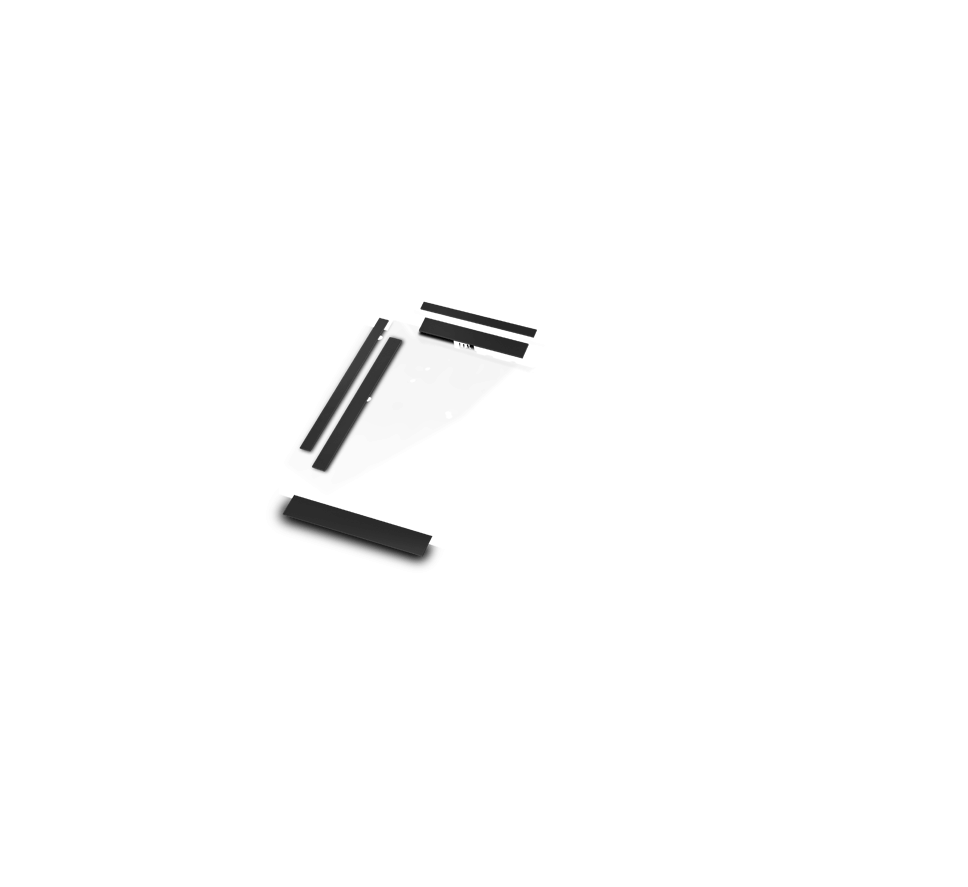
High-grade thermal pads efficiently transfer heat from the inductor and phase array to the heatsink.
An M.2 heatsink with a direct-contact heat pipe delivers ample surface area, enabling optimal running temperatures for PCIe 5.0 M.2 NVMe drives, even when airflow is restricted.
The integrated M.2 backplate help ensure that high-performance drives deliver peak performance, even when airflow is restricted.
The M.2 heatsinks keep the M.2 SSDs at optimum operating temperature for consistent performance and reliability.
ROG Strix Z690 motherboards feature comprehensive cooling options that are configurable via the Fan Xpert 4 tool in Armoury Crate or within the UEFI BIOS.
A dedicated pair of PWM/DC fan headers for CPU coolers
A dedicated PWM/DC header for self-contained water-cooling setups
Helps keep M.2 NVMe SSDs at optimum operating temperatures for consistent performance and reliability
Provides additional heat dissipation to deal with the thermal load of high-performance M.2 NVMe SSDs
Headers that supports auto-detection of PWM or DC fans
This powerful ASUS-exclusive utility leverages a massive deep-learning database to reduce background noise from the microphone* and incoming audio while preserving voices. Distracting keyboard clatter, mouse clicks and other ambient noises are removed so you can hear and be heard with perfect clarity while gaming or during calls.
ROG AI Overclocking is an intelligent utility that helps you get the most out of your build by automatically profiling your CPU and cooling system to predict optimal voltage and frequency settings. Accessible via the AI Suite software in Windows or directly through the UEFI, the intuitive AI Overclocking user interface enables users of all levels. A range of customizable settings are available for seasoned overclockers, and an auto-tuning option is available for beginners.
At the heart of AI Overclocking is a proprietary algorithm developed by ROG R&D engineers who worked with world-renowned overclockers to create a tool for users of all levels.
An algorithm analyzes your CPU and cooling system, then it leverages that data to intelligently predict optimal settings. Custom-tailored frequencies and voltages are automatically applied to perfect the clock-speed optimization process.
Workload, system temperature, fan speed and power draw are automatically monitored by the software, and the information is used to make real-time adjustments to ensure ongoing optimal performance.
The AI Overclocking Guide provides detailed information and instructions about how to tune your system manually. It can be accessed by hitting the F11 hotkey.
For the high-core-count processors in the Z690 series, AI Overclocking software lists data according to core group. This gives you adaptive control based on the status of core groups, and it provides target frequencies and voltages needed for manual tuning.
Onboard intelligence lets you automate overclocking with full, flexible control via 5-Way Optimization within AI Suite (in Windows).
ASUS AI Cooling technology automatically manages and controls motherboard-connected fans to ensure optimal settings based on current system load and temperature.
AI Cooling detects CPU temperatures and uses a proprietary algorithm to calculate the lowest fan speed required to effectively cool the system and keep fan noise down.
Under stable system loads, the software then automatically lowers fan* speed to the optimal setting, decreasing fan noise without compromising performance.
AI Cooling continues to monitor the system and adjust fan speed based on current load.
AI Cooling can easily be activated via the Fan Xpert 4 dashboard in ASUS AI Suite 3. Once activated, it will override all manual controls.
For those who prefer manual control, AI Cooling provides reference points on a graph that details fan speed in relation to temperature, providing a guide for fan settings.
The proprietary ROG GameFirst VI utility is designed to help all users — beginners, experts, and everyone in between — optimize network settings to ensure smooth online gameplay. New to this generation, GameFirst VI features AI-enhanced identification and boost technologies to ensure faster and smarter network optimization.
GameFirst VI analyzes usage patterns and the digital signatures of your applications and compares them to a database of over 200,000 apps.
GameFirst VI intelligently switches application priority and adjusts bandwidth, depending on the situation. When gaming, it accelerates and prioritizes game packets to give you supersmooth online gameplay ― even when you're streaming high-quality video or transferring large files.
An intuitive graph provides an overview of real-time network status. Simply click on the tab to view the current bandwidth usage of each application, geolocation status of each network connection, or an analysis of the WiFi channels.
GameFirst VI notes what you're currently doing and adjusts bandwidth accordingly to ensure smooth online experiences, even when multitasking.
Gaming First mode leverages a massive application database and an analysis of your frequently used apps to prioritize gaming network traffic. This reduces jitter and decreases ping to give you lag-free online gaming.
WIFI Quick Assist analyzes network information and generates a graph to give you a clear picture of current network status. In addition, when paired with an ROG router, you can scan your WiFi network to find the best channel and use Game Boost to prioritize gaming devices and packets.
ROG Strix Z690-E Gaming WiFi delivers wickedly fast connectivity, supersmooth online experiences and ultrafast data transfers, including onboard PCIe 5.0 M.2 support and a ROG Hyper M.2 Card for potentially huge storage capacity. Add alongside those perks, we’ve managed to cram in an advanced audio solution that allows you to pick out the smallest cues and home in on your opponents.
With one PCIe 5.0 M.2 slot delivering twice the speed of PCIe 4.0, two additional slots with PCIe 4.0, and two more 4.0 slots available on the bundled ROG Hyper M.2 Card, ROG Strix Z690-E Gaming WiFi leverages mighty CPU and chipset bandwidth to deliver the latest data transfers, Intel NVM Express® RAID, and high-capacity drive options that blaze past traditional SATA-based SSDs.
Comprehensive memory tuning options are the cornerstone of ROG motherboards. For DDR5, the ROG Strix Z690-E Gaming WiFi breaks performance limits with a stacked suite of overclocking parameters for both high-speed kits and entry-level memory modules that have a locked power management integrated circuit (PMIC):
ASUS Enhanced Memory Profile (AEMP) is an exclusive firmware feature for PMIC-restricted memory modules. AEMP automatically detects the memory chips on a kit and then presents optimized frequency, timing and voltage profiles that can be effortlessly applied to unleash performance.
The ROG Hyper M.2 Card provides two additional PCIe 4.0 M.2 slots for storage-hungry users, and its huge aluminum heatsink and backplate provide excellent cooling to optimize M.2 drive performance.
The antenna has two built-in transmitters and receivers to enable faster transmission speeds, and it supports the 2.4, 5 and 6 GHz bands.
Four-way positioning enables better signal reception.
A powerful magnetic base secures the antenna on the top or side of the PC case.
A specially crafted metal cover protects against ambient electromagnetic interference, preserving the integrity of audio signals to ensure the best sound quality.
Specially designed circuit separation filters out electromagnetic interference from the motherboard and anything directly attached to it.
The integrated Savitech amplifier greatly improves THD+N performance from 72 to 83 dB, cleaning up distortion and noise for a clean, pristine sound.
High-quality components produce a warmer, more natural sound with exceptional clarity and fidelity.
Pair ROG Strix Z690-E Gaming WiFi with other products from the diverse ROG ecosystem to create a fully customized gaming setup that reflects your personal style.
A specially illuminated acrylic display on the I/O cover gives the illusion that the circuit board is visible beneath an RGB ROG logo. Meanwhile, a pattern of grids and slashes, touches of mirror finish, and a leather ROG logo deliver a variety of carefully crafted surface textures. Last but not least, a distinctive lighting pattern built into the M.2 Combo-Sink finishes off a colorful tour of the ROG worldview.
ROG Strix motherboards deliver sterling performance and superior aesthetics to outshine the competition. They also feature built-in ASUS Aura technology that enables full RGB lighting control and a variety of presets for embedded RGB LEDs and third-party lighting strips that can connect to onboard RGB headers. In addition, all lighting can be easily synced with an ever-growing portfolio of Aura-capable ASUS hardware.
ROG Strix Z690-E Gaming's Addressable Gen 2 RGB headers are now capable of detecting the number of LEDs on second-gen addressable RGB devices, allowing the software to automatically tailor lighting effects to specific devices. The new headers also offer backward-compatibility with existing Aura RGB gear.
A physical button unlocks the first PCIe slot’s security latch with one tap, greatly simplifying the process of detaching a PCIe card from the motherboard when it’s time to upgrade to a new GPU or other compatible device.
The innovative Q-Latch makes it easy to install or remove an M.2 SSD without the need for specific tools. The design employs a simple locking mechanism to secure the drive and neatly eliminate traditional screws.
A quick press of the Clr CMOS button helps reset BIOS settings. It can also be used to reboot the PC if incorrect BIOS settings have been selected.
BIOS FlashBack™ is the simplest and safest way to update BIOS. Simply drop the (UEFI) BIOS file onto a FAT32-formatted USB stick, and plug it into the USB BIOS FlashBack port and press the button. Updates can even be performed without having memory or a CPU installed.
Diagnostic codes provide a reference for fast and easy lookup of common installation and component issues.
ROG Strix motherboards undergo an extensive certification program to ensure compatibility with the widest range of components and devices. Our Qualified Vendor List (QVL) provides a reference for identifying guaranteed-compatible components and memory.
ASUS AIO coolers are also compatible with a wide variety of CPUs, up to and including 12th Gen Intel processors, giving you ultimate flexibility to cool the CPU that fits your needs.
Level up your game with ROG Strix. Enjoy complementary aesthetics, control and compatibility across AIO coolers, cases, peripherals, and much more. ROG offers more choices than any other brand.
ROG-exclusive software utilities deliver intuitive audio tuning and gaming enhancements so you can configure your gaming build the way you want. To further aid system setup and performance tuning, the highly acclaimed AIDA64 and MemTest86 utilities have also been added to the mix.
The renowned ROG UEFI (BIOS) provides everything you need to configure, tweak, and tune your rig. It offers intelligently simplified options for newcomers to PC DIY, as well as more comprehensive features for seasoned veterans.











Based on the price records this catalogue holds — not a guarantee of an all-time high or low.
Lowest price across 2 retailers.
| Recorded | Price | Change | Lowest at |
|---|---|---|---|
| 2026-11-26 | 299 JOD | -130 JOD | Eagle Computer |
| 2026-09-25 | 429 JOD | First recorded | Compu Jordan |
ROG Strix Z890-E Gaming WiFi · ATX
Compared across 8 retailers
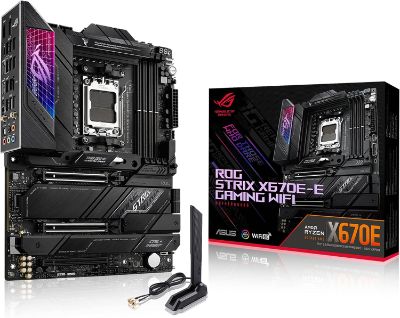
X670E-E Gaming WiFi
Compared across 2 retailers
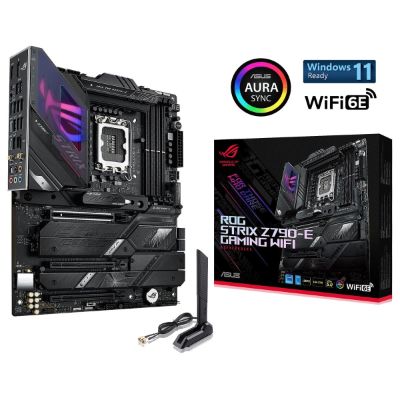
Z790-E Gaming WiFi · DDR5
Only at City Center
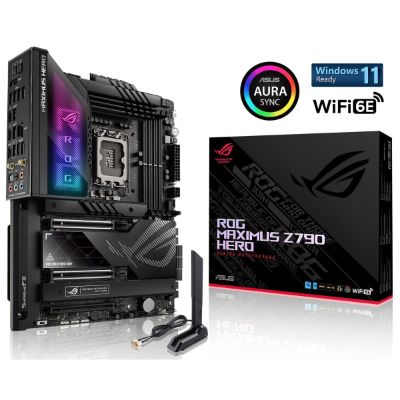
ROG Maximus Z790 Hero · WiFi 6E
Compared across 2 retailers