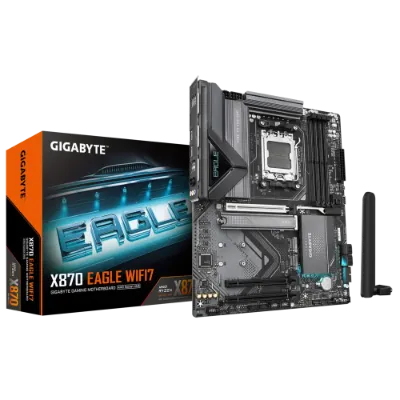
GIGABYTE · Motherboards
Gigabyte X870 EAGLE Wi-Fi 7 AMD AM5 DDR5 MotherboardWi-Fi 7
249 JODIn stock
Compared across 5 retailers
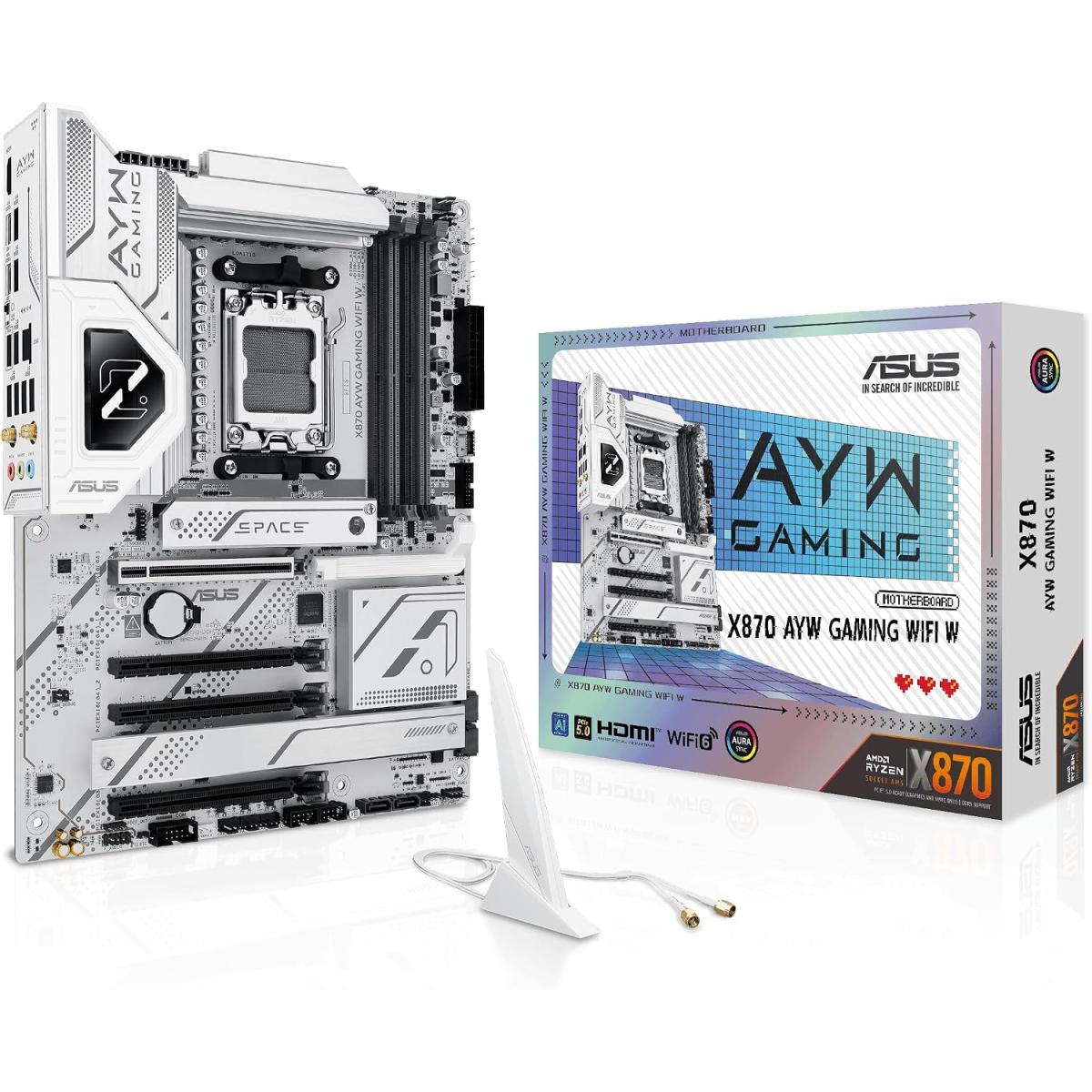
X870 AYW GAMING WIFI W
AM5 · X870 · ATX
Likely the same product — matched on brand and model, not on a manufacturer part number.
| Retailer | Price | Availability | Actions |
|---|---|---|---|
 Oriental StoreLowest | 229 JOD | In stock | Visit retailer |
 CompuMe | 247.76 JOD | In stock | Visit retailer |
 PCYARD | 249 JOD | In stock | Visit retailer |
These listings match on brand and model rather than on a manufacturer part number, so the match is likely but not confirmed. Check the specifications before you buy on price alone.
Lowest offer added 2026-09-23 · Updated 2026-11-26 · Last price change 2026-11-26
Supercharge your large language model (LLM) workflows with AI Cache Boost. Exclusive to ASUS AMD 800 and 600 series motherboards that use Ryzen™ 9000 Series CPUs, this BIOS setting optimizes CPU cache and memory pathways to deliver up to 29% faster local LLM performance with high-speed memory tuning.
ASUS AI Advisor allows users to explore the functionality and advanced features of ASUS motherboards in a simple and straightforward way.1
Optimized thermals and reduced noise via dynamic adjustment of fan speeds, based on CPU temperatures.
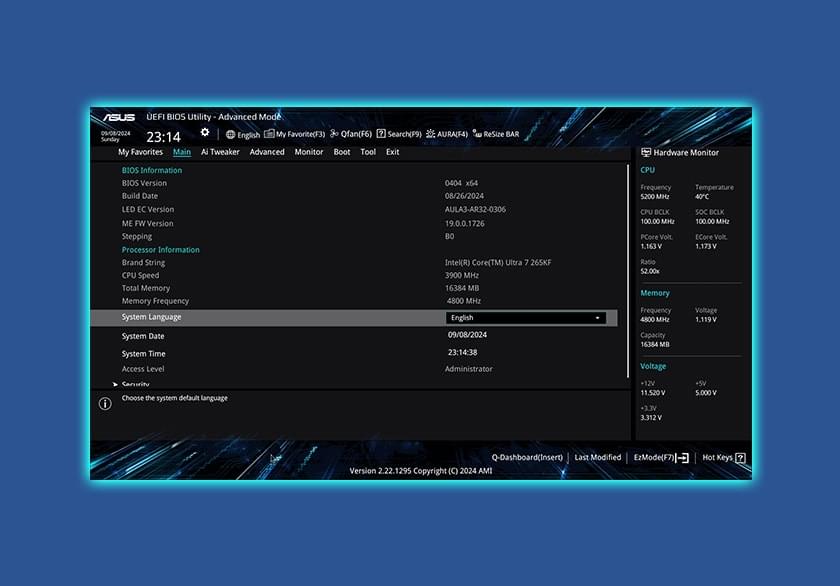
The UEFI interface delivers easy-to-use configuration options for PC beginners, and advanced features for veterans.
Intuitive overclocking within Windows. No BIOS interface, no reboots. Simple and swift performance tuning at your fingertips.
Enable seamless screen sharing and control across PCs, tablets, and smartphones via wired or wireless connections, supporting multiple platforms.
Simplify driver management with automatic detection, one-click installation and update for smooth, efficient system performance.
Customize Aura Sync RGB and control ASUS devices. Includes product registration and updates.
Complete RGB lighting control for enthusiast systems, ensuring seamless synchronization with compatible hardware.
Three Addressable Gen2 headers detect LED counts on compatible RGB devices, automatically adjusting lighting effects accordingly.
Our pre-installed I/O shield safeguards ports, simplifies the build process, increases functionality and enhances aesthetics for PC DIY enthusiasts.
BIOS FlashBack™ simplifies BIOS updates. Just load the BIOS file onto a FAT32 USB stick, insert it into the BIOS FlashBack™ port, and press a button — no CPU or memory needed.
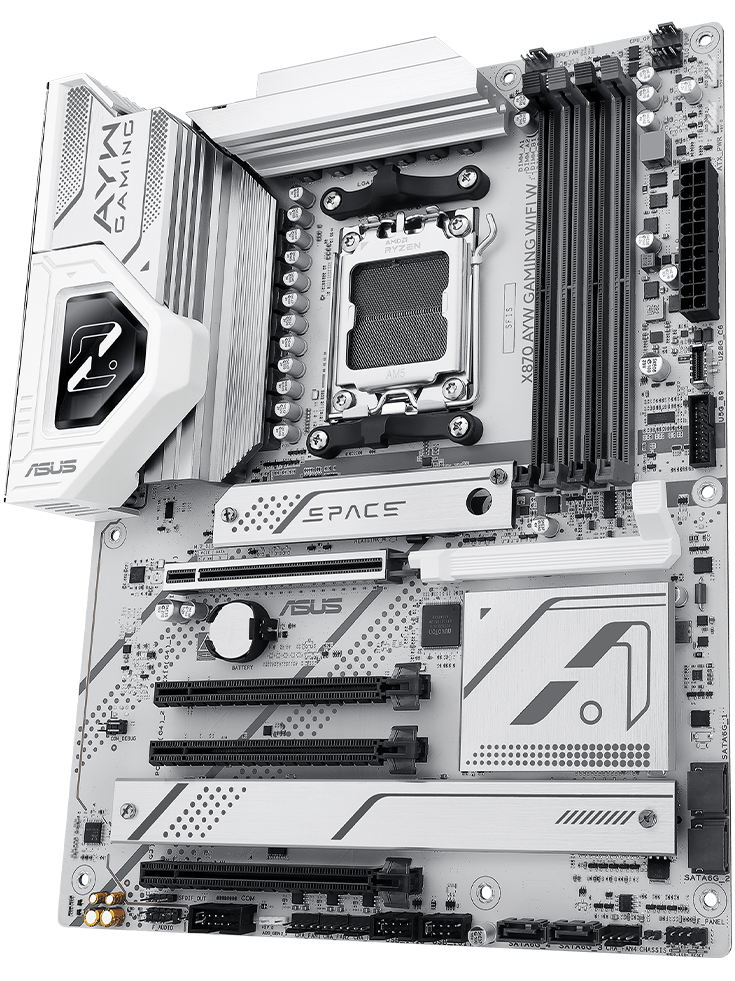
PCIe 5.0 is twice as fast as PCIe 4.0. ASUS has adapted our SMT manufacturing for the faster SafeSlot, a reinforced metal sheath that ensures secure card installation and faster data speeds.












Based on the price records this catalogue holds — not a guarantee of an all-time high or low.
Lowest price across 3 retailers.
| Recorded | Price | Change | Lowest at |
|---|---|---|---|
| 2026-11-26 | 229 JOD | -18.76 JOD | Oriental Store |
| 2026-11-16 | 247.76 JOD | -1.24 JOD | CompuMe |
| 2026-10-30 | 249 JOD | First recorded | Oriental Store |
Wi-Fi 7
Compared across 5 retailers
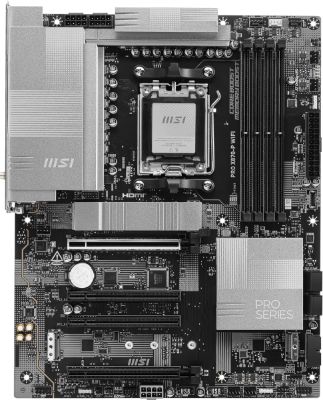
PRO X870-P WIFI
Compared across 2 retailers
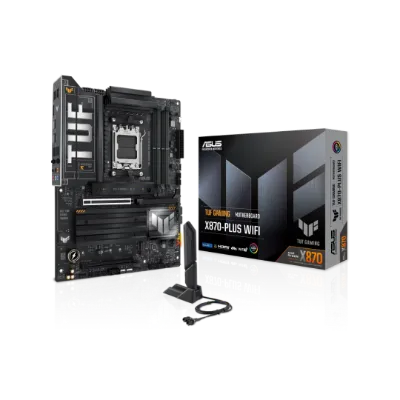
TUF Gaming X870-Plus WIFI · DDR5
Compared across 5 retailers
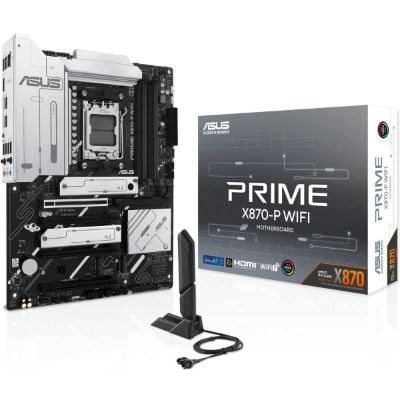
Prime X870-P GAMING WIFI
Compared across 3 retailers