Product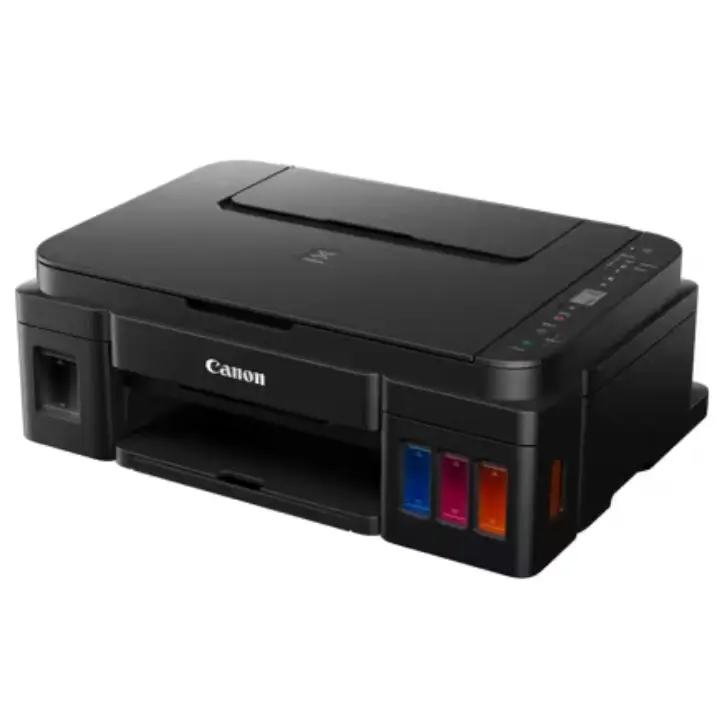
Product gallery · Canon
Canon · Printers
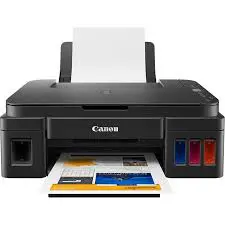
Canon PIXMA G3410 ink jet tank printer – Wi-Fi, Print, Copy, Scan – 2315C009AC
G3410
Only at PC Circle109 JOD
In stock
One part. Every option.
Prices in JOD| Retailer | Price | Availability | Actions |
|---|---|---|---|
 PC Circle | 109 JOD | In stock | Visit retailer |
Only one retailer in this catalogue is listing this product. Confirm the final price with the retailer.
Lowest offer added 2025-09-28 · Updated 2026-11-25 · Last price change 2026-11-13
Search for other retailer offersThe finer details
Canon PIXMA G3410 ink jet tank printer – Wi-Fi, Print, Copy, Scan – 2315C009AC
Canon PIXMA G3410 printer
Fast prints. HUGE savings
Print, scan, copy at home while making huge savings with this fast, affordable and efficient MegaTank printer. With refillable tanks and a single set of ink bottles delivering up to 8,100 prints , running costs are refreshingly low compared to cartridge-based printers.
Ultra low running costs
Make huge savings over the printer’s lifetime thanks to refillable high-yield ink tanks. Print thousands black ink pages and thousands colour ink pages.
Specification
- FunctionsWi-Fi, Print, Copy, Scan, Cloud Link
Printer Specifications
- Print Resolution
Up to 4800 x 1200 dpi
- Print Technology
2 FINE Cartridges (Black and Colour)
Refillable ink tank printer - Mono Print Speed
Approx. 8.8 ipm
- Colour Print Speed
Approx. 5.0 ipm
- Photo Print Speed
Borderless 10x15cm : Approx. 60 seconds
- Borderless Printing
Yes (A4, Letter, 20x25cm, 13x18cm, 13x13cm, 10x15cm)
Cartridges and Yields
- Standard Ink Cartridges
GI-490 <PGBK>
GI-490 <C>
GI-490 <M>
GI-490 <Y> - Cartridge Yield (Plain Paper)
A4 colour documents printing
Black: 6000 pages*
Colour: 7000 pages*
* Estimated supplemental yield - Cartridge Yield (Photo)
10x15cm colour photo printing
Colour: 2000 Photos*
* Estimated supplemental yield
Paper Support
- Paper Types
Plain Paper
High Resolution Paper (HR-101N)
Photo Paper Plus Glossy II (PP-201)
Photo Paper Pro Luster (LU-101)
Photo Paper Plus Semi-gloss (SG-201)
Glossy Photo Paper “Everyday Use” (GP-501)
Matte Photo Paper (MP-101)
Envelope - Maximum Paper Input
Rear tray: Max. 100 sheets (plain paper)
- Paper Sizes
A4, A5, B5, 10x15cm, 13x18cm, 20x25cm, Envelopes (DL, COM10), Letter, Legal
- Paper Weight
Plain paper: 64 – 105 g/m²
Canon photo paper: up to 275 g/m²
Scanner Specifications
- Scanner Type
CIS flatbed photo and document scanner
- Scan Speed
Approx. approx. 19 sec
- Scanner Resolution (Optical)
600 x 1200 dpi
- Scanning Depth (Input / Output)
Colour: 48 bit / 24 bit
Greyscale: 16 bit / 8 bit - Maximum Document Size
216 x 297 mm
Copier Specifications
- Copy Speed
sFCOT: Approx. 24 sec
sESAT: Approx. 3.5 ipm - Multiple Copy
20 copies (max.)
- Copy Functions
Document copying (plain paper)
- Copy Zoom
Fit to page
Interface
- Display Type & Size
LCD (1.2 inch segment mono)
Connectivity
- Standard Interface
Hi-Speed USB (B Port)
Wi-Fi: IEEE802.11 b/g/n
Wi-Fi Security: WPA-PSK, WPA2-PSK, WEP, Administration password - Mobile Apps
PIXMA Cloud Link (from smartphone or tablet)
Canon PRINT Inkjet/SELPHY app
Mopria (Android)
Access Point ModeCanon PIXMA G3410 printer amman jordan pccircle
A little price perspective
2 recordsBased on the price records this catalogue holds — not a guarantee of an all-time high or low.
Current109 JOD
Recorded low99 JOD
Recorded high109 JOD
| Recorded | Price | Change |
|---|---|---|
| 2026-11-13 | 109 JOD | +10 JOD |
| 2026-10-20 | 99 JOD | First recorded |
Keep your options open.
Explore printers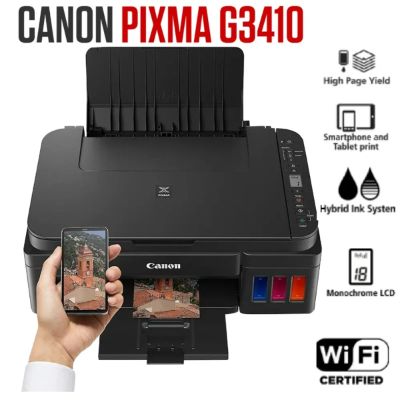
21% off
Canon · Printers
Canon PIXMA G3416 All-in-One Ink Tank Printer Print Copy Scan Wi-FiPrint Color: Color · Printer Type: Inkjet
110 JOD139In stock
Only at Green Dara Stars
Canon · Printers
Canon Pixma G3416 PrinterG3416 · color
from 105 JODIn stock
Compared across 16 retailers
Canon · Printers
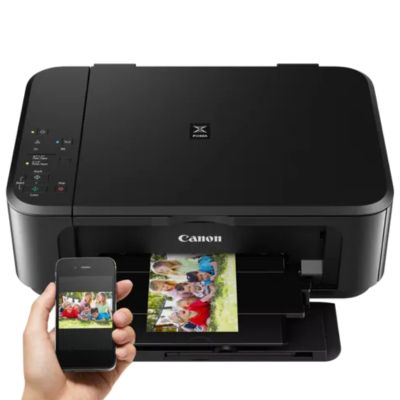
CANON PIXMA MG3640S ink jet printer – Wi-Fi, Print, Copy, Scan – 0515c107abMG3640S
34.95 JODOut of stock
Only at PC Circle