Canon · Printers
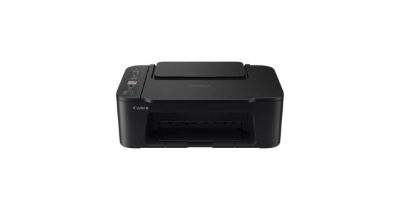
Canon PIXMA TS3640S Wireless Color All-in-One Inkjet Printer - Print, Copy, Scan - Wi-Fi Connectivity - Cloud Link Support - Compact DesignTS3640S
37 JODIn stock
Only at Xmart
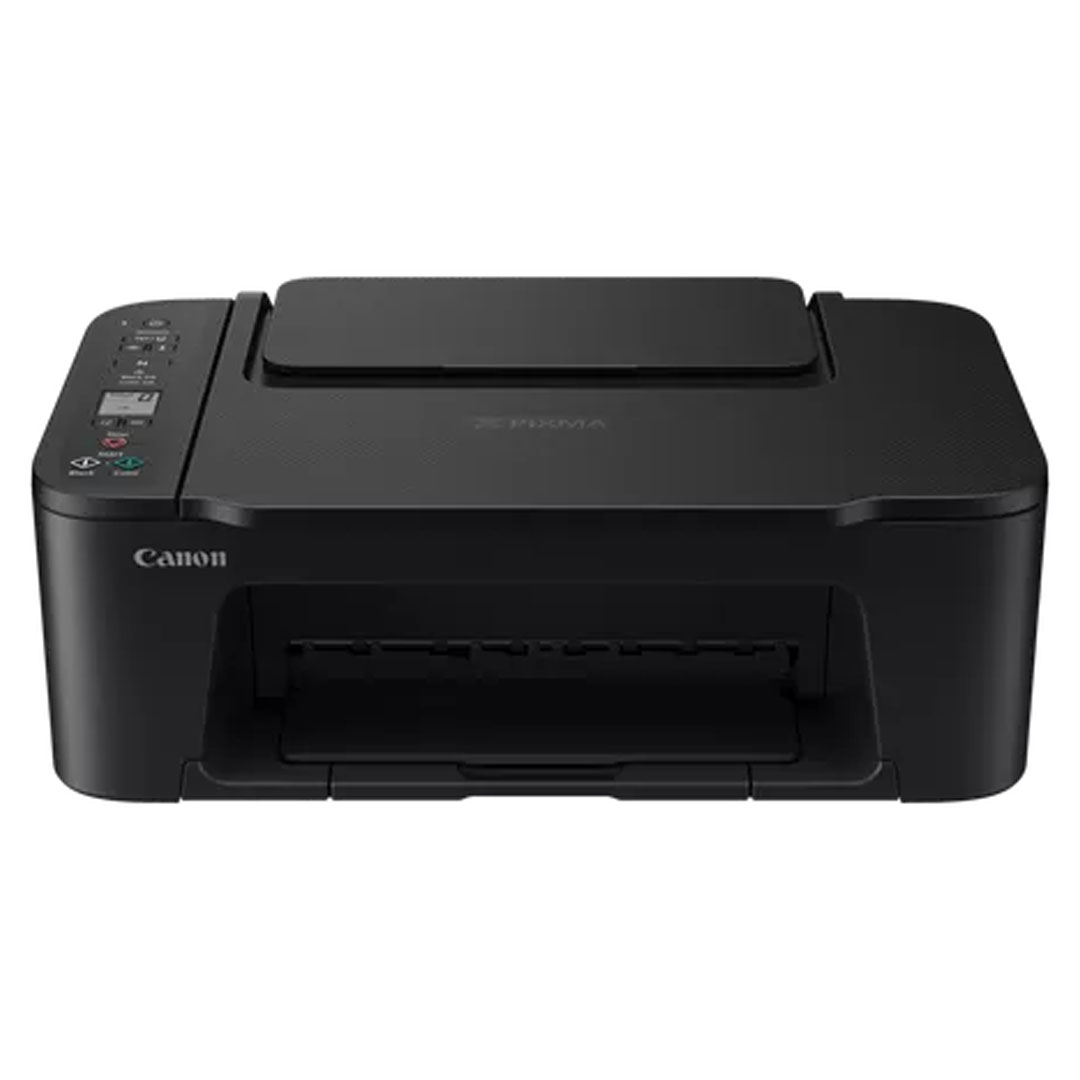
TS3640 · Wireless
Likely the same product — 6 of 19 listings publish part number TS3640; the rest are matched on brand and model.
| Retailer | Price | Availability | Actions |
|---|---|---|---|
 PC CircleLowest | 34.95 JOD | In stock | Visit retailer |
 CompuMe | 35 JOD | In stock | Visit retailer |
 Computers Mall | 37 JOD | In stock | Visit retailer |
 Digital Ring for Technology | 37 JOD | In stock | Visit retailer |
 Gamers | 37 JOD | In stock | Visit retailer |
 MID Teks Inc | 38 JOD | In stock | Visit retailer |
 Compu Jordan | 39 JOD | In stock | Visit retailer |
 OfficeJo Computer And Printer Shop | 39 JOD | In stock | Visit retailer |
 City Center | 39 JOD | In stock | Visit retailer |
 Al-Rewaaq | 40 JOD | In stock | Visit retailer |
 Computer Service Express | 40 JOD | In stock | Visit retailer |
 Al-Samman for Computers | 45 JOD | In stock | Visit retailer |
 Eagle Computer | 35 JOD | Out of stock | Visit retailer |
 IGEEK Mega Stores | 40 JOD | Out of stock | Visit retailer |
These listings match on brand and model rather than on a manufacturer part number, so the match is likely but not confirmed. Check the specifications before you buy on price alone.
Lowest offer added 2025-01-16 · Updated 2026-11-25 · Last price change 2026-11-15
More about Canon TS3640 Color Printer
With a compact, modern design and excellent value, you can print, scan and copy effortlessly. It’s so easy!
You can print, copy and scan from your tablet or smartphone, with wireless compatibility and clean, simple interface.
You’ll be up and running in less time than ever with one-touch wireless connectivity and an easier setup procedure.
Status updates are shown in plain sight on the crystal-clear 1.5” mono segment LCD screen.
You can print borderless photos up to 5×7” in size; a 4×6” photo prints in just 65 seconds1. Connect directly to your camera with Wi-Fi PictBridge technology.
Rear tray: Max. 60 sheets (plain paper)
*Please refer to online manual for a detailed list of paper load limits, which will vary depending on media type and page size selected.
Windows 11, Windows 10、Windows 8.1、Windows 7 SP1
Operation can only be guaranteed on a PC with pre-installed Windows 7 or later.
macOS 10.15. 67 ~macOS 14
*OS compatibility confirmed at time of launch, please check the Canon Download Centre for support of subsequently released OS’s for this product.
Based on the price records this catalogue holds — not a guarantee of an all-time high or low.
Lowest price across 14 retailers.
| Recorded | Price | Change | Lowest at |
|---|---|---|---|
| 2026-11-15 | 34.95 JOD | -2.05 JOD | PC Circle |
| 2026-11-11 | 37 JOD | +2 JOD | Gamers |
| 2026-10-20 | 35 JOD | -2 JOD | Compu Jordan |
| 2026-10-03 | 37 JOD | +2 JOD | Gamers |
| 2026-10-02 | 35 JOD | -2 JOD | Compu Jordan |
| 2026-09-28 | 37 JOD | +2 JOD | Gamers |
| 2026-09-13 | 35 JOD | -2 JOD | Compu Jordan |
| 2026-06-05 | 37 JOD | First recorded | Gamers |
TS3640S
Only at Xmart
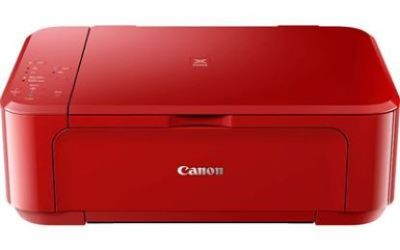
MG3640S
Compared across 6 retailers