CHOETECH · Adapters
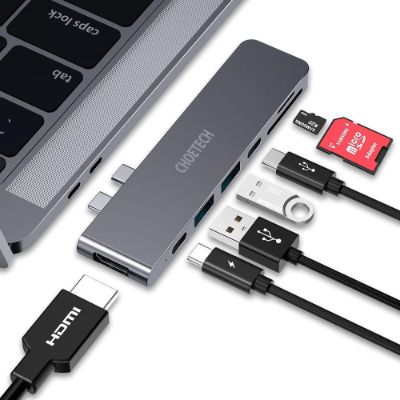
CHOETECH HUB M14 7in1 USB-C MULTIPORT ADAPTERHUB-M14 · 7-in-2
49 JODIn stock
Compared across 4 retailers
HUB-M25
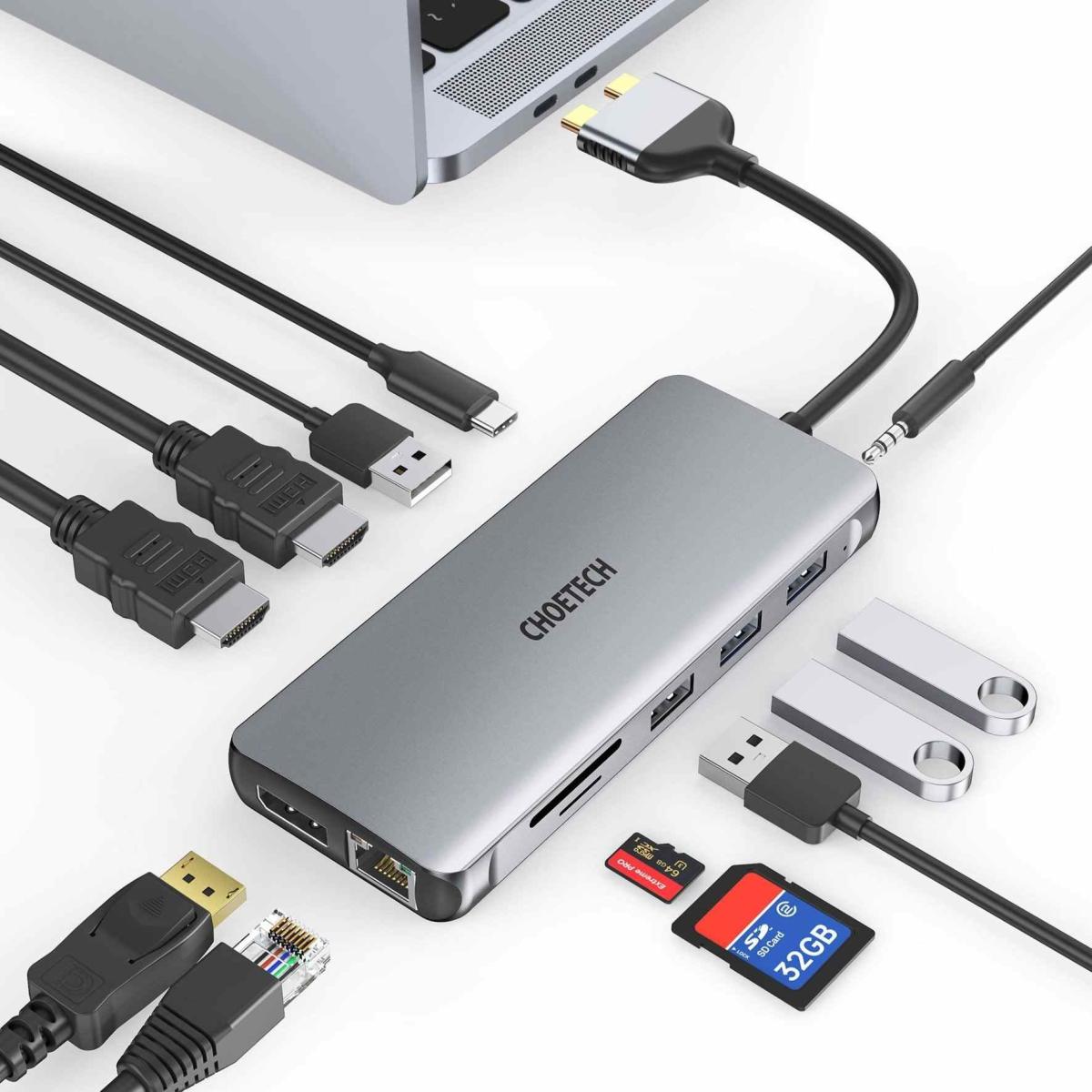
⚡【12 in 2 Triple Display MacBook Dock】The USB C docking station extends the capability of MacBook Pro/Air with 12 necessary ports including 2 HDMI(4K@60Hz), DisplayPort(4K@60Hz), 2 USB C 3.0, 2 USB C 2.0, 100W PD charging port, ethernet port, SD/Micro SD Card port, 3.5mm audio/mic 2-in-1 port. The MacBook Pro dock…
| Retailer | Price | Availability | Actions |
|---|---|---|---|
 City Center | 79 JOD | Out of stock | Visit retailer |
Only one retailer in this catalogue is listing this product. Confirm the final price with the retailer.
Lowest offer added 2021-12-25 · Updated 2026-11-23 · No price change recorded
Search for other retailer offers✿Pay attention✿: The docking station only can extend one display when you use 2020 MacBook mini/Air/Pro which with M1 chip.However,you can mirror two displays.
Specification:
1. HDMI ports × 2: Max resolution up to UHD 4K@60Hz
2. DisplayPort × 1: Max resolution up to UHD 4K@60Hz
3. PD Charging Port × 1: Power delivery up to 100 W for fast charging(Only for charging, not for data transferring)
4. USB 3.0 Ports × 2: Data transfer speed up to 5Gbps
5. USB 2.0 Ports × 2: Data transfer speed up to 480M/s
6. SD Card Slots × 1: Speed up to 104Mb/s
7. Micro SD Card Slots × 1: Speed up to 104Mb/s
8. Ethernet LAN port: Speed up to 10/100/1000 Mbps
9. Headphone Jack: 3.5mm Audio/Microphone
10. Material: Space Aluminum/PVC
11. Color: Grey
Multiports Laptop USB C Docking Station
Contains HDMI(4K@60Hz), DisplayPort(4K@60Hz), PD charging port, USB C 3.0(1 Gbps) and USB C 2.0(480 M/s) data transfer ports, SD/Micro SD card ports(104 Mb/s), Audio/Mic combined port. The MacBook Air docking station supports all you need for work and entertainment.
4K@60Hz Triple Displays for your Macbook
Support max 3 another monitors connection with 2 HDMI ports and 1 DisplayPort. Support up to 4K@60Hz resolution output when connecting 2 or 3 external monitors. Achieve 4K@60Hz display output when connecting 1 monitor. Meet your efficient work on video producing, data analysis, financial and stock investment etc.
Plug-And-Play Docking Station
Connect all your peripherals to the laptop hub docking station within seconds. No extra driver/software/App installation. It is sturdy, lightweight enough to carry with you for commute work, meeting or business travel etc.
Heat-Dissipation Improve Safety Protection
The dual-port cable keeps the MacBook thunderbolt 3 dock to stay distance from MacBook Pro/Air, avoiding heat energy and temperature excessive centralization. The aluminum hub material also improves heat dissipation. Smart chip makes prevents device from overload, over-voltage, over-current, short circuit, overcharge.
Color Match-up with MacBook Pro/Air
Space grey color of the docking station matches up with most of MacBook Pro/Air. Tide up your desk or table and save space for your work environment. Have your table top and laptop look simple but great.
Compatible Devices:
✔MacBook Air 13 Inch 2019/2018/2017/2016
✔MacBook Air 13 Inch Retina 2020 (Intel Core i7 processor)
✔MacBook Pro 13/15 Inch 2019/2018/2017/2016
✔MacBook Pro 13 Inch 2020 (Intel Core i7 processor)
✔MacBook Pro 16 Inch 2020
✔Dual ports Windows Laptops that with DisplayPort Alternate Mode
⚠NOTE:
MacBook Pro 13 Inch (M1 Chip, 2020) and MacBook Air 13 Inch (M1 Chip, 2020) only support 1 external monitor display connection for this MacBook Pro docking station
NOTE:
1. Make sure your MacBook laptop device has dual ports compatible with the USB C dock before purchase.
2. Please connect MacBook charger to the PD port of the docking station before power on for stable working status.
3. The USB Type C PD charging port only works for power passing-through.
4. It is normal and has no worry that the laptop hub docking station will get a little warm while working. Temperature will be limited by internal protection system.
5. The docking station for laptop is available to MacBook Pro/Air cover case. It is much more convenient than traditional MacBook Pro adapter
6. The MacBook Pro with M1 chip series only supports 1 external monitor. (MacBook Air 13”M1 2020, MacBook Pro 13”M1 2020)
7. Please plug MacBook power supply to the PD port on the thunderbolt 3 docking station before connecting it to your MacBook laptop for stable working status
Based on the price records this catalogue holds — not a guarantee of an all-time high or low.
This retailer's price has not changed since it was first recorded on 2026-10-26, currently 79 JOD.
| Recorded | Price | Change |
|---|---|---|
| 2026-10-26 | 79 JOD | First recorded |
HUB-M14 · 7-in-2
Compared across 4 retailers
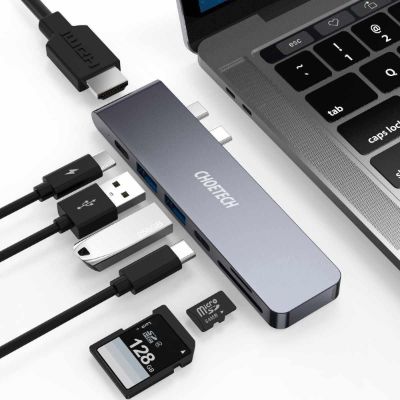
7-in-1 USB-C Docking Station · Dual monitor
Only at Platinum

Only at Green Dara Stars
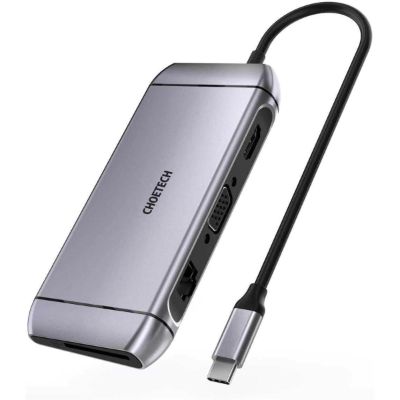
HUB-M15 · 9-in-1
Compared across 2 retailers