Dell · Monitors
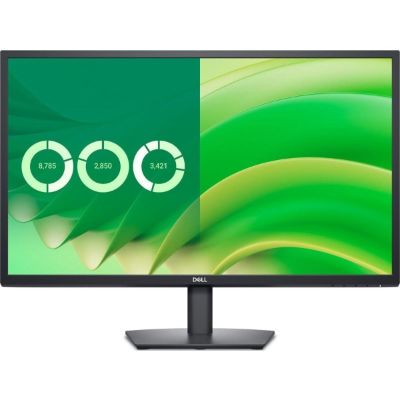
Dell E2725H - 27" FHD VA Monitor @75Hz - 5ms Response TimeE2725H · 27 inch
from 99 JODIn stock
Compared across 5 retailers

E2723HN · 27 inch
16:9 widescreen resolution perfect for watching movies, playing video games and getting on with office work · 27" screen size with 1920x1080 resolution provides a native display of a Full HD video sources without any degradation due to down-sampling technologies · Furnishes captivating visuals with 300 Nit brightness…
Likely the same product — matched on brand and model, not on a manufacturer part number.
| Retailer | Price | Availability | Actions |
|---|---|---|---|
 City CenterLowest | 109 JOD | Out of stock | Visit retailer |
 Green Dara Stars | 109 JOD | Out of stock | Visit retailer |
These listings match on brand and model rather than on a manufacturer part number, so the match is likely but not confirmed. Check the specifications before you buy on price alone.
Lowest offer added 2024-03-29 · Updated 2026-11-22 · No price change recorded
| Monitors Specifications | |
|---|---|
| Screen Size | 27" |
| Refresh Rate | 75 Hz |
| Flat / Curved | Flat |
| Panel Type | Full HD |
| Panel Technology | IPS |
| Contrast Ratio Static | 1000:1 |
| Resolution | 1920 x 1080 |
| Response Time | 5 ms |
| Built In Speakers | No |
| HDMI | Yes |
| D-Sub | Yes |
| Brightness | 300 cd/m2 |
| Advanced Feature | |
| Color | Black |
| Speakers | None |
| Warranty | |
| Warranty | 3 Years |
Wide viewing angle: See your work in superb FHD clarity. IPS technology delivers consistent color and picture quality across a wide 178°/178° viewing angle.
Easy on the eyes: This monitor has a flicker-free screen with ComfortView, a software feature that reduces harmful blue light emissions. It’s designed to optimize eye comfort even over an extended viewing period.
Convenient connectivity: Connect to current and legacy systems via VGA and HDMI ports.
Maximize your desktop: Cut clutter with space-saving features like a compact stand and improved cable management that hides cables while complementing any workspace.
Clean, simple design: A slim bezel adds a modern look.
Adapts to your needs: Make your workspace your own with VESA-compatible mounts and stands.
The key to convenience: Shortcut keys can save you even more time, letting you easily configure your display management settings so you can get to work faster.
More ways to manage: Asset management reports allow IT managers to quickly capture and track monitor information as well as configure multiple monitors at once through a single setup.
Productive at every level: Easy Arrange allows you to easily tile multiple applications across one or more screens with 38 pre-set window partitions and the ability to personalize five windows, giving you improved multitasking abilities.
Seamless transitions: The auto-restore feature remembers where you left off, so applications will go back to where you left them, even after you’ve unplugged.
Dell incorporates sustainability into everything we do, from choosing sustainable materials for products and packaging to reusing, remanufacturing or responsibly recycling them at the end of their lifecycle.
Energy conservation: Save energy with PowerNap, a feature that dims or puts your monitor to sleep when it’s not in use.
Enabled by Dell Display Manager.
1. Security lock slot (based on Kensington Security Slot) | 2. Power port | 3. HDMI port | 4. VGA port
Based on the price records this catalogue holds — not a guarantee of an all-time high or low.
Lowest price across 2 retailers.
The lowest price has not changed since it was first recorded on 2026-10-25, currently 109 JOD.
| Recorded | Price | Change | Lowest at |
|---|---|---|---|
| 2026-10-25 | 109 JOD | First recorded | City Center |
E2725H · 27 inch
Compared across 5 retailers
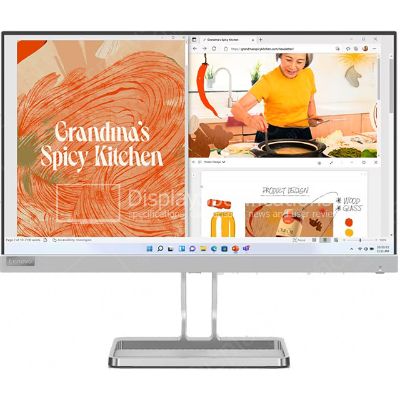
L22E-40 · 21.45"
Compared across 6 retailers
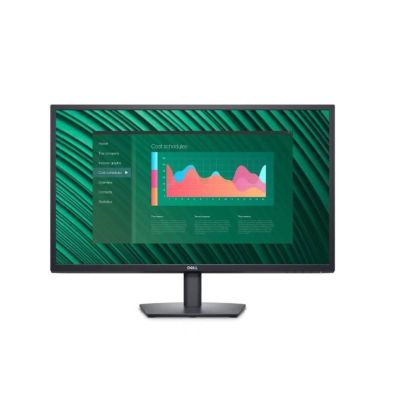
E2723H · 27 inch
Compared across 2 retailers
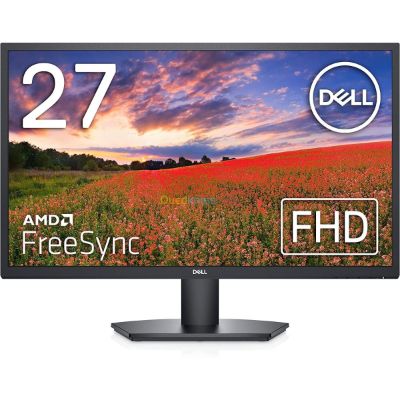
SE2725H · 27 inch
Compared across 2 retailers