Epson · Scanners
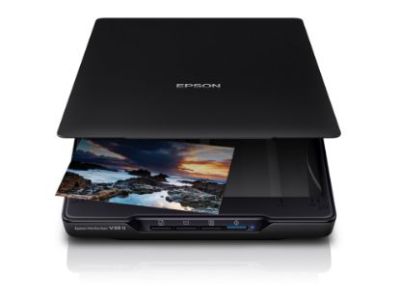
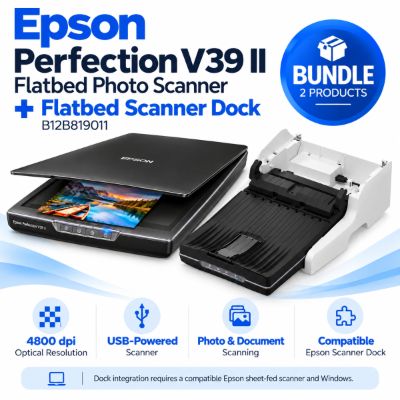
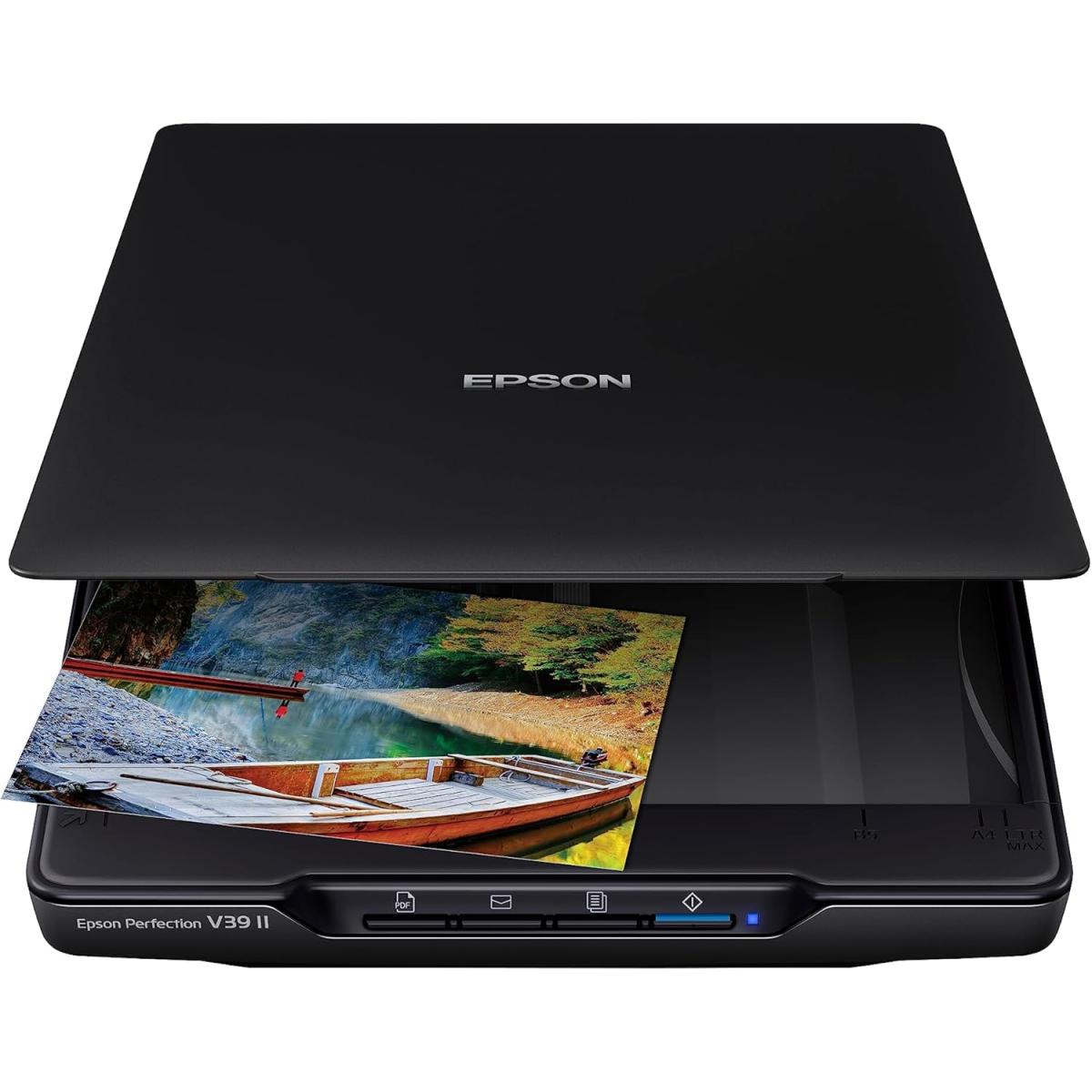
Epson Perfection V39 II Scanner + Flatbed Scanner Dock BundleV39 II
from 179 JODIn stock
Compared across 3 retailers
V39 II
CLEAR, DETAILED PHOTO SCANS – Achieve amazing image clarity and detail with a 4800 dpi optical resolution, perfect for enlarging photos. · IMAGE AND DOCUMENT SCANNER – Easily scan photos, artwork, illustrations, books, documents, and more with this compact and lightweight scanner. · ENHANCED SCANNING – Seamlessly…
| Retailer | Price | Availability | Actions |
|---|---|---|---|
 City Center | 89 JOD | Out of stock | Visit retailer |
Only one retailer in this catalogue is listing this product. Confirm the final price with the retailer.
Lowest offer added 2026-10-24 · Updated 2026-11-24 · No price change recorded
Search for other retailer offersPhoto and document scanner
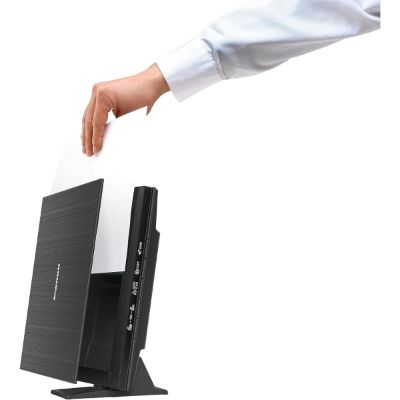
The V39's power and connectivity is handled via a single Micro USB to reduce cable clutter and keep your workspace tidy. The device also has a built-in stand for flexible scanning to suit your desk space.
Key Features
Specifications
| Technology | |
| Scanner Type | Flatbed Scanner |
| Optical Resolution | 4,800 DPI x 4,800 DPI (Horizontal x Vertical) |
| Scanning Range (maximum) | 216 mm x 297 mm (Horizontal x Vertical) |
| Paper Formats | A4 (21.0x29.7 cm) |
| Scanning color depth | Input: 48 Bits Color , Output: 24 Bits Color |
| Scanner Category | High Resolution Scanner |
| Optical Sensor | CIS (Contact Image Sensor) |
| Light Source | White LED |
| Scanning Method | Fixed documents and moving carriage |
| Output Resolution | 50~6400 (1 dpi step) DPI |
| Scan speed | Reflective scanning |
| A4 Preview: 10 s/page | |
| Monochrome: 10 s/page - Color: 10 s/page | |
| (measured with size A4, Resolution 300 dpi) | |
| Monochrome: 12 s/page - Color: 29 s/page | |
| (measured with size A4, Resolution 600 dpi) | |
| Paper / Media Handling | Document size - Flatbed: A4, Letter Legal |
| Scanning Features | RGB colour dropout, Automatic area segmentation, Text enhancement, Scan to Cloud Storage, Scan to Selected Photo Sharing Websites, 4 push buttons (PDF, Send, Copy, Start), Integrated stand for upright scanning |
| Output formats | BMP, JPEG, TIFF, multi-TIFF, PDF, searchable PDF |
| Image Improvement | Dust removal, Backlight Correction, Colour Restoration |
| Connectivity | Interfaces: USB 2.0 Micro-AB |
| General | Energy Use: 2.5 Watt (Operation), 1.1 Watt (Ready), 0.013 Watt (Power off) |
| Product dimensions | 249 x 364 x 39 mm (Width x Depth x Height) |
| Product weight | 1.5 kg |
| Drivers | Epson Scan2 (TWAIN), ICA (Mac) |
| Included Software | Epson Copy Utility, Epson Document Capture (Mac only), Epson Document Capture Pro (Windows only), Epson Easy Photo Scan, Epson ScanSmart |
| Compatible Operating Systems | Mac OS 10.7.x, Mac OS 10.8.x, Mac OS 10.9.x, Mac OS X 10.6.8, Windows 10, Windows 11 or later, Windows 7, Windows 8, Windows 8.1, Windows Vista, Windows XP SP2 or higher |
| Sound Power | Operation: 5.4 B (A) |
| Supported Humidity | Operation 20% - 80%, Storage 20% - 80% |
| Supported Temperature | Operation 10° C - 35° C, Storage -20° C - 60° C |
Based on the price records this catalogue holds — not a guarantee of an all-time high or low.
This retailer's price has not changed since it was first recorded on 2026-10-24, currently 89 JOD.
| Recorded | Price | Change |
|---|---|---|
| 2026-10-24 | 89 JOD | First recorded |
V39 II
Compared across 3 retailers
CanoScan LiDE 400
Only at City Center
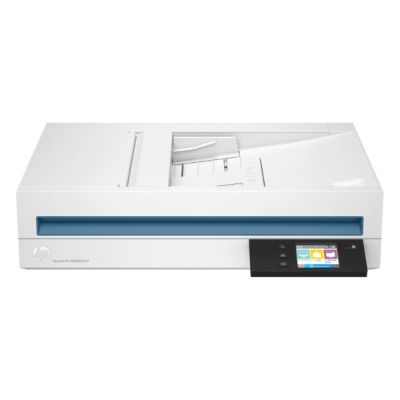
N4600 FNW1
Compared across 4 retailers