
MSI · Motherboards
MSI B550M PRO-VDH AM4 DDR4 PCIe 4.0 mATX MotherboardB550M PRO-VDH · mATX
109 JODIn stock
Compared across 4 retailers

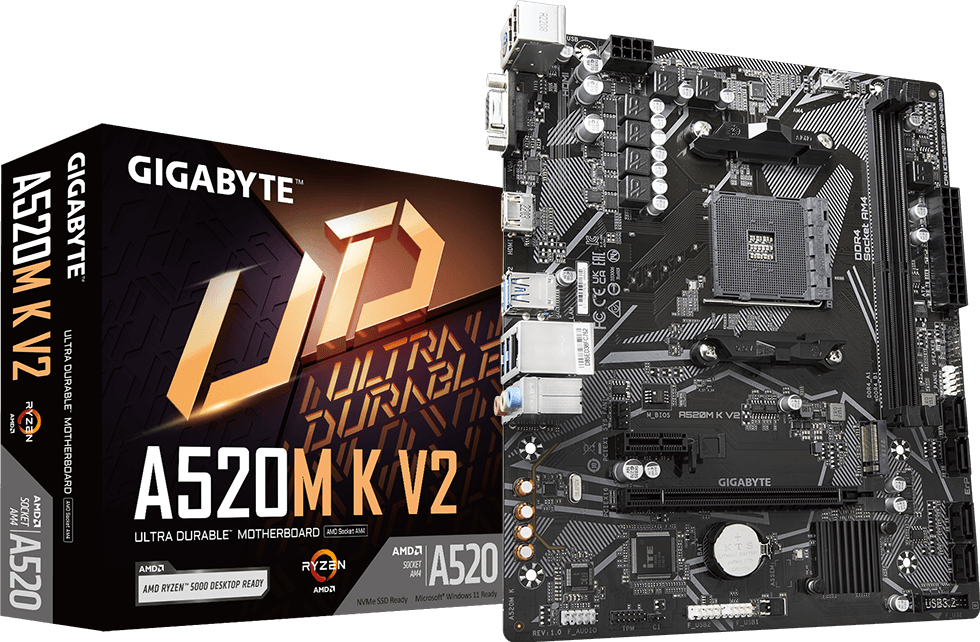
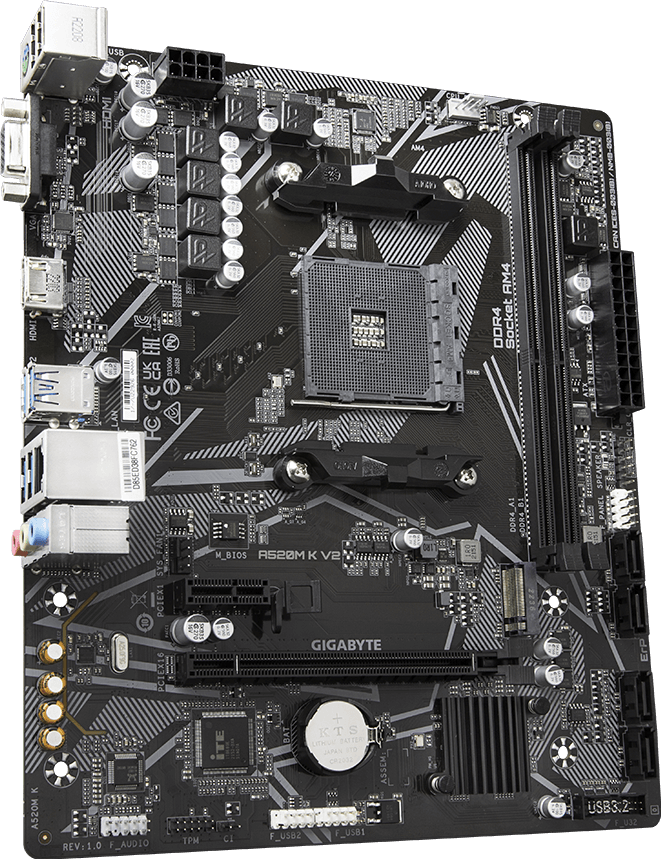
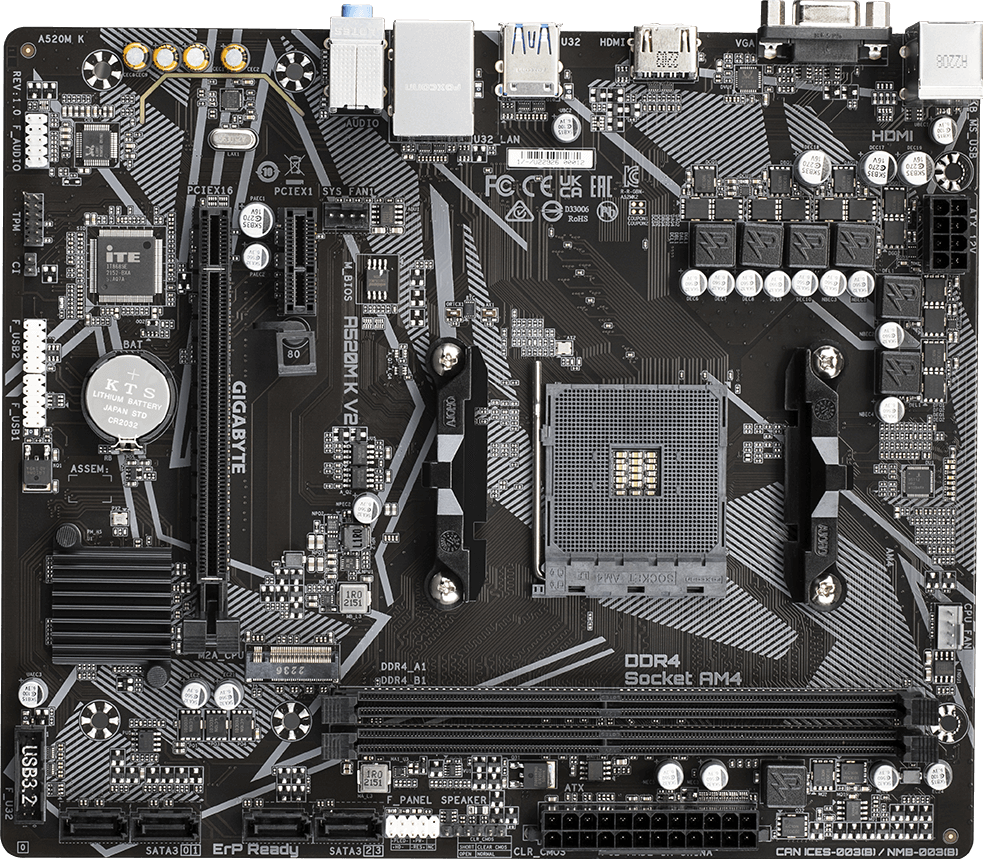
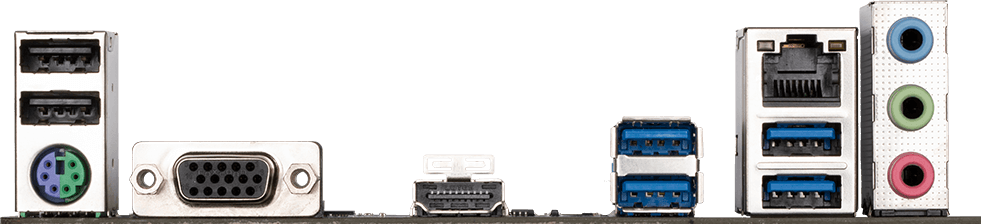
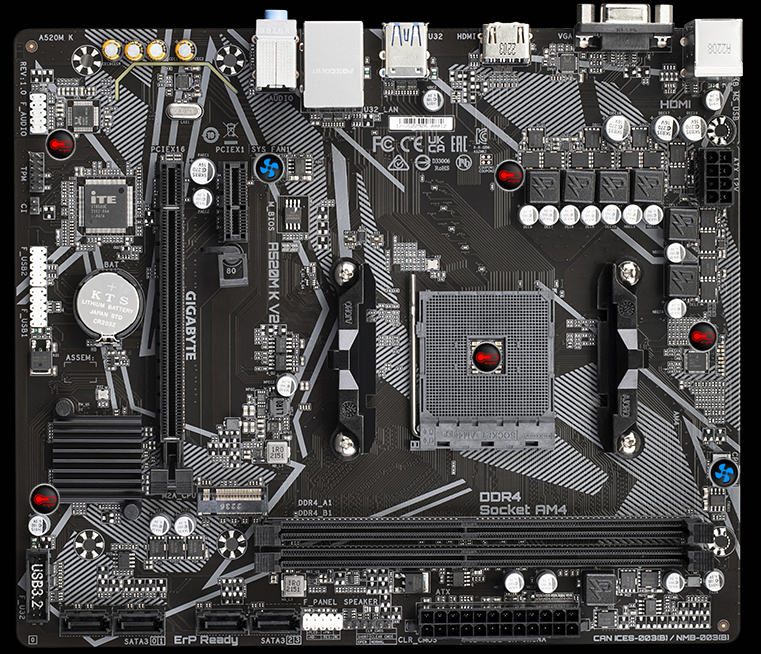
A520M K V2 · DDR4
ChipsetAMD A520 · Form FactormATX · Memory TypeDDR4 · Maximum Memory64GB · M.2 SlotsYes
Likely the same product — 1 of 3 listings publish part number A520M K V2; the rest are matched on brand and model.
| Retailer | Price | Availability | Actions |
|---|---|---|---|
 Oriental StoreLowest | 59 JOD | Out of stock | Visit retailer |
 City Center | 59 JOD | Out of stock | Visit retailer |
 Platinum | 64 JOD | Out of stock | Visit retailer |
These listings match on brand and model rather than on a manufacturer part number, so the match is likely but not confirmed. Check the specifications before you buy on price alone.
Lowest offer added 2024-09-08 · Updated 2026-11-25 · No price change recorded
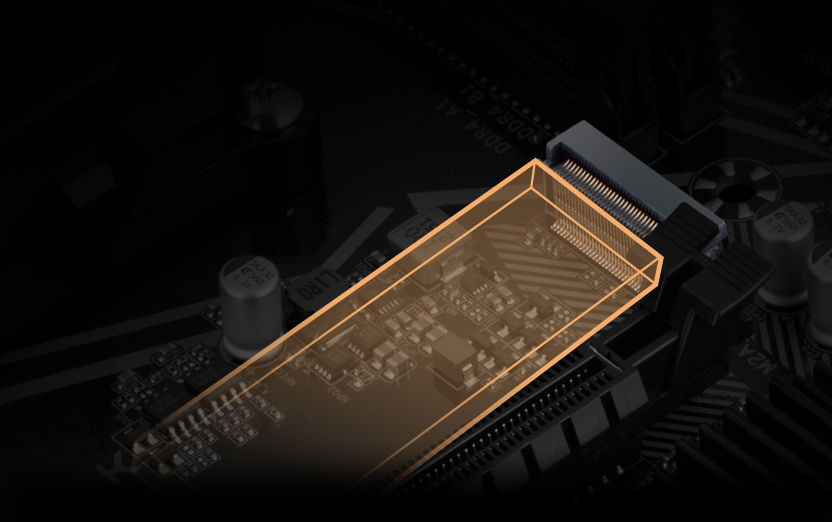
AMD A520 Ultra Durable Motherboard with GbE LAN with Bandwidth Management, PCIe 3.0 x4 M.2, Smart Fan 5, Anti-Sulfur Resistors Design
GIGABYTE Motherboards are focused on delivering M.2 technology to enthusiasts who want to maximize their system’s potential.
GbE LAN features a network bandwidth management application which helps to improve network latency and maintain low ping times to deliver better responsiveness in crowded LAN environments.
With Smart Fan 5 users can ensure that their gaming PC can maintain its performance while staying cool. Smart Fan 5 allows users to interchange their fan headers to reflect different thermal sensors at different locations on the motherboard. Not only that, with Smart Fan 5 more hybrid fan headers that support both PWM and Voltage mode fans have been introduced to make the motherboard more liquid cooling friendly.
Different models have different number of fan pin headers and temperature sensors. Smart Fan 5 function may vary by model.
Achieve fan silence. With Fan Stop, map any fan to stop completely when temperatures drop below a specified threshold. Which fan stops, based on readings from which sensor, and at what temperature—all of it can be customized to your liking.
Assume complete control over your liquid cooling setup! Smart Fan 5 receives up-to-the-second information on flow-rate and water-temperature through the Hybrid Fan Pin Headers or external thermistor sensors—giving you absolute mastery over your PC.
• All Hybrid Fan Headers can automatically detect the type of cooling device whether it be fan or pump with different PWM or Voltage mode.
Choose from different modes, Quiet to Full Speed, to match your system usage preferences.
For each fan or pump, you can use the intuitive fan curve to define trigger thresholds and corresponding fan speeds.
GIGABYTE motherboards use high-end audio capacitors. These high quality capacitors help deliver high resolution and high fidelity audio to provide the most realistic sound effects for gamers.
GIGABYTE motherboards feature an audio noise guard that essentially separates the board’s sensitive analog audio components from potential noise pollution at the PCB level.
Sulfur compounds in the air can penetrate tiny onboard resistors creating chemical change and causing these resistors to open or short. If either of these occurs the motherboard will fail to function. By equipping resistors with an Anti-Sulfur Design GIGABYTE gives Ultra Durable Motherboards a whole new meaning.
The BIOS is essential for users during initial setup to allow for the most optimal settings. With a new GUI and easier to use functionalities, GIGABYTE has been able to reinvent the BIOS to give users a better experience while setting up their new system.
GIGABYTE APP CENTER is an useful portal of all GIGABYTE MB utilities and drivers, you can choose any utility you want to install from APP CENTER and keep you updated with latest utilities and drivers version.
GIGABYTE's EasyTune™ is a simple and easy-to-use interface that allows users to fine-tune their system settings or adjust system and memory clocks and voltages in a Windows environment. With Smart Quick Boost, one click is all it takes to automatically overclock your system, giving an added performance boost when you need it the most.
The GIGABYTE @BIOS app allows you to update your system’s BIOS from within Windows using a simple and slick graphical user interface. @BIOS can automatically download the latest version from the GIGABYTE servers or you can update your BIOS from a file on your computer. @BIOS also allows you to save your current BIOS to a file, recover your previous BIOS from an image and backup your BIOS to an image.
GIGABYTE System Information Viewer is a central location that gives you access to your current system status. Monitor components such as the clocks and processor, set your preferred fan speed profile, create alerts when temperatures get too high or record your system's behavior; these are the possibilities of the System Information Viewer.
4K resolution is the next technological milestone in high-definition content delivery, utilizing approximately 4,000 pixels on the horizontal axis, more than four times today's standard HD pixel density. GIGABYTE motherboards provide native 4K support with integrated AMD Radeon® Graphics via HDMI.















Based on the price records this catalogue holds — not a guarantee of an all-time high or low.
Lowest price across 3 retailers.
The lowest price has not changed since it was first recorded on 2026-10-24, currently 59 JOD.
| Recorded | Price | Change | Lowest at |
|---|---|---|---|
| 2026-10-24 | 59 JOD | First recorded | City Center |
B550M PRO-VDH · mATX
Compared across 4 retailers
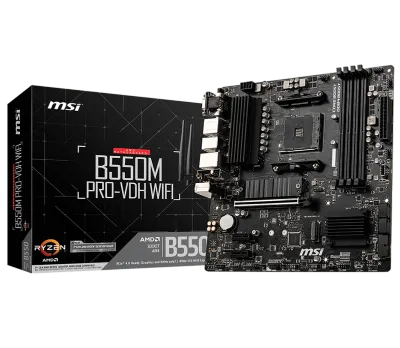
PRO B550M PRO-VDH WiFi · DDR4
Compared across 3 retailers
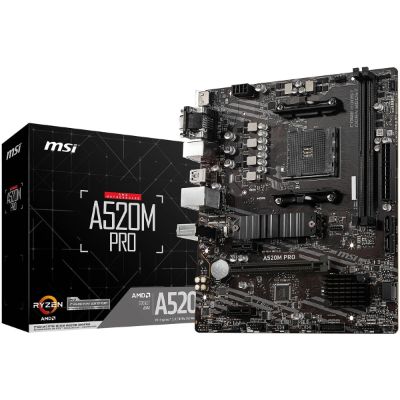
A520M PRO
Compared across 4 retailers
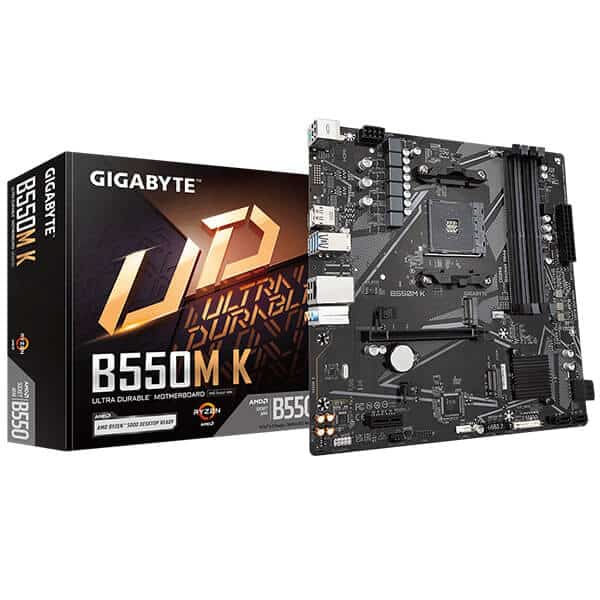
B550M-K · DDR4
Compared across 4 retailers