Dell · Docks
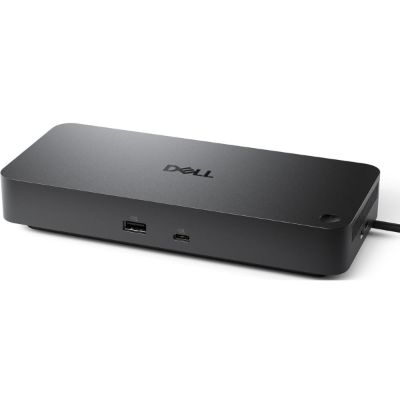
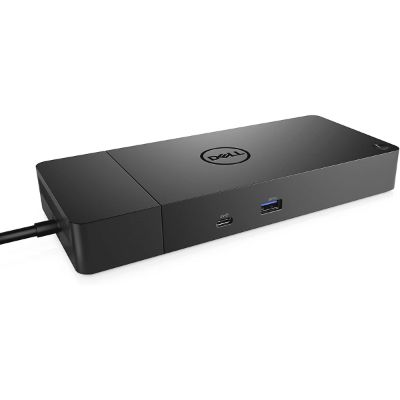
Dell WD25 100W Docking Station (USB-C, HDMI, Dual DisplayPort)WD25 · 100W
199 JODIn stock
Only at JoCell
Docking Station
Universal USB-C dock compatible with HP, Apple, Dell, Lenovo & Google devices Support...
| Retailer | Price | Availability | Actions |
|---|---|---|---|
 GTS | 109 JOD | Discontinued | Visit retailer |
Only one retailer in this catalogue is listing this product. Confirm the final price with the retailer.
Lowest offer added 2025-02-27 · Updated 2026-11-20 · No price change recorded
Search for other retailer offersExperience universal compatibility with USB-C™ and Thunderbolt™-enabled notebooks across major brands. The dock supports up to three displays with various resolution options:
Enjoy extensive connectivity options with multiple ports:
Designed for business environments with advanced features:
Works seamlessly across multiple operating systems:
Compact and efficient design for modern workspaces:
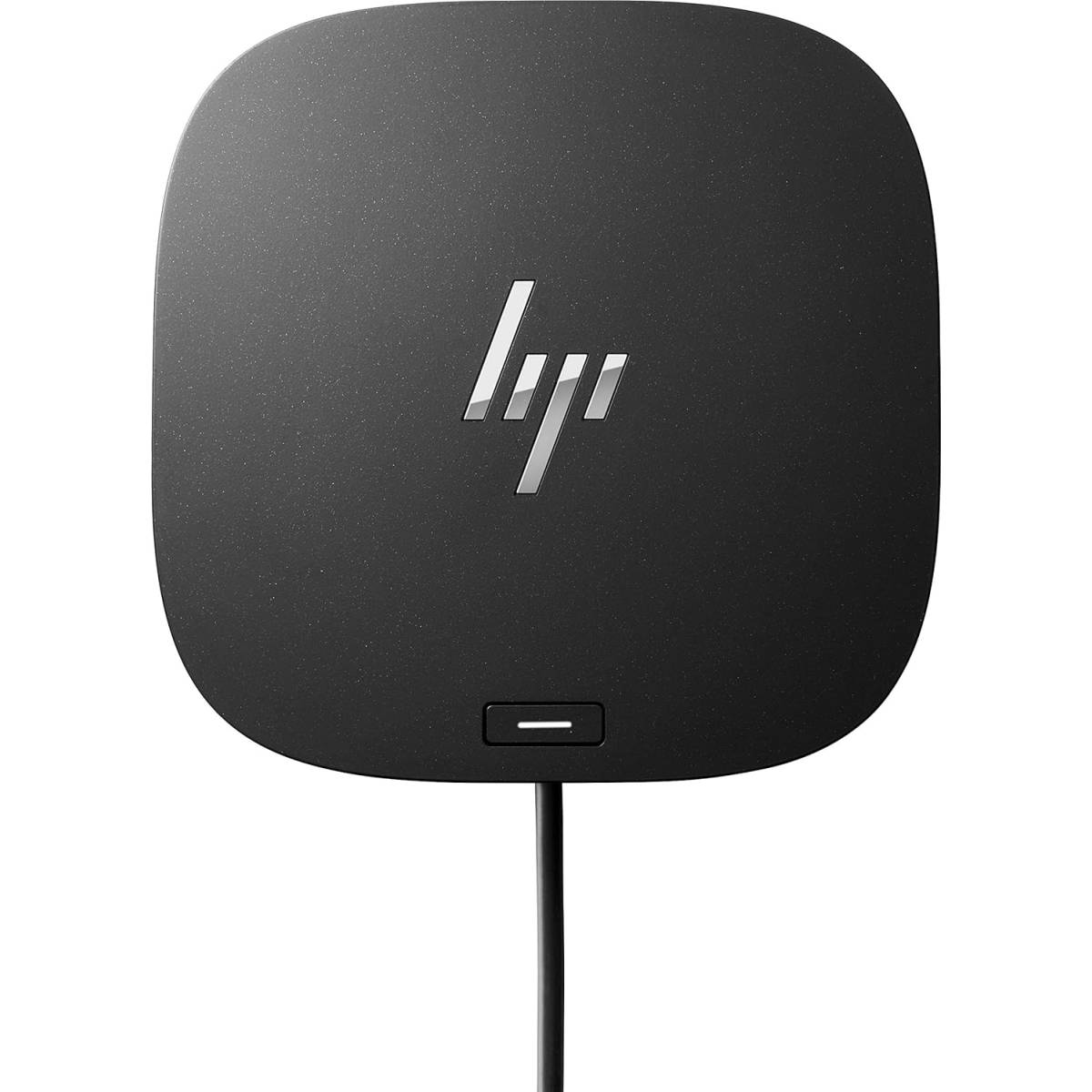
HP USB-C Essential Dock G5 Bundle with Docztorm USB Hub
Get to work with a single cable from your USB-C-enabled notebook1 to your displays, devices, and wired network with the versatile, elegant, and space-saving HP USB-C Dock G5. The dock is compatible with notebooks from brands like HP, Apple, Dell, Lenovo, and more.
Designed with universal compatibility in mind, this dock works with both HP and non-HP USB-C- and Thunderbolt-enabled notebooks.
Add your accessories and up to three displays to the dock. Then simply connect it to your notebook through a single USB-C cable to access your devices and charge your PC.
Help IT secure and remotely manage your deployed commercial HP notebooks1 and the dock with advanced network manageability features that include PXE Boot, LAN/WLAN switching, and WoL and MAC Address Pass-Through in all power states.
Empower your IT to manage and track your docks by product name, serial number, and MAC Address from anywhere with the time-saving, easy-to-use Electronic Tag asset management tool.
Updating your dock fleet has never been easier. IT can save time by pushing dock firmware updates to managed notebooks for later installation on the dock, even when they're disconnected from each other.
Rigorous testing helps assure dock compatibility across HP notebooks and Apple, Dell, and Lenovo notebooks with USB-C charging ports.
Effortlessly go the extra mile with just a single USB-C cable. This essential dock seamlessly powers and supports 4 USB-A ports for all your accessories, up to 3 high-res displays, and stable Ethernet connection—all while delivering 65W of power to your laptop.
Make sure your workforce has the IT support they need to be productive with essential manageability features. Manage your docking fleet with full functionality of PXE boot, MAC address pass-through, Wake on LAN, and LAN/WLAN switching.
Have everything you need to get the job done with this compact dock that keeps your desk clean. With a single USB-C cable, open your ports to all your accessories, connect up to three high-res displays, stable Ethernet connection, and so much more…all while charging your laptop.
Authorized Dockztorm Portable USB Hub(Special Edition Portable Dockztorm Data Hub; Super Speedy Data Sync Rate up to 5Gbps). It is designed to be easily carried and suitable for on-the-go use, with a compact and lightweight form factor.
Based on the price records this catalogue holds — not a guarantee of an all-time high or low.
This retailer's price has not changed since it was first recorded on 2026-11-07, currently 109 JOD.
| Recorded | Price | Change |
|---|---|---|
| 2026-11-07 | 109 JOD | First recorded |
WD25 · 100W
Only at JoCell
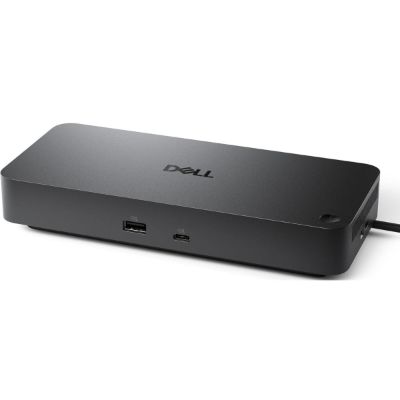
WD25 100W Docking Station
Only at Oriental Store
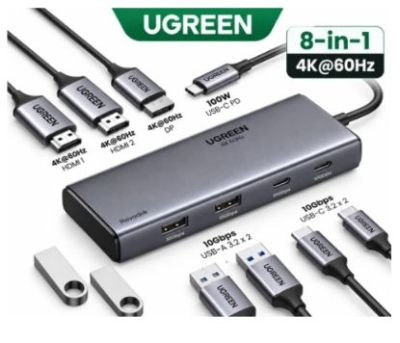
8-in-1 USB-C Docking Station · 8-in-1
Compared across 4 retailers
WD19S 130W Docking Station · 130W
Compared across 7 retailers