24% off
HUION · Drawing Tablets
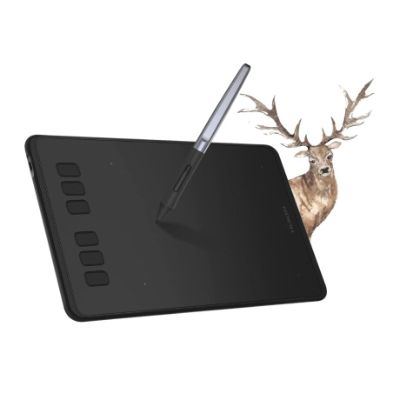
Huion Inspiroy H640P Small Graphics Drawing Tablet with Battery-Free Stylus in jordan أفضل تابلت للرسم الرقمي في الأردنH640P
34 JOD45In stock
Only at SmartX

Inspiroy H950P · Medium
【Everywhere Drawing Tablet】Huion H950P drawing board compact design with drawing area 8.7” x 5.4”, 8mm slim thickness and 497g light weight which will be easy to carry around. · 【Like a Real Pen on Drawing Pad】PW100 Battery-free stylus support ±60° tilt function on tablet screen, you don’t need to adjust the brush…
| Retailer | Price | Availability | Actions |
|---|---|---|---|
 SmartX | 44 JOD | In stock | Visit retailer |
Only one retailer in this catalogue is listing this product. Confirm the final price with the retailer.
Lowest offer added 2026-11-24 · Updated 2026-11-26 · No price change recorded
Search for other retailer offers8 programmed shortcut key designs. You can set single keys and multiple combinations of keys to make it easy for your fingers to master your favorite shortcuts and speed up your work/study efficiency.
The tablet still supports the left-handed mode. And also supports a selection of angles from 90° to 270°, which can be freely adapted to your work area.
Huion drawing tablet H950P is compatible with a wide range of devices, such as computers, laptops, android phones, and tablets, and it is also compatible with a wide range of systems and almost commercially available software, which can meet most of your needs, such as drawing, distance teaching/learning, note entry, designing, and editing videos, etc.
It is a handy tool and very valuable. Whether you are a student or a teacher at school, an editor or a designer, a master painter, or a novice painter, the H950P is a great choice!
Plug the USB cable into your Inspiroy H950P drawing tablet and computer.
Download and install the Huion driver on your computer.
*For Mac: installing the driver, requires Security and privacy settings.
Restart your computer and follow the user manual to set up the shortcut keys, pen buttons, and working area, and then you’re ready to go.
Start your work/study!
Huion Inspiroy H950P Medium Graphics Drawing Tablet with Battery-Free Stylus
Based on the price records this catalogue holds — not a guarantee of an all-time high or low.
This retailer's price has not changed since it was first recorded on 2026-11-24, currently 44 JOD.
| Recorded | Price | Change |
|---|---|---|
| 2026-11-24 | 44 JOD | First recorded |
H640P
Only at SmartX
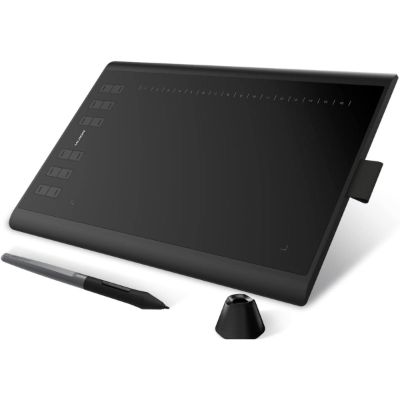
H1060P
Compared across 2 retailers
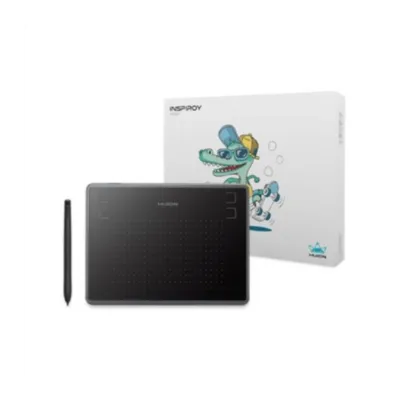
H430P
Only at Eagle Computer
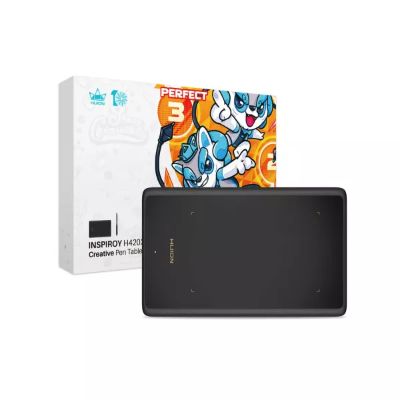
H420X
Only at Eagle Computer