Kingston · SATA SSDs
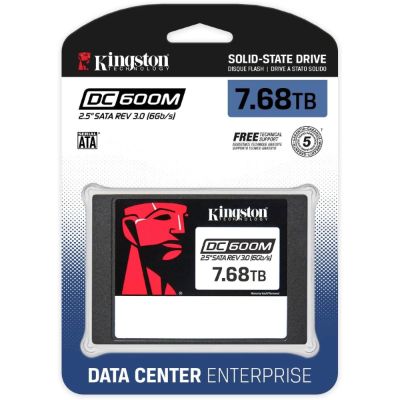
Kingston DC600M 7.68TB 2.5” SATA Enterprise SSDDC600M · 7.68TB SATA
from 3,999 JODIn stock
Compared across 4 retailers
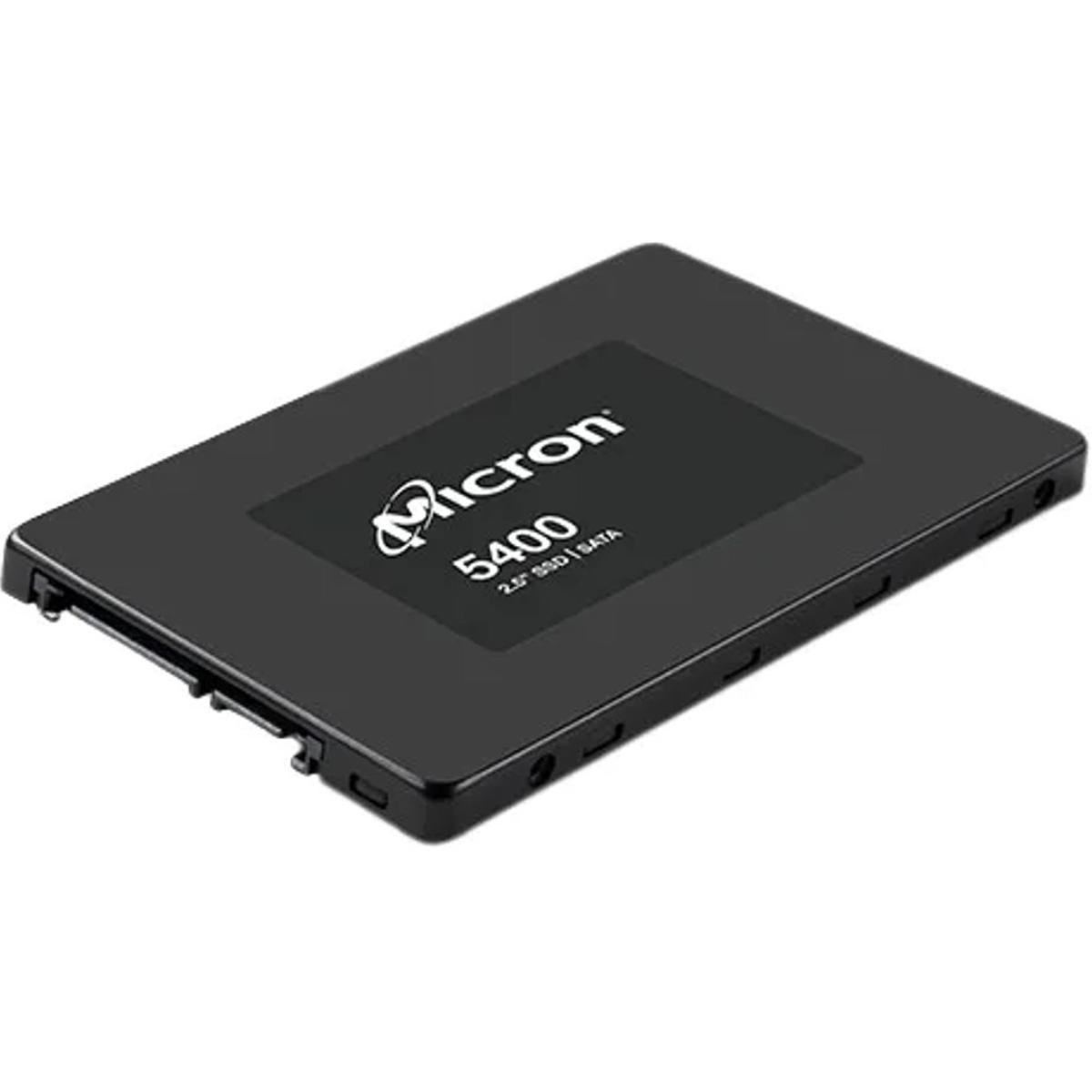
ThinkSystem 5400 PRO · 960GB
Provides more productive performance and superior data storage for a variety of files · Offers larger storage base capacity with maximum efficiency · Store as many documents, pictures and videos as you need with 1.92 TB capacity · The high-read speed of 540 MB/s maximizes system performance and saves time while you…
| Retailer | Price | Availability | Actions |
|---|---|---|---|
 City Center | 249 JOD | Out of stock | Visit retailer |
Only one retailer in this catalogue is listing this product. Confirm the final price with the retailer.
Lowest offer added 2026-10-25 · Updated 2026-11-26 · No price change recorded
Search for other retailer offers| Product Specifications | |
|---|---|
| Manufacturers Link | https://lenovopress.lenovo.com/lp1634-thinksystem-5400-pro-read-intensive-sata-6gb-ssds |
| Storage Specification | |
| Series | Micron 5400 PRO |
| Capacity | 960 GB |
| Interface | SATA III |
| Form Factor | 2.5" |
| Max Sequential Read | Up to 540 MBps |
| Max Sequential Write | Up to 520 MBps |
| Warranty | |
| Warranty | 1 Years |
Changes in the November 22, 2022 update:
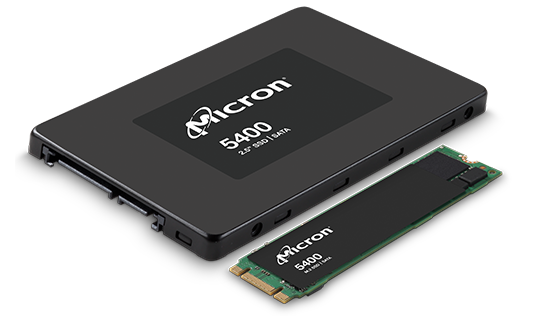
The ThinkSystem 5400 PRO Read Intensive SATA 6Gb SSDs are general-purpose self-encrypting SSDs (SEDs) based on the Micron 5400 PRO platform and are available in capacities ranging from 240GB to 7.86TB. They are engineered for greater performance and endurance in a cost-effective design, and to support a broader set of workloads.
Figure 1. ThinkSystem 5400 PRO Read Intensive SATA 6Gb SSDs
The 5400 PRO SSDs have the following features:
SSDs have a huge but finite number of program/erase (P/E) cycles, which affect how long they can perform write operations and thus their life expectancy. Read Intensive SSDs typically have a better cost per read IOPS ratio but lower endurance and performance compared to Mixed Use SSDs. SSD write endurance is typically measured by the number of program/erase cycles that the drive can incur over its lifetime, which is listed as total bytes written (TBW) in the device specification.
The TBW value that is assigned to a solid-state device is the total bytes of written data that a drive can be guaranteed to complete. Reaching this limit does not cause the drive to immediately fail; the TBW simply denotes the maximum number of writes that can be guaranteed. A solid-state device does not fail upon reaching the specified TBW. However, at some point after surpassing the TBW value (and based on manufacturing variance margins), the drive reaches the end-of-life point, at which time the drive goes into read-only mode. Because of such behavior, careful planning must be done to use SSDs in the application environments to ensure that the TBW of the drive is not exceeded before the required life expectancy.
For example, the 5400 PRO 960GB drive has an endurance of 2,628 TB of total bytes written (TBW). This means that for full operation over five years, write workload must be limited to no more than 1,440 GB of writes per day, which is equivalent to 1.5 full drive writes per day (DWPD). For the device to last three years, the drive write workload must be limited to no more than 2,400 GB of writes per day, which is equivalent to 2.5 full drive writes per day.
All ThinkSystem 5400 PRO Read Intensive SATA 6Gb SSDs support drive encryption.
Self-encrypting drives (SEDs) provide benefits in three main ways:
The following sections describe the benefits in more details.
It is vital that a company keep its data secure. With the threat of data loss due to physical theft or improper inventory practices, it is important that the data be encrypted. However, challenges with performance, scalability, and complexity have led IT departments to push back against security policies that require the use of encryption. In addition, encryption has been viewed as risky by those unfamiliar with key management, a process for ensuring a company can always decrypt its own data. Self-encrypting drives comprehensively resolve these issues, making encryption both easy and affordable.
When the self-encrypting drive is in normal use, its owner need not maintain authentication keys (otherwise known as credentials or passwords) in order to access the data on the drive. The self-encrypting drive will encrypt data being written to the drive and decrypt data being read from it, all without requiring an authentication key from the owner.
When hard drives are retired and moved outside the physically protected data center into the hands of others, the data on those drives is put at significant risk. IT departments retire drives for a variety of reasons, including:
Nearly all drives eventually leave the data center and their owner's control. Corporate data resides on such drives, and when most leave the data center, the data they contain is still readable. Even data that has been striped across many drives in a RAID array is vulnerable to data theft because just a typical single stripe in today’s high-capacity arrays is large enough to expose for example, hundreds of names and bank account numbers.
The drawbacks of today’s drive retirement practices include the following:
Self-encrypting drives eliminate the need to overwrite, destroy, or store retired drives. When the drive is to be retired, it can be cryptographically erased, a process that is nearly instantaneous regardless of the capacity of the drive.
The self-encrypting drive provides instant data encryption key destruction via cryptographic erasure. When it is time to retire or repurpose the drive, the owner sends a command to the drive to perform a cryptographic erasure. Cryptographic erasure simply replaces the encryption key inside the encrypted drive, making it impossible to ever decrypt the data encrypted with the deleted key.
Furthermore, self-encrypting drives simplify decommissioning and preserve hardware value for returns and repurposing by:
Insider theft or misplacement is a growing concern for businesses of all sizes; in addition, managers of branch offices and small businesses without strong physical security face greater vulnerability to external theft. Self-encrypting drives include a feature called auto-lock mode to help secure active data against theft.
Using a self-encrypting drive when auto-lock mode is enabled simply requires securing the drive with an authentication key. When secured in this manner, the drive’s data encryption key is locked whenever the drive is powered down. In other words, the moment the self-encrypting drive is switched off or unplugged, it automatically locks down the drive’s data.
When the self-encrypting drive is then powered back on, it requires authentication before being able to unlock its encryption key and read any data on the drive, thus protecting against misplacement and theft.
While using self-encrypting drives just for the instant secure erase is an extremely efficient and effective means to help securely retire a drive, using self-encrypting drives in auto-lock mode provides even more advantages. From the moment the drive or system is removed from the data center (with or without authorization), the drive is locked. No advance thought or action is required from the data center administrator to protect the data. This helps prevent a breach should the drive be mishandled and helps secure the data against the threat of insider or outside theft.
Based on the price records this catalogue holds — not a guarantee of an all-time high or low.
This retailer's price has not changed since it was first recorded on 2026-10-25, currently 249 JOD.
| Recorded | Price | Change |
|---|---|---|
| 2026-10-25 | 249 JOD | First recorded |
DC600M · 7.68TB SATA
Compared across 4 retailers
DC600M · 1.92TB
Compared across 4 retailers
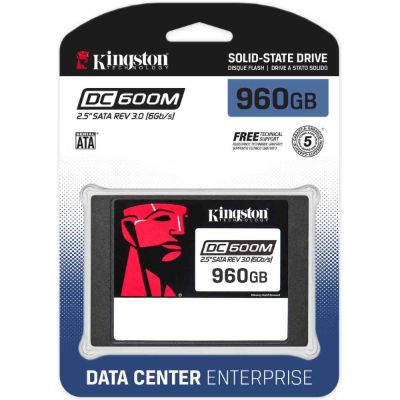
960GB
Compared across 5 retailers
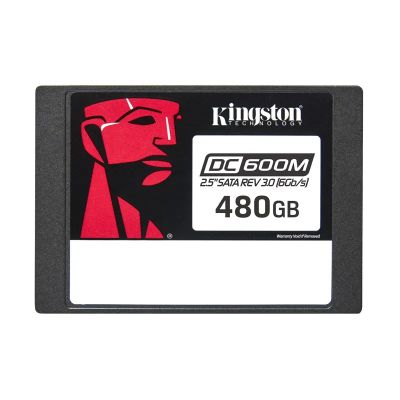
DC600M · 480GB
Compared across 2 retailers