
9% off
Logitech · Mice
Logitech MX Master 3S MouseMX Master 3S · Bluetooth
from 72 JODIn stock
Compared across 15 retailers
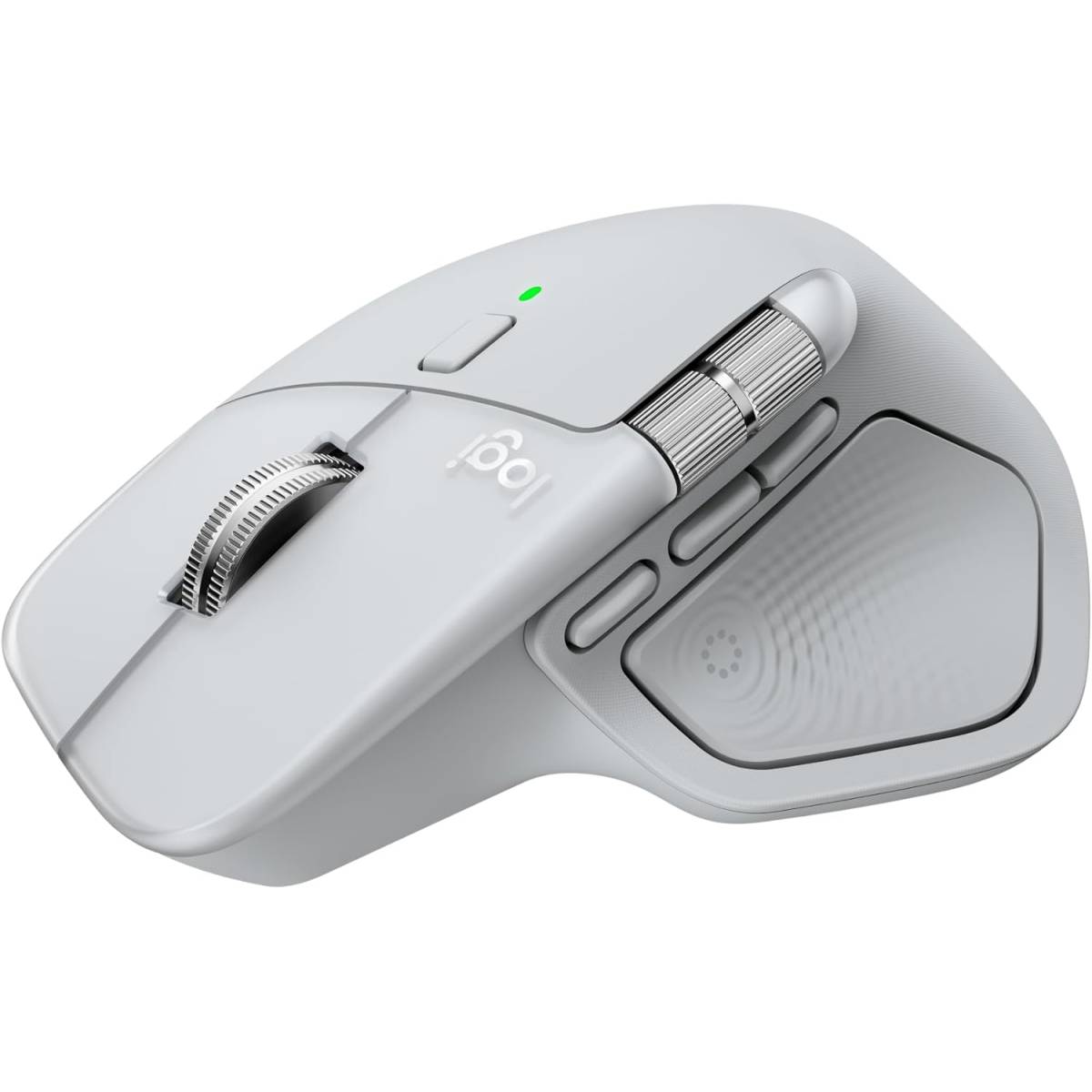
MX Master 4 · for Mac
Likely the same product — matched on brand and model, not on a manufacturer part number.
| Retailer | Price | Availability | Actions |
|---|---|---|---|
 GTSLowest | 89.99 JOD | In stock | Visit retailer |
 Compu Jordan | 105 JOD | In stock | Visit retailer |
 City Center | 105 JOD | In stock | Visit retailer |
 Al-Rewaaq | 107.99 JOD | In stock | Visit retailer |
 Midas Computer Center | 108 JOD | In stock | Visit retailer |
 Oriental Store | 109 JOD | In stock | Visit retailer |
 PCYARD | 109 JOD | In stock | Visit retailer |
 CompuMe | 115.5 JOD | In stock | Visit retailer |
 IGEEK Mega Stores | 105 JOD | Out of stock | Visit retailer |
These listings match on brand and model rather than on a manufacturer part number, so the match is likely but not confirmed. Check the specifications before you buy on price alone.
Lowest offer added 2026-06-30 · Updated 2026-11-25 · Last price change 2026-11-18
The Logitech MX Master 4 for Mac is the ultimate wireless mouse for macOS and iPadOS users, combining immersive haptic feedback, precision tracking, and workflow‑saving shortcuts. With the Actions Ring, you can access tools and filters directly at your cursor, saving up to 33% of your time and reducing mouse movements by 63%.
The MagSpeed scroll wheel delivers Logitech’s fastest and most precise scrolling experience, switching effortlessly between ratchet mode (87% more precise) and hyper‑fast mode (90% faster), zipping through 1,000 lines per second. Powered by a Darkfield 8K DPI sensor, it tracks flawlessly on virtually any surface — even glass as thin as 4mm.
Designed for comfort, the MX Master 4 features an optimized tilt angle, intuitively positioned buttons, and a thumb wheel for horizontal navigation. Quiet Click technology reduces click noise by 90% compared to MX Master 3, keeping you focused without distractions.
With USB‑C quick charging, the 650mAh battery lasts up to 70 days per charge, and delivers 3 hours of use from just a 1‑minute quick charge. Connectivity includes Bluetooth LE 5.1 and support for Logi Bolt USB receivers (USB‑C/USB‑A, not included).
| Specification | Details |
|---|---|
| Model Number | 910‑007576 |
| Color | White Silver |
| Dimensions | 128.15 × 88.35 × 50.8mm |
| Weight | 150g |
| Sensor | Darkfield high precision |
| DPI Range | 200 – 8000 (50 DPI increments) |
| Scroll Wheel | MagSpeed, ratchet & hyper‑fast, thumb wheel |
| Buttons | 8 (includes gesture button) |
| Connectivity | Bluetooth LE 5.1, Logi Bolt USB receiver (not included) |
| Wireless Range | 10m |
| Battery | 650mAh rechargeable, 70 days life, USB‑C quick charge |
| Features | Haptic feedback, Actions Ring, Quiet Clicks, Flow, Smart Actions |
| Compatibility | macOS 13+, iPadOS 15+, Windows (basic functions), Adobe plugins |
| Warranty | 1‑Year Limited Warranty |
Based on the price records this catalogue holds — not a guarantee of an all-time high or low.
Lowest price across 9 retailers.
| Recorded | Price | Change | Lowest at |
|---|---|---|---|
| 2026-11-18 | 89.99 JOD | -15.01 JOD | GTS |
| 2026-09-25 | 105 JOD | First recorded | Compu Jordan |
MX Master 3S · Bluetooth
Compared across 15 retailers
MX Master 4
Compared across 10 retailers
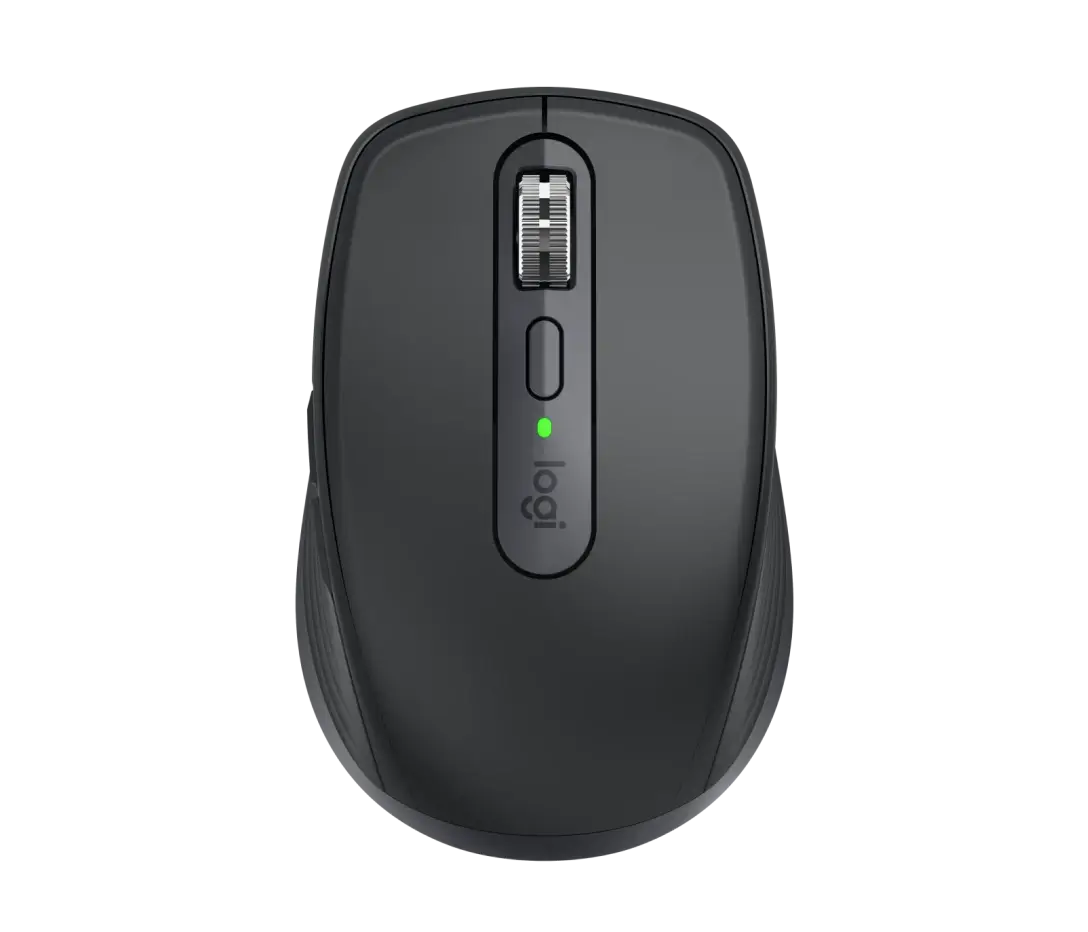
MX Anywhere 3S · Compact
Compared across 8 retailers
MX ANYWHERE 3 · Rose
Compared across 3 retailers