Logitech · Keyboards
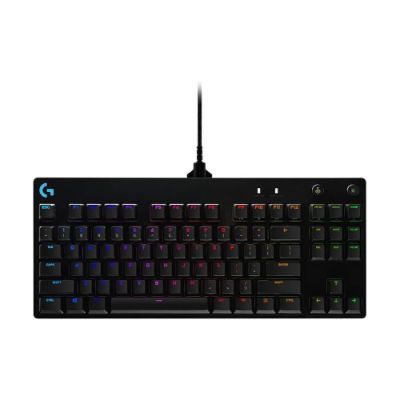
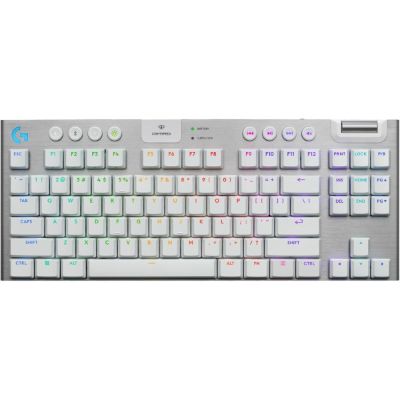
Logitech G PRO Mechanical Gaming Keyboard, Tenkeyless, GX Clicky Switches, LIGHTSYNC RGB, US InternationalG PRO Mechanical Gaming Keyboard · Tenkeyless, US International
114 JODIn stock
Only at DNA
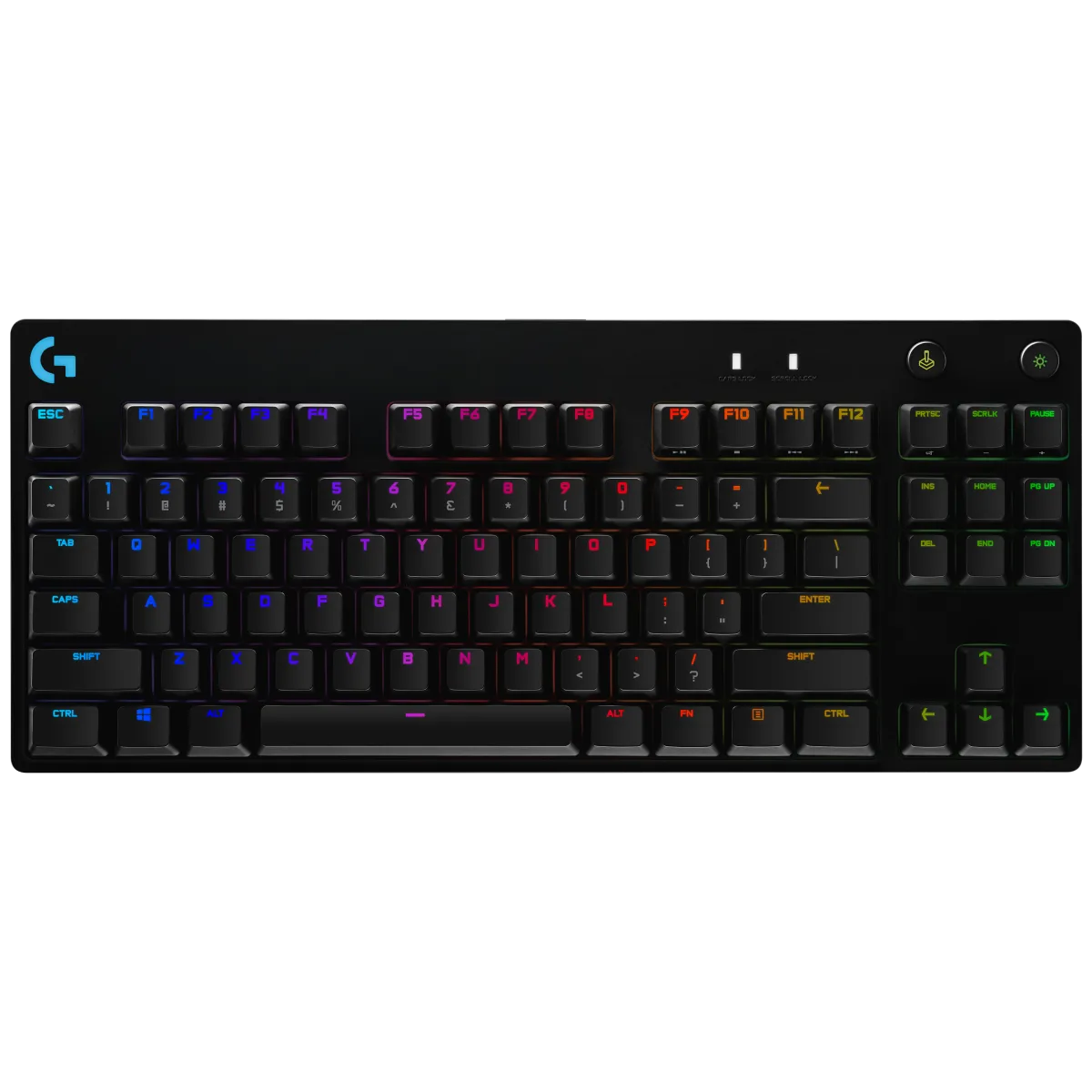
G PRO Mechanical Gaming Keyboard · TKL, GX Clicky, RGB
• GX Blue Clicky Switches: Mechanical keys with tactile and audible feedback. · • Tenkeyless Design: Compact TKL layout with more space for mouse movement. · • LIGHTSYNC RGB: Customizable RGB lighting with Logitech G HUB. · • Programmable Keys: F1–F12 macro support and onboard static lighting memory. · • Wired &…
Likely the same product — matched on brand and model, not on a manufacturer part number.
| Retailer | Price | Availability | Actions |
|---|---|---|---|
 City CenterLowest | 110 JOD | In stock | Visit retailer |
 CompuMe | 121 JOD | In stock | Visit retailer |
These listings match on brand and model rather than on a manufacturer part number, so the match is likely but not confirmed. Check the specifications before you buy on price alone.
Lowest offer added 2021-12-25 · Updated 2026-11-25 · No price change recorded
Its tenkeyless (TKL) design provides additional desk space for mouse movement, while LIGHTSYNC RGB lighting, programmable function keys and a detachable Micro USB cable make it a practical choice for gaming setups and tournament travel. This black variant features an English International QWERTY layout.
| Component | Specification |
| Brand | Logitech G |
| Model | PRO Mechanical Gaming Keyboard |
| Part Number | 920-009392 |
| Keyboard Type | Mechanical Gaming Keyboard |
| Form Factor | Tenkeyless (TKL) |
| Switch Type | GX Blue Clicky Mechanical |
| Switch Feedback | Tactile and Audible Click |
| Keyboard Layout | English International (QWERTY) |
| Connectivity | Wired |
| Cable Connection | Detachable Micro USB |
| Backlighting | LIGHTSYNC RGB |
| Programmable Keys | F1–F12 Macro Programming |
| Onboard Memory | Static Lighting Designs |
| Configuration Software | Logitech G HUB |
| Color | Black |
Based on the price records this catalogue holds — not a guarantee of an all-time high or low.
Lowest price across 2 retailers.
| Recorded | Price | Change | Lowest at |
|---|---|---|---|
| 2026-11-26 | 110 JOD | 0 JOD | City Center |
| 2026-10-26 | 110 JOD | First recorded | City Center |
G PRO Mechanical Gaming Keyboard · Tenkeyless, US International
Only at DNA
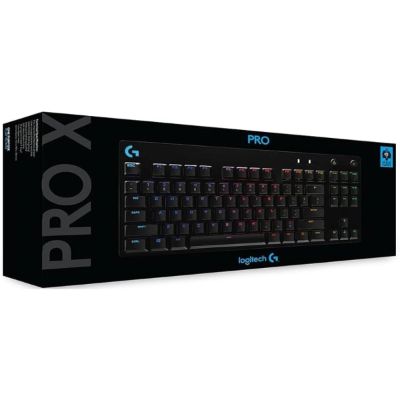
G Pro X TKL · GX Clicky switches
Compared across 2 retailers
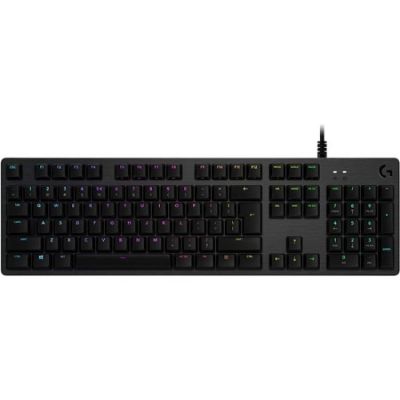
G512 Carbon · clicky switches
Only at NumberOneStore
TKL · Wireless
Only at Green Dara Stars