MSI · Motherboards
MSI PRO B850M-P WIFI Motherboard (AMD AM5)PRO B850M-P WIFI · DDR5
from 139 JODIn stock
Compared across 8 retailers
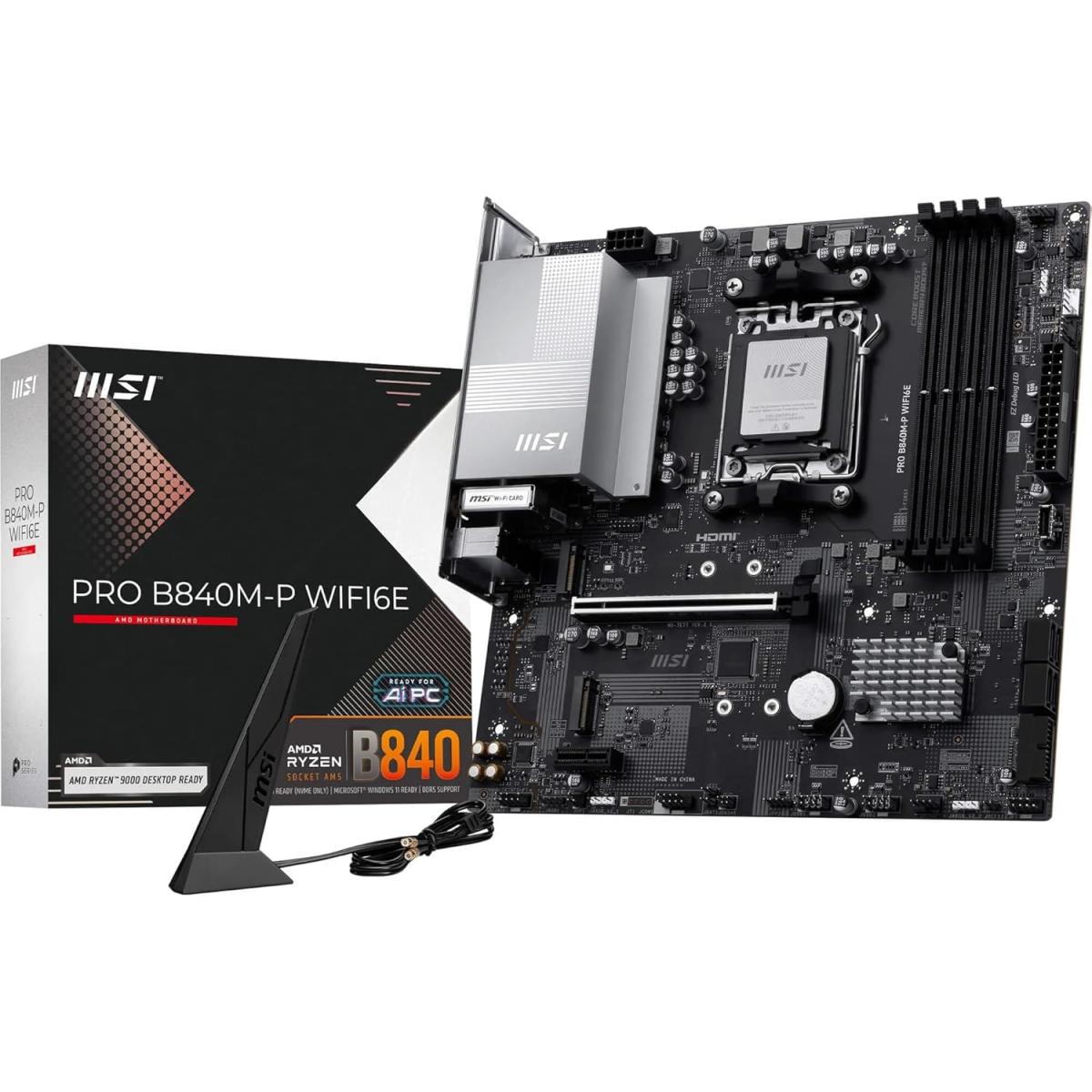
PRO B840M-P WiFi 6E
Likely the same product — matched on brand and model, not on a manufacturer part number.
| Retailer | Price | Availability | Actions |
|---|---|---|---|
 Taipei ComputerLowest | 129 JOD | Out of stock | Visit retailer |
 City Center | 129 JOD | Out of stock | Visit retailer |
These listings match on brand and model rather than on a manufacturer part number, so the match is likely but not confirmed. Check the specifications before you buy on price alone.
Lowest offer added 2026-01-27 · Updated 2026-11-24 · No price change recorded
| From Manufacturer | |
| Full Product Specifications | View |
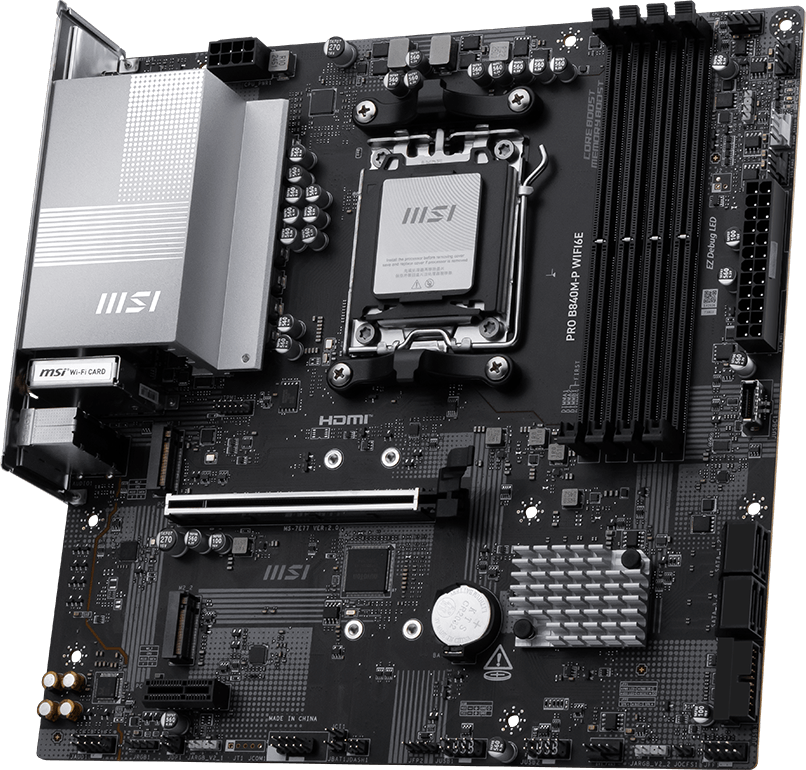
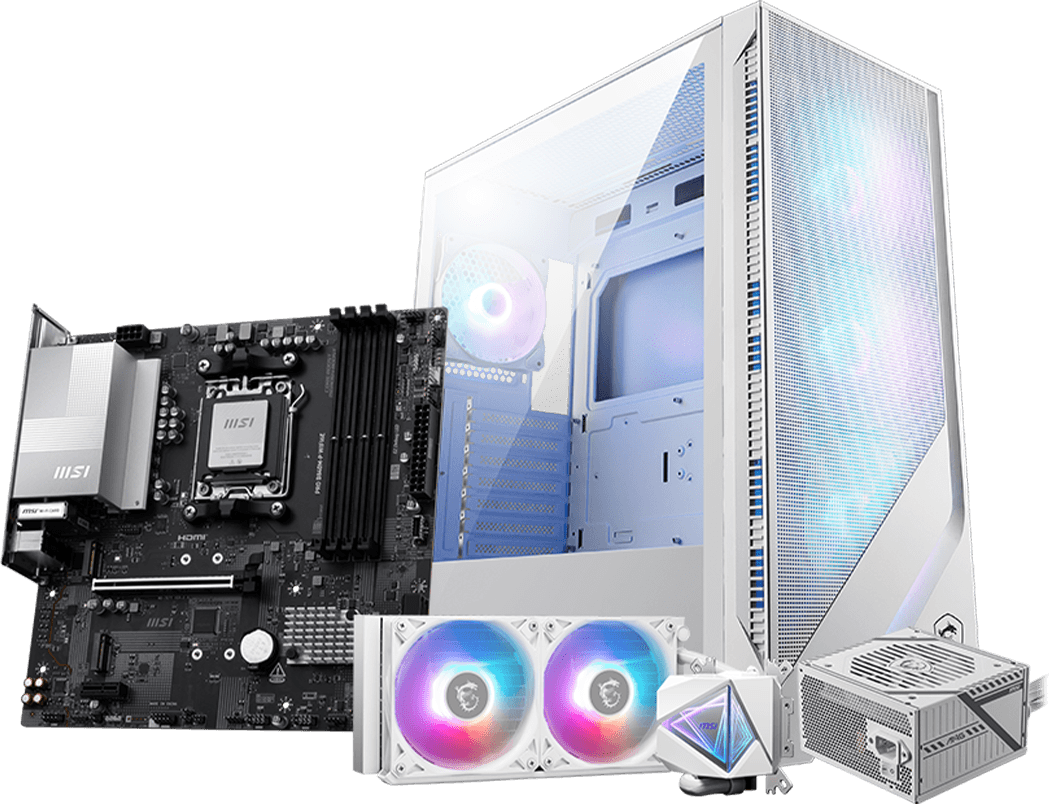
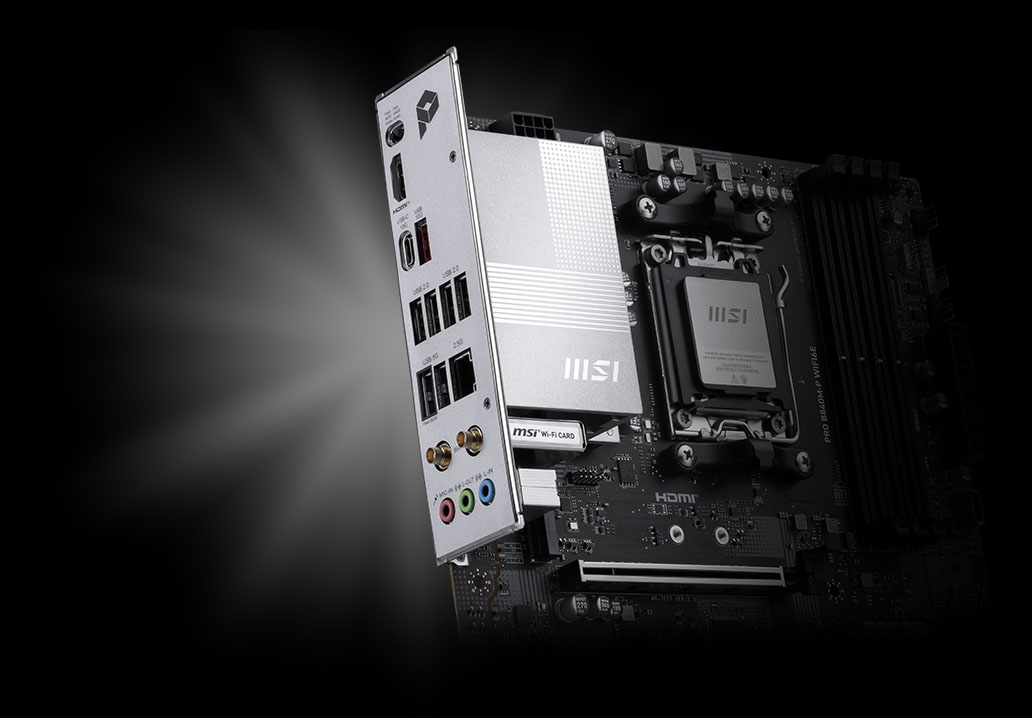
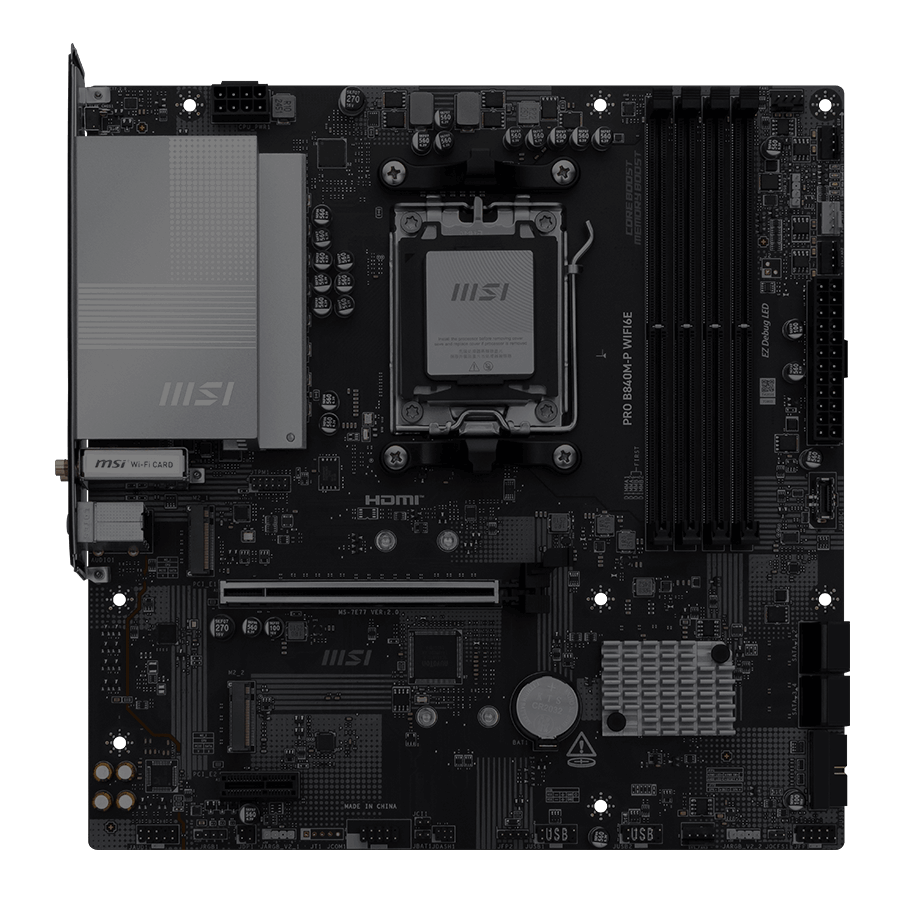
PRO B840M-P WIFI6E offers a simple design with a harmonious silver color scheme that perfectly matches both white and black PC builds. It is engineered with many exclusive features of MSI, a Wi-Fi 6E with EZ Antenna, 2.5G LAN, and PCIe 4.0 M.2, ready for the AMD Ryzen™ 9000 series processors.
The PRO Series is tailored to professionals from all walks of life. The lineup features impressive performance and high quality, while aiming to provide users incredible experience. Users who care about productivity and efficiency can definitely count on the MSI PRO Series to assist you with multitasking and increasing efficiency.
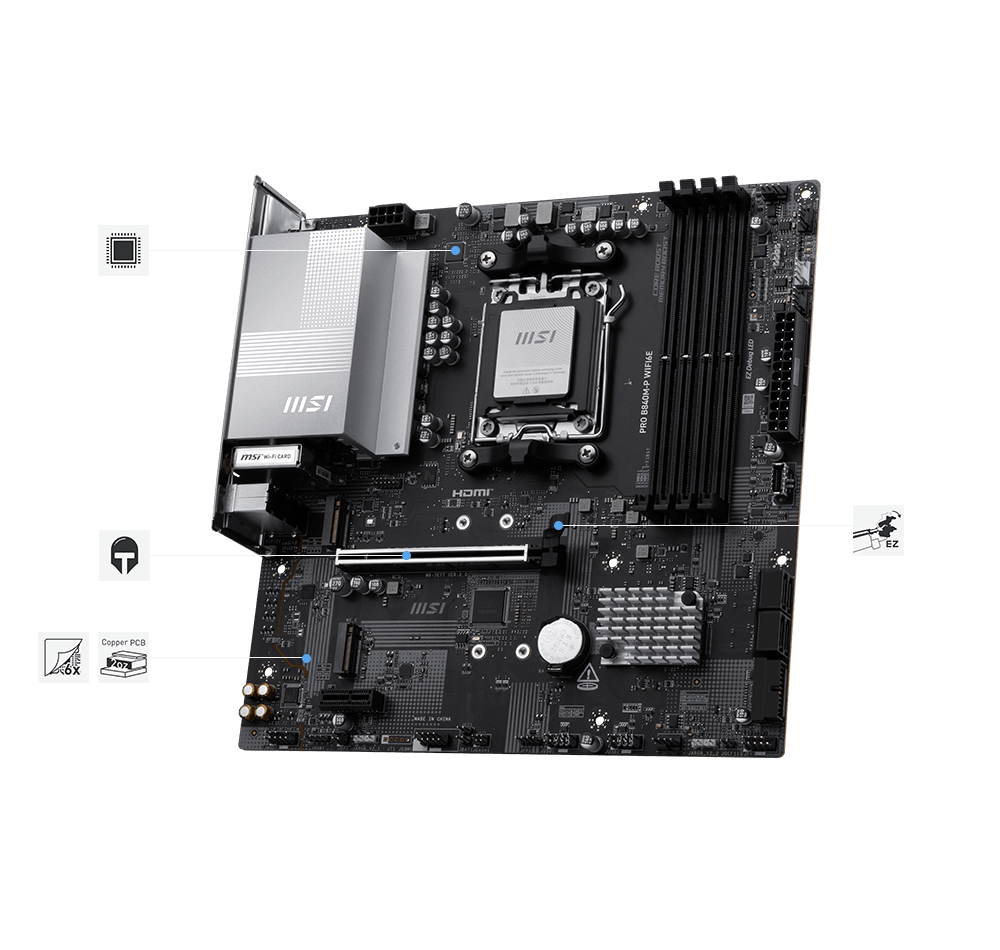
6-layer Server-grade PCB with 2oz Thickened Copper
MSI motherboards are designed with advanced hardware and technology, well-supporting the demanding computing usage of gaming and AI. Moreover, we also introduce AI to MSI Center and BIOS, making everything more effortless than before.
provides several categories for you to sync the applications you want to perform and automatically optimizing them to create a comfortable environment.
optimizes networking performance and minimizes latency, providing a seamless online experience.
automatically adjusts fan duty to make sure the system stays in cool, stable and high performance.
is an MSI exclusive feature. It overclocks NPU to improve higher AI performance.
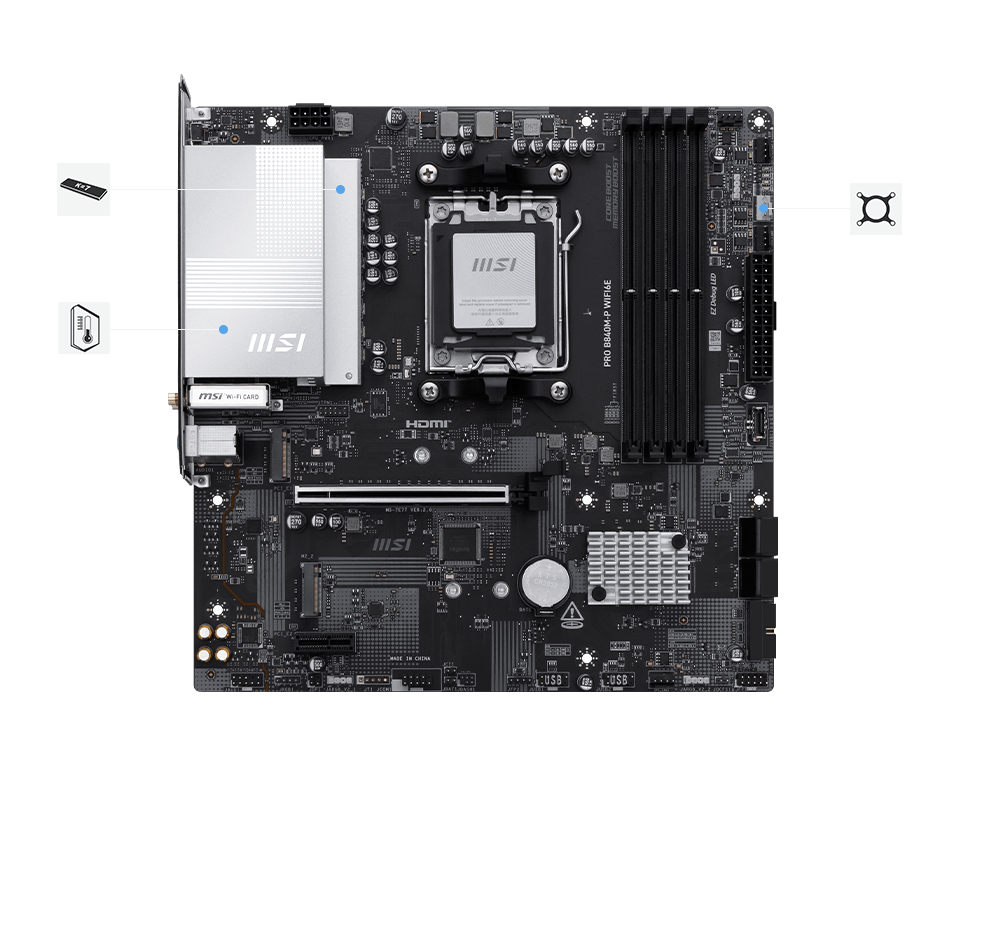
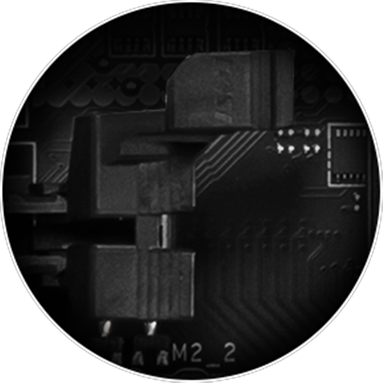
MSI’s exclusive EZ M.2 CLIP II makes M.2 installation seamless. Insert the SSD card into the slot and press it down to lock it in place with the clip. As fasten the SSD, flick the clip outwards and then the SSD is removed. The process is smooth, and you don’t need to use your tools like before. One finger can give you perfect DIY experience.
Introducing MSI’s EZ M.2 CLIP II Remover, a handy tool designed to simply switching or repositioning the EZ M.2 CLIP II on your motherboard. This tool allows users to effortlessly detach the EZ M.2 CLIP II from the motherboard and reattach it to any desired M.2 slot. It is included in the accessory kit that comes with MSI motherboards.
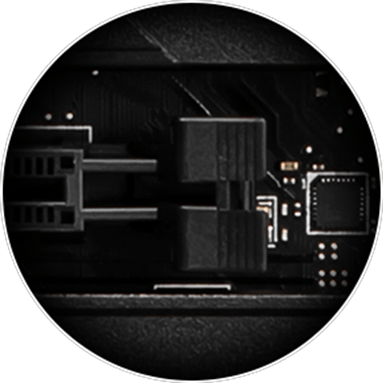
The new EZ PCIe Clip II, located on the first slot, features the rebounding force mechanism that allows for easy removal of the graphics card by pressing the tail-like lock with one finger. Due to this exquisite design, users can uninstall the graphics cards effortlessly, even in the cramped case spaces.
Flash the BIOS with only a connected power supply by following a few steps. CPU and memory not required. Leam more
Restore the BIOS to the default settings – helpful in 99% of the cases to successfully boot again.
The Pre-Installed I/O Shield offers a streamlined and hassle-free installation experience by eliminating the need to manually fit the I/O shield during motherboard setup. With its built-in design, it ensures proper alignment and a secure fit, providing both protection and convenience while enhancing the overall durability of your build.
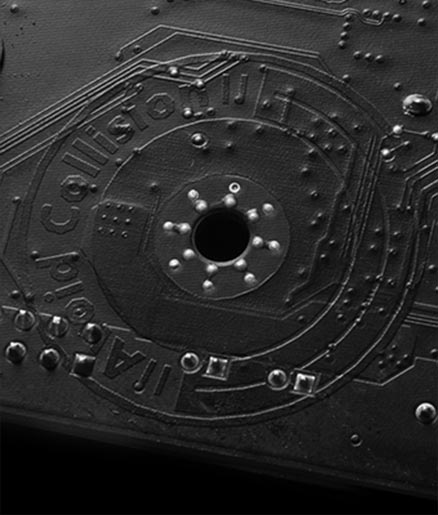
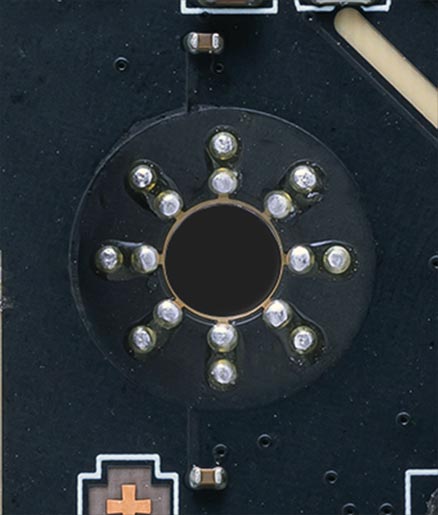
MSI motherboards circuitry ensure the case standoff keep out zones are pure and clean. Moreover, the protective paint is printed around each screw hole to prevent parts from being scratched or damaged to the motherboard.
MSI EZ Antenna makes the process effortless by simply attaching fasteners to the motherboard without rotation.
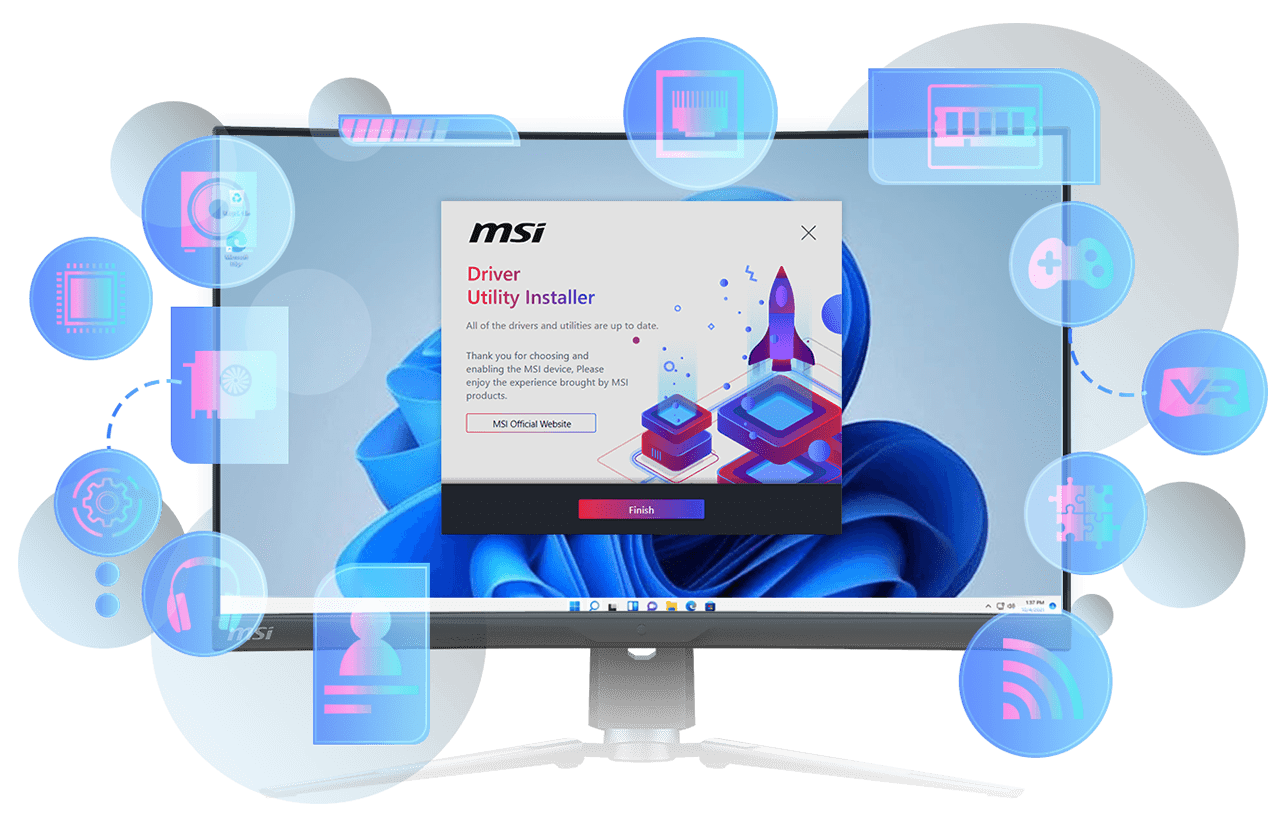
Once connected to the internet, MSI Driver Utility Installer will detect and present suitable drivers and utilities automatically, you can download and install with just a few clicks. Learn more
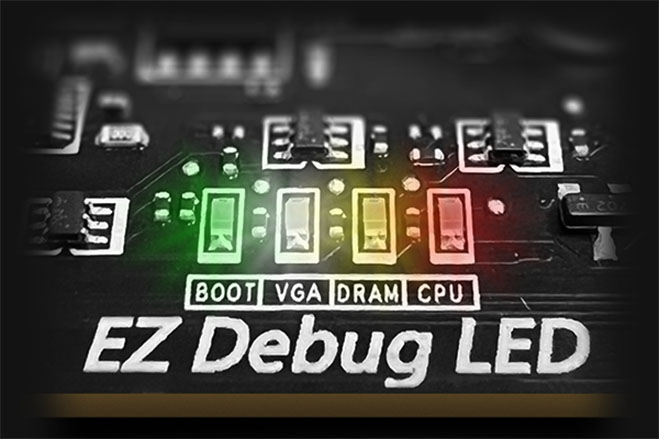
Onboard LEDs will indicate the source of the problem so you know exactly where to look to get up and running again.
This LED lights up when it detects faulty memory in slots, eliminating guesswork from troubleshooting.
To better differentiate between pin headers for different purposes, mark the pump sys header and ARGB headers in white, enabling users to manage cables more efficiently.
The motherboard has a detailed M.2 signal source list printed on it, allowing you to easily identify them.
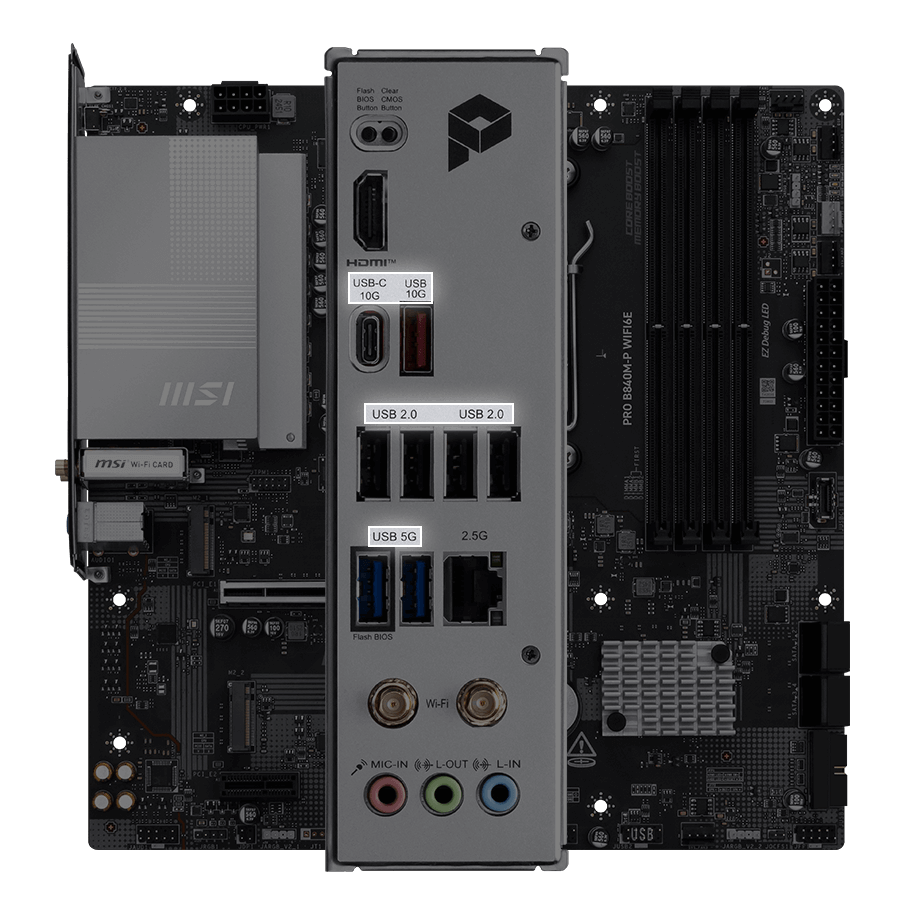
Change the way USB speeds are described to numbers (rather than the confusing names like USB 3.2 Gen 2x2) for better understanding
While overclocking can be overly complex for some, MSI Click BIOS X made it more accessible with multiple one-click overclock features for both processor and memory, allowing users to easily enhance system performance without delving into intricate settings.
An intelligent algorithm boosts NPU performance to get the best possible AI performance when you need additional horsepower. *Enabled with compatible processors.
Choose from preset EXPO and A-XMP profiles to automatically overclock compatible DDR memory for optimal performance.
A host of features inject artificial intelligence into key aspects of your computing experience to make smarter, real-time optimizations. The MSI Center offers a clean, minimal interface to customize and manage your PC settings. The AI Engine, for example, automatically adjusts settings based on the applications you're using, ensuring seamless performance.
Unleash and sustain the maximum performance with a VRM design built with a total of 7+2+1 digital power phases. With an 8-pin power connector, PRO B840M-P WIFI6E is ready for the challenge of heavy-loading tasks.
The PCB design has been optimized for higher bandwidth and faster transfer speeds, which is also beneficial for reliable circuit transmission.
MSI Game Boost enables one-second overclocking, giving you the performance boost you need to get more FPS.
What you set, is what you get. LLC makes sure your CPU voltage remains 100% stable under any load. This greatly improves stability when demanding more CPU performance.
Prevents potential short-circuit damage to the CPU and other critical components.
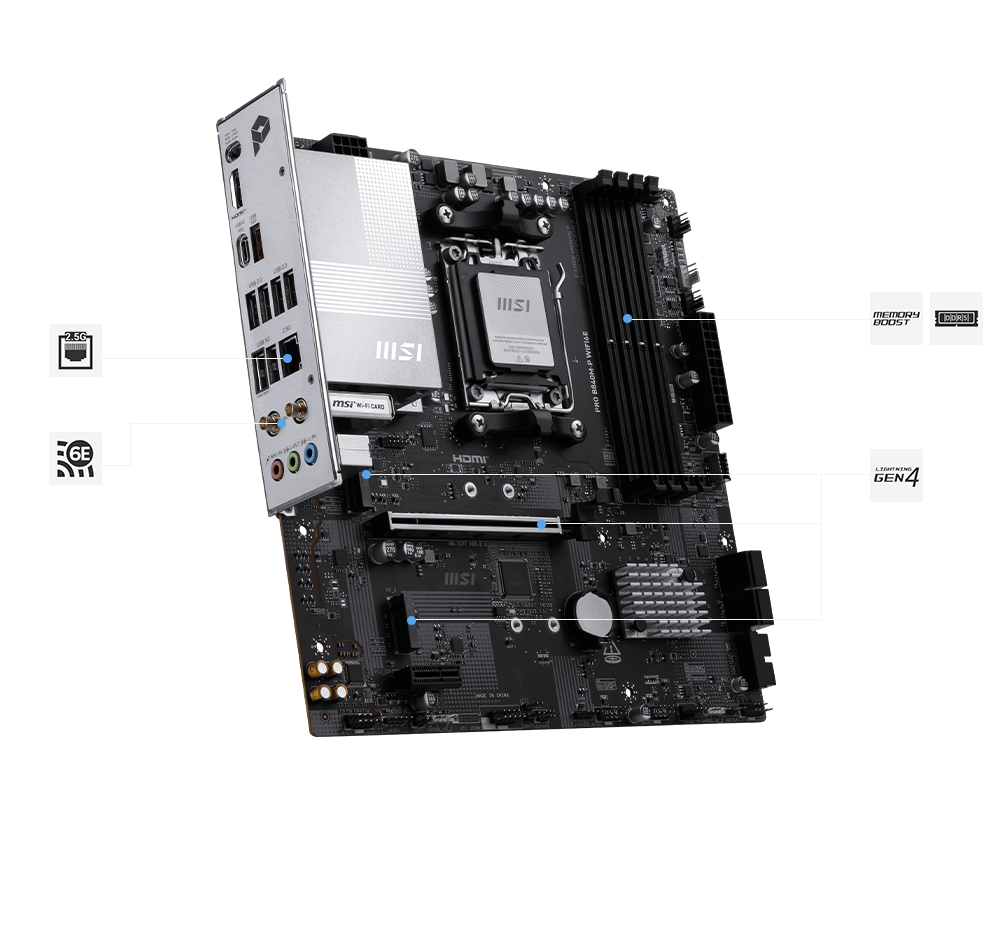
A huge step of DDR performance enhancement with the latest DDR5 memory. Combines with dedicated SMT welding process and MSI Memory Boost technology, PRO B840M-P WIFI6E is ready to deliver the world-class memory performance.
The High-Efficiency Mode is designed to optimize memory performance byincreasing memory bandwidth and reducing latency. With the four sets of RAM timing settings, it allows users to find out the optimal configuration based on the quality of their memory modules.
MSI BIOS has introduced the latest Latency Killer feature on all AM5 socket motherboards. Users can enable Latency Killer in the BIOS to reduce memory latency by up to 12% when running at high frequencies. Importantly, it is compatible with a wide range of memory overclocking features, including Memory Try It!!, EXPO, A-XMP, and High-Efficiency Mode, etc.
Transient Voltage Suppressors (TVS) are safety devices used to protect against excessive voltage. All motherboard models of MSI are equipped with TVS. When the voltage abnormally rises, the TVS switches from a high-resistance state to a low-resistance state, diverting the excessive voltage to ground. This helps prevent circuit damage caused by high voltage.
The 8-pin, and 24-pin power connectors of MSI motherboards are all designed with solid pins. The solid pin design allows for a more stable transmission of 12V power to the CPU, even when handling high current loads.
An extra layer of sponge materials along with corrosive resistance IO Shield to help improve static electricity and reduce electromagnetic radiation noise from the system as well as much more durable compare to traditional IO Shields.
MSI motherboards prioritize safety with the embedded Overcurrent Protection (OCP), ensuring crucial components such as the USB ports, DDR memory, PWM IC, and CPU are shielded from excessive current. This proactive defense mechanism curtails the risk of damage or malfunction due to power surges, promoting long-term system stability. This commitment to safeguarding your hardware underscores MSI's dedication to producing motherboards that prioritize durability and stability.
The grounding structure of power phases is the MSI's exclusive design. This patented design enables to suppress the electromagnetic interference (EMI) generated by the power phases and helps to efficiently conduct heat to the copper plane with grounding properties.
Extended Heatsink enlarges the surface of heat dissipation and maintain the performance at heavy loads.
High-quality 7W/mK MOSFET thermal pads and additional choke thermal pads ensure stable performance when all cores are runnging at high speed.
The chipset heatsink is designed to reduce dust and noise and capable of maintaining high efficiency of heat dissipation.
Connect and synchronize with MSI coolers and cases with strategically positioned pin-header locations including a dedicated pump-fan header.
The MSI Combo Fan Header is a versatile component, functioning as both a pump and or fan header. The header will automatically detects whether it is either pump or PWM/DC fan, with it's distinctive gray color ensuring easy identification
Cooling Wizard serves as a comprehensive solution for managing fan settings across all MSI products. It ensures superior cooling performance and noise reduction for your gaming PC, offering compatibility with PWM/DC fans and pumps, customizable options, and intuitive temperature monitoring for optimal operation with one click.
Save up to 5 profiles for multiple occasions
Allow users to change the temperature curve with the 4 dots provided
Allow users to manually change the temperature at a set percentage
Adjust fan settings according to the mode selected in User Scenario
Frozr AI Cooling targets CPU and GPU temperatures. The AI system detects CPU and GPU temperatures and automatically adjusts the fan duty of system fans to ensure optimal performance.
MSI fan headers automatically detect fans running in DC or PWM mode for optimal tuning of fan speeds and silence. Hysteresis also makes your fans spin up fluently to make sure your system stays silent, no matter what.
MSI's premium network solution provides incredible data transfer speed for demanding users.
MSI AI LAN Manager automatically classifies and prioritizes the latency-sensitive applications for online games, giving you the best online gaming experience with low latency.
MSI PRO series motherboards support all the latest storage standards, which allows users to connect any ultra-fast storage device. Start games faster, load levels faster and have a real advantage over your enemies.
MSI lightning Gen 4 PCI-E represents the bandwidth of a x16 interface to 64GB/s that has doubled compared to its previous generation.
MSI PCI Express Steel Armor slots are secured to the motherboard with extra solder points and support the weight of heavy graphics cards. When every advantage in games counts, Steel Armor shields the point of contact from electromagnetic interference.
MSI motherboards support USB Front Type-C that allows gamers to connect with the latest USB devices. Built up a system with MSI PC case to have the most convenient experience.
To provide clear voice, MSI develops a unique structure – Isolated Analogy Structure. The external metal framework of the audio connectors is separated from the internal layout, which ensures the sound quality crisp.
Splash on some color and vibrant RGB lighting effects using Mystic Light utility of MSI Center, which has million colors and fancy LED effects. Enjoy the full control and creativity of your PC's lighting with one software.
Add more color if you want! Mystic Light Extension pin header provides an intuitive way to control additional RGB strips and other RGB peripherals added to a system, without needing a separate RGB controller.
Supports 5V Addressable RGB devices. Compatible with ARGB Gen2 / Gen1 devices. *Gen2 device only supports 7 RGB themes
Synchronize lighting theme with compatible lighting devices.
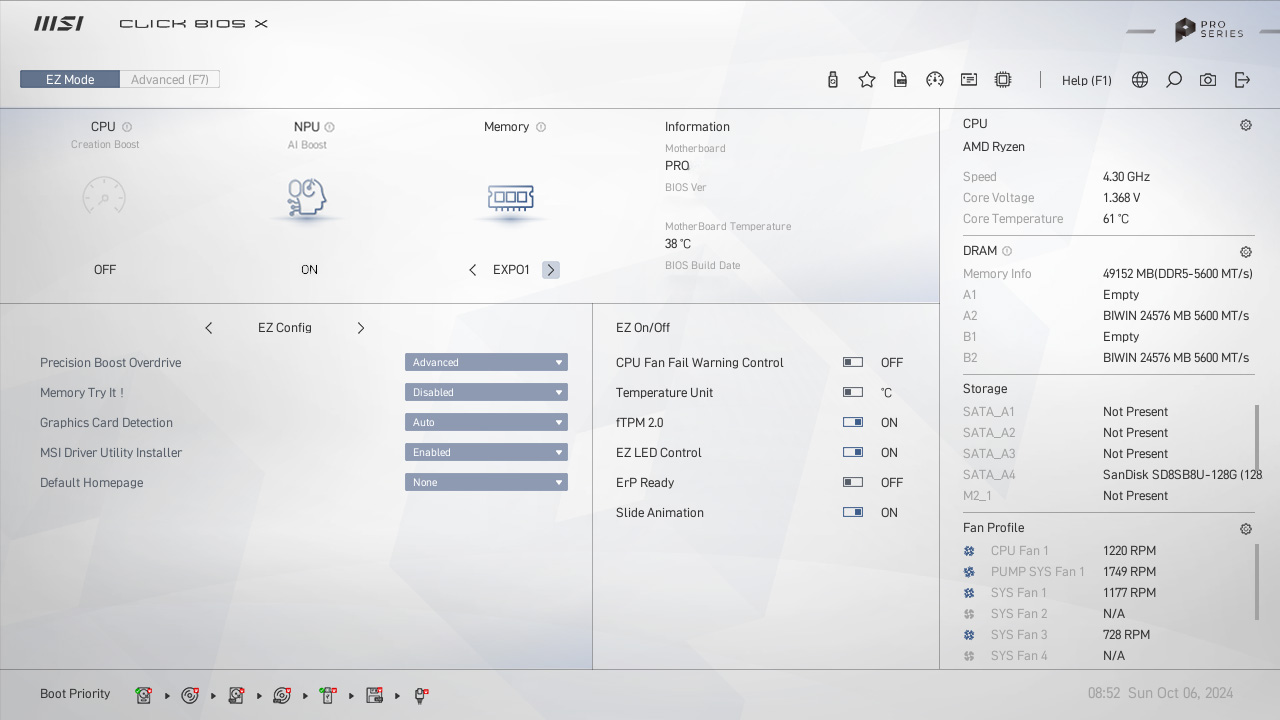
MSI’s newly designed CLICK BIOS X offers an aesthetically pleasing and user-friendly experience. The new design ensures that users of all experience levels can quickly access and adjust system configurations with ease.
Easily enhance your NPU performance with a click, unlocking the full potential of AI processing.
Easily apply optimized memory overclocking profiles through a simple one-click activation.
Instantly access real-time critical hardware information, including temperature, memory capacity, clock speed, and voltage.
Easily flash or update the BIOS in just a few minutes directly from the CMOS Setup Utility.
Enables secure system access by requiring a specific USB drive for booting, adding an extra layer of security to your PC.
Save and switch between multiple custom system configurations, allowing for quick adjustments tailored to different tasks or performance needs.
Bookmark frequently accessed settings, providing quick and easy access to essential configurations without the need to navigate through the entire menu.
Quickly locate specific settings or options by typing keywords, streamlining navigation and making system adjustments more efficient.
MSI brand new MSI Center unifies a suite of MSI software utilities into a single centralized application. Take control of advanced motherboards features and unleash endless possibilities.
MSI AI Engine eliminates the need to tweak settings manually and saving you time and effort.
Create your own colorful masterpiece with ease. Splash any color you want with just a few clicks!
Optimized monitor’s brightness and color in several modes for different situation, you can also customize by yourself.
One click for setting your computer, even customize own profile as your preference.
Get immediate access to your critical hardware information in real-time.
Cooling Wizard is a comprehensive tool for managing fan settings across MSI products, offering one-click optimization
Restore and backup your MSI storage devices in one click to provide stable system usage, you can even monitor the storage status to prevent system crash or data missing.
MSI motherboards provide 60 days free trial of AIDA64 Extreme - MSI edition. AIDA64 Extreme is an almighty application for system information, diagnostics and benchmarks. With the application, you can monitor the detailed hardware and software information on PC and save it to file in multiple formats such as CSV and HTML.








Based on the price records this catalogue holds — not a guarantee of an all-time high or low.
Lowest price across 2 retailers.
The lowest price has not changed since it was first recorded on 2026-09-13, currently 129 JOD.
| Recorded | Price | Change | Lowest at |
|---|---|---|---|
| 2026-09-13 | 129 JOD | First recorded | Taipei Computer |
PRO B850M-P WIFI · DDR5
Compared across 8 retailers
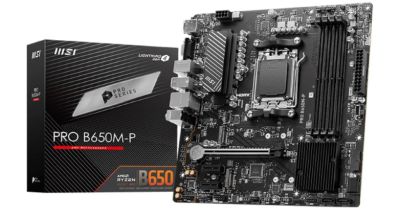
B650M-P · DDR5
Compared across 7 retailers
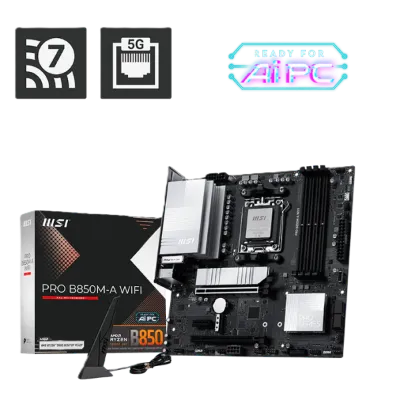
PRO B850M-A WIFI · Wi-Fi
Compared across 4 retailers
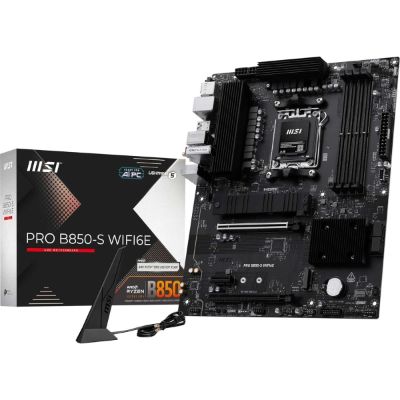
PRO B850-S WiFi · DDR5
Compared across 7 retailers