28% off
HAING · Adapters
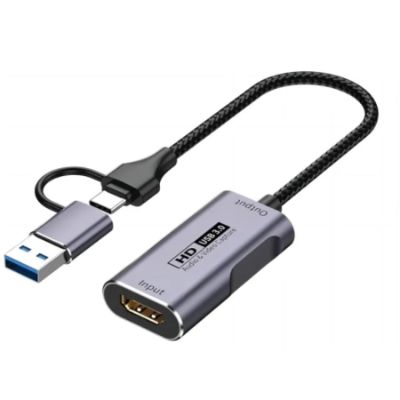
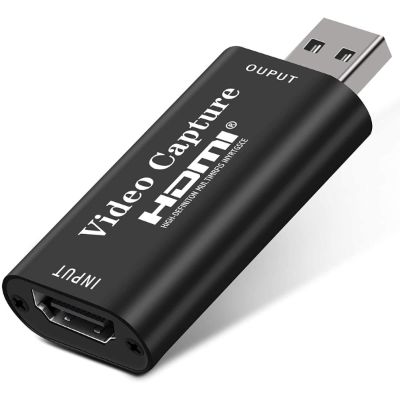
HAING HI-3004-TCH Type-C USB 4K HD Video CaptureType-C USB 4K HD Video Capture · 4K
from 10.75 JODIn stock
Compared across 8 retailers
4K input, 1080p/30fps output
| Retailer | Price | Availability | Actions |
|---|---|---|---|
 PC Circle | 13.95 JOD | In stock | Visit retailer |
Only one retailer in this catalogue is listing this product. Confirm the final price with the retailer.
Lowest offer added 2022-05-16 · Updated 2026-11-26 · No price change recorded
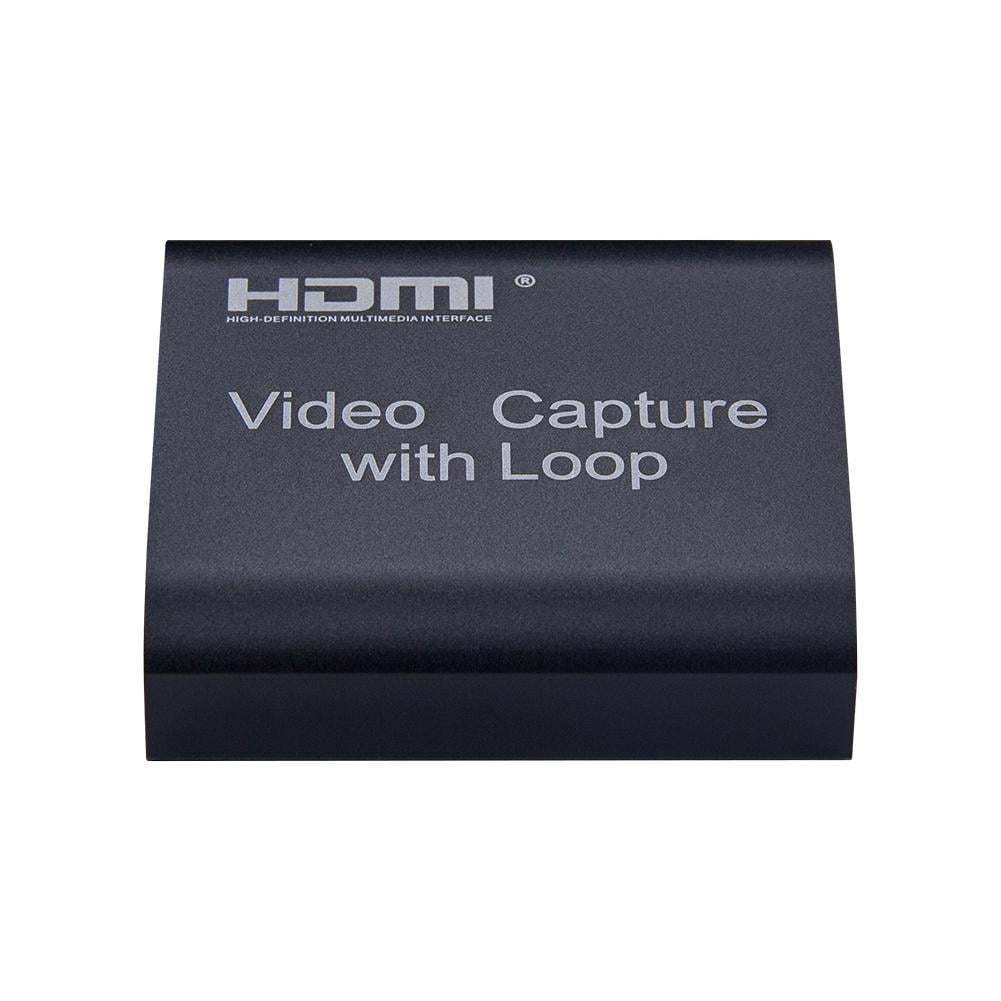
Search for other retailer offersExternal Graphics Capture Card HDMI to USB 2.0 4K input FHD output (1080p/30fps) / Video Recorder Box For Live Streaming / HDMI Digital Converter / video capture with loop out
Characteristics:
* Supports HDMI Loop Out;
* Supports 4K maximum resolution input;
* Supports maximum 1080P output resolution;
* Supports AWG26 standard HDMI cable: input up to 15 meters, (1080P and less resolution);
* Supports most acquisition programs such as VLC, OBS, Amcap, etc.
* Compatible with Windows, Android and MacOS;
* Complies with USB Video and UVC standards;
* Complies with UAC USB Audio standard;
* Compact and portable.
Connection and Operation:
1:Connect the UHD signal source to the HDMI input of the video capture with one HDMI cable.
2. Connect the display device to the HDMI output of the video capture with one HDMI cable.
3. Connect PC USB port to the USB output of the video capture with one USB cable.
4: Configure Your streaming/recording Software Operation steps for USB video capture(OBS): Open the software Choose sources of
“Video capture Device” Set the size of image Choose “Studio Mode”(double window)
Choose “Start Recording”.
Specifications:
HDMI Resolution: The maximum input can be 4K;
Supports video format: 8/10/12 bit deep color;
Video output format: YUV 、 JPEG;
Video output resolution: the maximum output can be 1080P;
Supports audio format: L-PCM;
Input cable distance: ≤ 15m, AWG26 standard HDMI cable;
Maximum operating current: 0.7A / 5VDC;
Operating temperature range: (-10 to + 55 ℃);
Package Included:
1 * capture card
1 * Double male USB2.0 cable
1 * Micro USB cable
1 * User Manual
Computer hardware minimum requirements:
CPU: Desktop i5-3400 or above ; Laptop i7-3537U 2.0GHZ or above
Graphics Card: PC NVIDIA GT630 or above; NC NVIDIA GT735M or above
Run memory: 4G RAM or above
Example as below:
1. Add new sources, choose “ Video Capture Device ”
2. Set the size of the image.
3. Choose “Studio Mode”(double window).
4. Click “ Start Recording”
Based on the price records this catalogue holds — not a guarantee of an all-time high or low.
This retailer's price has not changed since it was first recorded on 2026-10-30, currently 13.95 JOD.
| Recorded | Price | Change |
|---|---|---|
| 2026-10-30 | 13.95 JOD | First recorded |
Type-C USB 4K HD Video Capture · 4K
Compared across 8 retailers
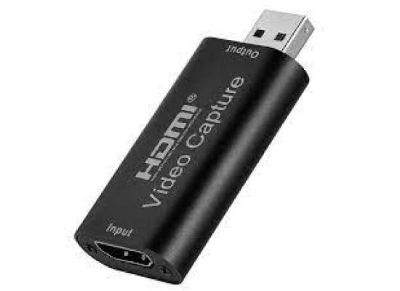
HDMI Video Capture · 4K to 1080P
Only at MID Teks Inc
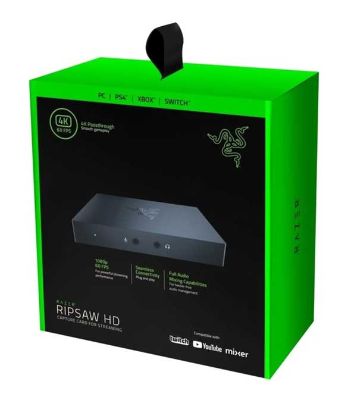
Ripsaw HD · 1080p, 60 FPS
Compared across 2 retailers
1080P
Only at Al-Samman for Computers