Power · Paper & Office Supplies
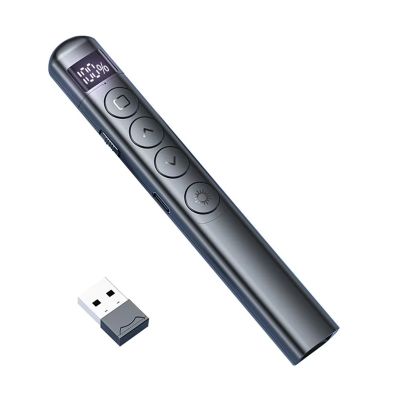
Wireless Laser Pointer S7 Presenter (Red Laser / USB / Remote Control) for Power PointWireless Laser Pointer
6.95 JODIn stock
Only at PC Circle

S5 Presenter · red laser
| Retailer | Price | Availability | Actions |
|---|---|---|---|
 PC Circle | 5.95 JOD | Out of stock | Visit retailer |
Only one retailer in this catalogue is listing this product. Confirm the final price with the retailer.
Lowest offer added 2025-02-19 · Updated 2026-11-25 · No price change recorded
Search for other retailer offersWireless Laser Pointer S5
Wireless Laser Pointer S5 Presenter (Red Laser / USB / Remote Control) for Power Point
Pairing Setting
1. Press the Page Up button + Hyperlink button for a long time, and the indicator light flashes. Transmit into the code-checking mode, and then plug in the receiver to indicate the light went out and the code was successfully aligned or flicker.
2. The product supports Windows and MAC operating systems, which is the first-time in. Keyboard set may appear after installation on Mac. Assistant (Keyboard Setup Assistant) and prompts that it is unrecognizable. Keyboard. Just click Continue and finish. After installation, the monitor will work accordingly.
3. The distance of this receiver will be affected by the surrounding electronic equipment. Disturb and shrink.
4. If you don’t operate this product for a long time, it will automatically enter the dormant state. Press any key to wake up.
Note: The hyperlink function does not support the WPS function.
Function Table
| Functional key | Function Declaration | |
| Indicator light | 1. Work indicator light 2. The indicator light flashes to prompt charging. 3. The light is always on when charging, and it goes out when it is full. | |
| ⏹ | 1. Long press to switch the window. 2. Click to select a hyperlink 3. Double-click to open the hyperlink | |
| 🔼 | Click Page Up. | |
| 🔽 | Click Page Down. | |
| 🔆 | Press and hold the emitted laser, release the laser and put it out. |
Note: The Mac system only supports Keynote software to page up and page down. Page function
Product Parameter
| Product Model | S5 |
| Control Technology | RF2.4GHZ |
| 2.4GHZ Control Distance | 200-300M |
| Laser Distance | 200M |
| Working Voltage | 3.7V |
| Sleep Current | < 20uA |
| Product Size | 139 x 20 x 14mm |
| Weight | about 24g |
| Operating System | Windows XP/7/8/9/10 Mac OS Linux Android
|
| Digital Tube Display Color | white, charging sign is green |
| Battery Capacity | 180mAh |
| Compatible Interfaces | USB |
| Working Voltage | USB total power supply (4.5-5.5V) |
| Weight | 2g |
Electric Quantity Prompt
1. The product has a built-in lithium battery, which can be plugged into a computer with a USB plug. Charge in the USB interface, and plug the other end into Type C. Enter and flip through the pen host.
2. The battery power display is divided into four grades: 100%, 75% and 50%. 25%
3. When the digital display power is below 25%, the machine must be charged. It can only be used by electricity, and the charging time is about 2.5 hours.
4. Note: If the battery power is too low, the control distance will be shortened. Please refer to. When charging.
Note: power point, Keynote, Prezi and Other commonly used software. The page tur pen supports that function switch of the page turning key, the default function of the page-turning pen is on the computer keyboard. Up and down arrow keys, support PowerPoint and Keynote. Turn pages; Press the page up and down keys at the same time for the first time, and the function will be switched to Page up, page Down function of computer keyboard, support Browsers and drawing software turn pages.
Note
This product has the function of generating laser beam, which is harmful to eyes. Please don’t point the laser at the crowd, especially the face, and use the laser straight strictly. Shoot in the eye! Avoid pointing the laser at mirrors or other highly reflective surfaces. In fact, do not give this product to children as a toy, this product has a built-in lithium battery. Do not throw this product into kindling, because the battery may explode; also, do not intrude this product into the battery in water or any other liquid. An explosion may occur when the short circuit is damaged. Attempt to disassemble, adjust or repair. When traveling, please ask professionals to work.
Based on the price records this catalogue holds — not a guarantee of an all-time high or low.
This retailer's price has not changed since it was first recorded on 2026-11-16, currently 5.95 JOD.
| Recorded | Price | Change |
|---|---|---|
| 2026-11-16 | 5.95 JOD | First recorded |
Wireless Laser Pointer
Only at PC Circle
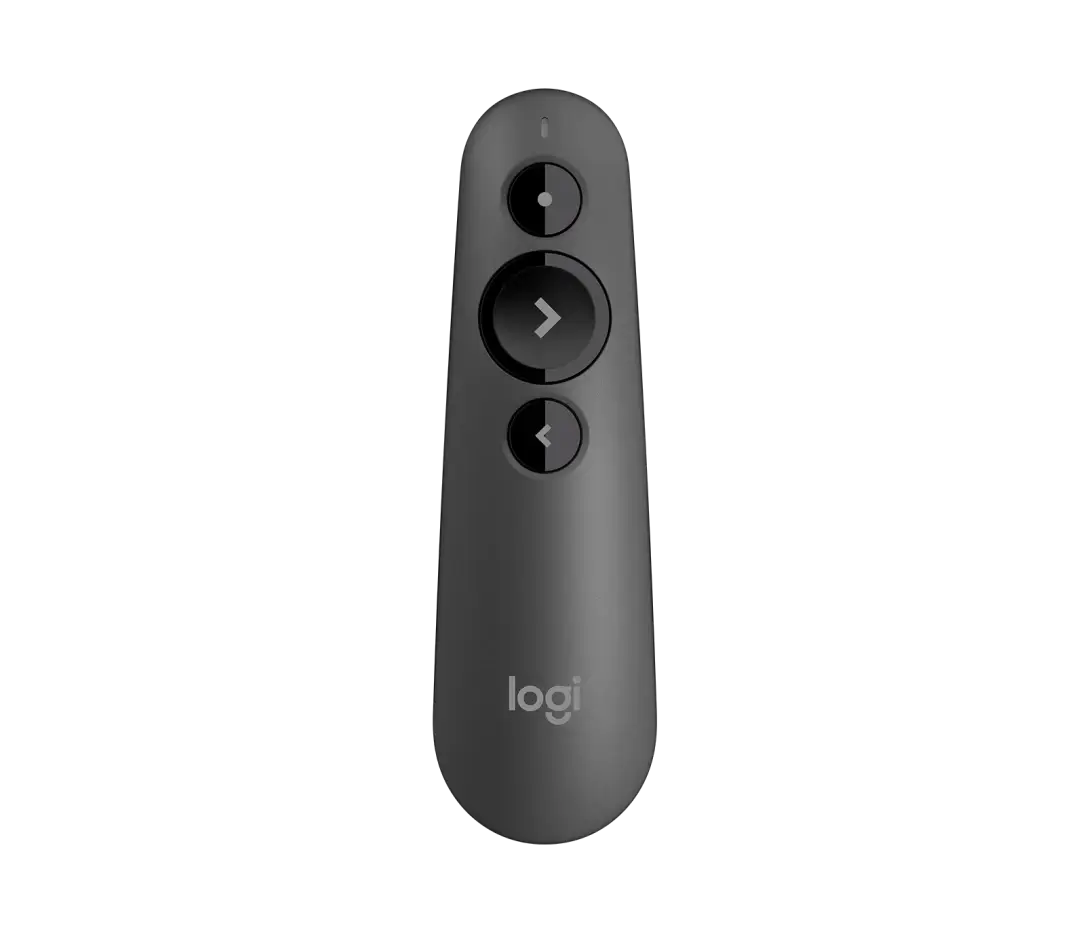
R500s
Compared across 6 retailers
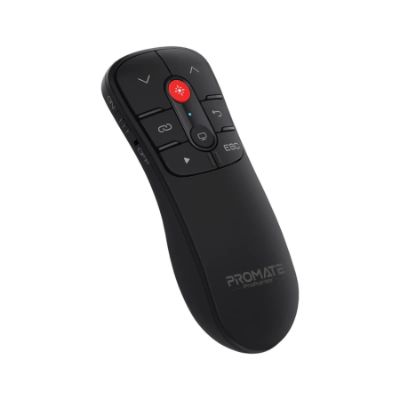
ProPointer · Type-C & USB
Compared across 6 retailers