Samsung · Monitors
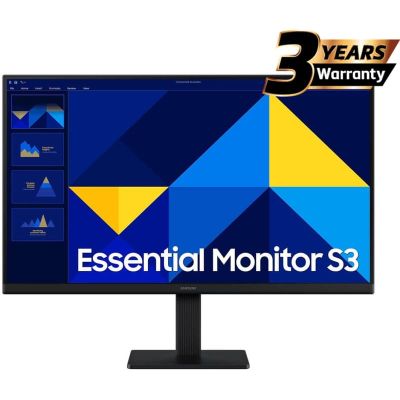
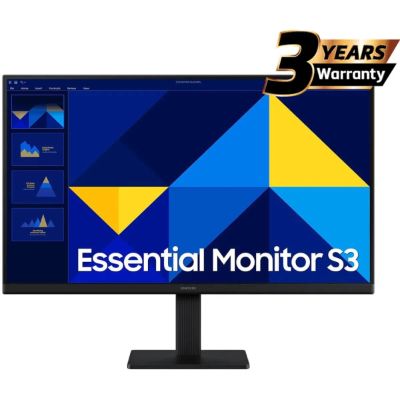
Samsung S3 Essential (D300) 27" Full HD MonitorD300 · 27 inch
from 89 JODIn stock
Compared across 10 retailers
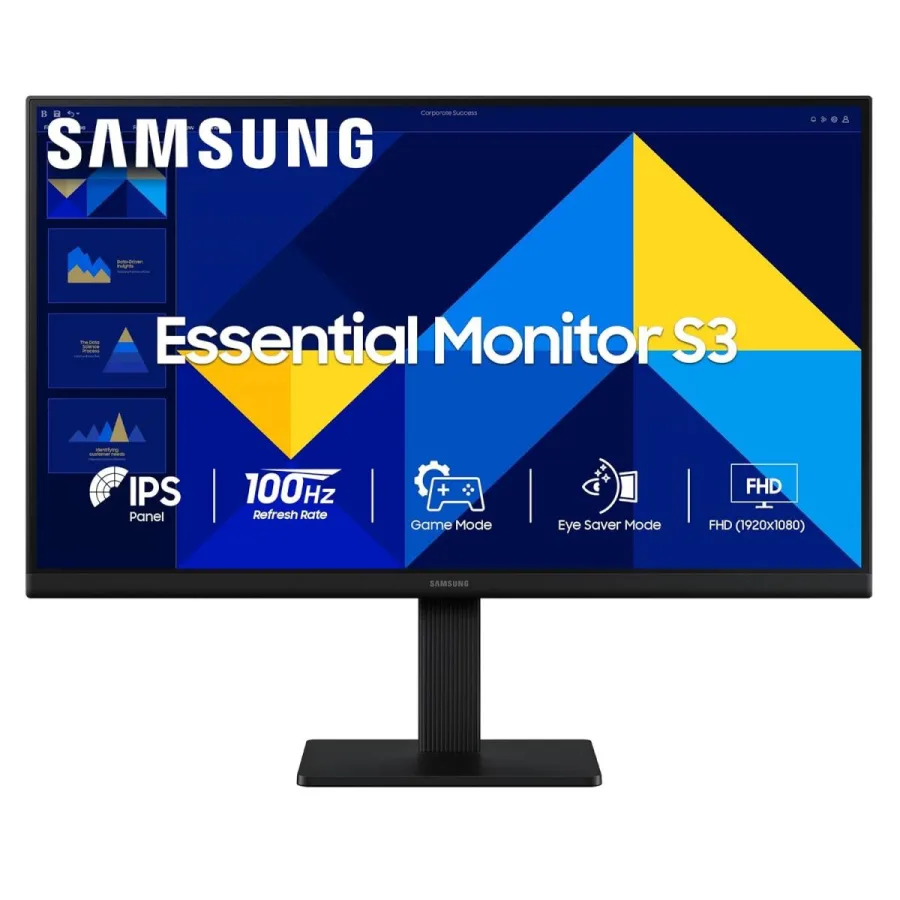
D300 · 24 inch
Likely the same product — matched on brand and model, not on a manufacturer part number.
| Retailer | Price | Availability | Actions |
|---|---|---|---|
 PC CircleLowest | 69 JOD | In stock | Visit retailer |
 Midas Computer Center | 75 JOD | In stock | Visit retailer |
 CompuMe | 82.5 JOD | In stock | Visit retailer |
 MID Teks Inc | 86 JOD | In stock | Visit retailer |
 SSMJO | 89 JOD | In stock | Visit retailer |
 GTS | 69 JOD | Out of stock | Visit retailer |
 Green Dara Stars | 75 JOD | Out of stock | Visit retailer |
 Oriental Store | 75 JOD | Out of stock | Visit retailer |
 Smart Systems For Computers LLC | 75 JOD | Out of stock | Visit retailer |
These listings match on brand and model rather than on a manufacturer part number, so the match is likely but not confirmed. Check the specifications before you buy on price alone.
Lowest offer added 2025-05-09 · Updated 2026-11-25 · Last price change 2026-10-20
Samsung S3 Essential
Experience stunning colors across the entire display with the IPS panel. Colors remain bright and clear across the screen, even when you change angles. Tones and shades are represented consistently and beautifully with less color washing.
Stay in the action when playing games, watching videos, or working on creative projects. The 100Hz refresh rate reduces lag and motion blur so you don’t miss a thing in fast-paced moments.
Gain a competitive edge with optimizable game settings. Color and image contrast can be instantly adjusted to see scenes more clearly and spot enemies hiding in the dark, while Game Mode adjusts any game to fill your screen with every detail in view.
Protect your vision and stay comfortable, even during long sessions. Stay focused on your work with reduced blue light and screen flicker.
Featuring a super slim design with ultra-thin border bezels, this monitor enhances any setup with a sleek, modern look. Enjoy a lightweight and stylish addition to any environment.
Based on the price records this catalogue holds — not a guarantee of an all-time high or low.
Lowest price across 9 retailers.
| Recorded | Price | Change | Lowest at |
|---|---|---|---|
| 2026-10-20 | 69 JOD | -6 JOD | PC Circle |
| 2026-09-28 | 75 JOD | First recorded | Green Dara Stars |
D300 · 27 inch
Compared across 10 retailers
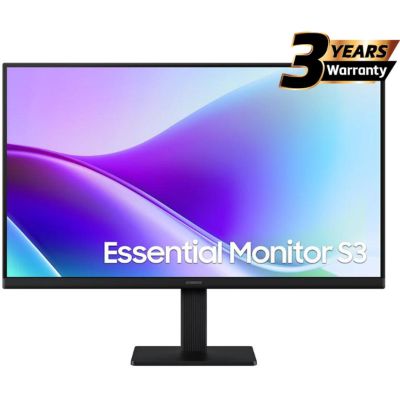
S24F320 · 24 inch
Compared across 8 retailers
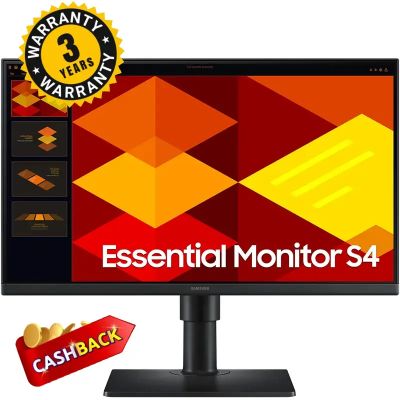
S24D402GAUXEN · 24 inch
Only at PC Circle
LS22D300 · 22 inch
Compared across 3 retailers